RayNeo X3 Pro review: These AI+AR Smart Glasses are technically impressive, but far from easy to use
RayNeo X3 Pro: 30-second review
RayNeo, the AR glasses arm of TCL, launched the X3 Pro globally in December 2025, following a well-received debut in the Chinese market. It represents the company's most ambitious product to date: a standalone pair of AI-powered augmented reality smart glasses that aims to put a useful, persistent digital layer over your view of the world, without requiring you to carry a tethered compute unit.
The headline hardware is the dual-eye full-colour MicroLED display, powered by RayNeo's own 'Firefly Optical Engine' and delivered through waveguides co-developed with Applied Materials. With 6,000 nits of peak brightness and 16.77 million colours, it is probably the best display currently available in any smart glass product, eclipsing even the Meta Ray-Ban Display's 5,000-nit panel. The simulated image is equivalent to a 43-inch screen viewed from two metres, within a 30-degree field of view.
Under the frame sits a Qualcomm Snapdragon AR1 Gen 1 processor — the purpose-built platform for this class of device — paired with 4GB of RAM and 32GB of onboard storage. The X3 Pro runs RayNeo's AIOS, an Android-based operating system, and is integrated with Google Gemini 2.5 (Beta) for multimodal AI assistance. A 12MP Sony IMX681 sensor handles photography and 4K video, accompanied by a secondary monochrome camera for spatial positioning and depth tracking with 6DoF + SLAM support.
At 76 grams, the X3 Pro is lighter than the Inmo Air 3 (119g), and only a few grams heavier than the Meta Ray-Ban Display (69g). The frame is built from an aerospace-grade magnesium-aluminium alloy, and control is handled via a five-way touch panel on the right temple, with support for Apple Watch gesture control promised in a future OTA update.
The device's single greatest limitation is its 245mAh battery. Under light use, you may approach three to five hours. Under active use that might be navigation, AI queries, camera recording, or app usage, the running time plummets to as little as one or two hours, and it can be as little as 45 minutes. The only saving grace is a recharge of around 45 minutes via USB-C.
At $1,169, the X3 Pro is a premium early-adopter product with genuine technological credibility, but a hefty price tag. The display alone makes a compelling case for the future of AR glasses. Whether that future is worth over a thousand pounds to experience today is a question each buyer must answer for themselves.
RayNeo X3 Pro: Price & availability
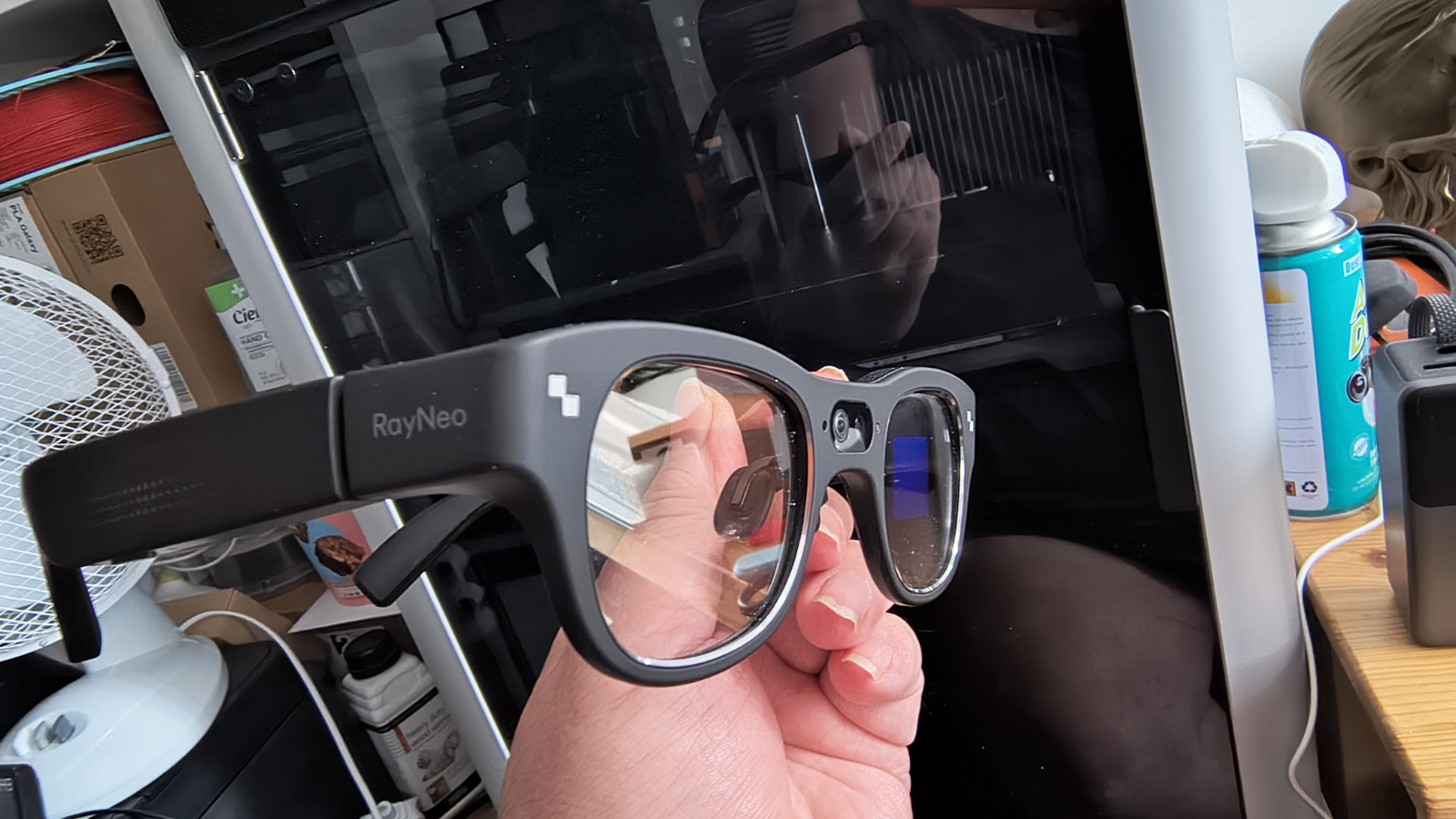
The RayNeo X3 Pro launched globally in December 2025, initially priced at $1,099 on an early-bird basis, rising to $1,299 at standard retail.
At the time of writing, RayNeo sells direct from its website here, with delivery to the United States, the United Kingdom, France, Italy, Germany, and other markets.
In the UK, the full retail price is £1,169, and in the USA it’s $1,169. Considering that the exchange rate on the day of writing is $1.34 to the pound, UK customers pay roughly 25% more for the same products for no obvious good reason.
Prescription lens inserts are available separately from around $49 / £49, supplied through RayNeo's partner Lensology.
What’s a little odd is that these glasses aren’t available on Amazon.com, when almost everything else RayNeo makes is.
By way of comparison, the Meta Ray-Ban Display starts at $799, the Even Realities G2 at $599, and the Halliday Smart Glasses at $500. Traditional smart glasses without a display, such as the Ray-Ban Meta, are available for considerably less.
The X3 Pro commands a significant premium, but the technical specification that includes the dual-eye MicroLED display and the Snapdragon AR1 platform is a major step up from those alternatives.
RayNeo also offers existing X-series customers a 'RayNeo Explorer' lifetime benefit, providing a $200 discount towards future X Series purchases.
What colours my perspective on the price is that these aren’t dual-purpose glasses that can also be used to watch movies. They’re only for AR, which makes the high price even harder to justify.
- Score: 3/5
RayNeo X3 Pro: Specifications
Chipset | Qualcomm Snapdragon AR1 Gen 1 (4nm) |
RAM | 4GB LPDDR5 |
Storage | 32GB |
Display type | Dual full-colour MicroLED, waveguide optics (both eyes) |
Resolution | 640 × 480 per eye |
Peak brightness | 6,000 nits (typical: ~3,500 nits) |
Field of view | 30 degrees |
Virtual screen | 43-inch equivalent at 2m distance |
Refresh rate | 60Hz |
OS | RayNeo AIOS (Android-based) |
AI engine | Google Gemini 2.5 (Beta) |
Cameras | 12MP Sony IMX681 (front, colour) + monochrome OV (positioning/depth) |
Video | 4K / 3K recording |
Tracking | 6DoF + SLAM; Falcon Image spatial positioning |
Audio | Open-ear directional speakers (both temples) |
Connectivity | Bluetooth 5.3, Wi-Fi 6 |
Controls | 5-way touch panel (right temple); voice ('Hey RayNeo'); Apple Watch (future OTA) |
Weight | 76g |
Battery | 245mAh; ~1–5 hours depending on use; full charge in ~38–45 min via USB-C |
Translation | Real-time audio + on-screen text; 14 languages; ~2.1-second response |
Prescription | Supported (lens inserts via Lensology, from ~$49/£49) |
Colours | Black (single style) |
RayNeo X3 Pro: Design & build
- Divisive aesthetics
- Wearability issues
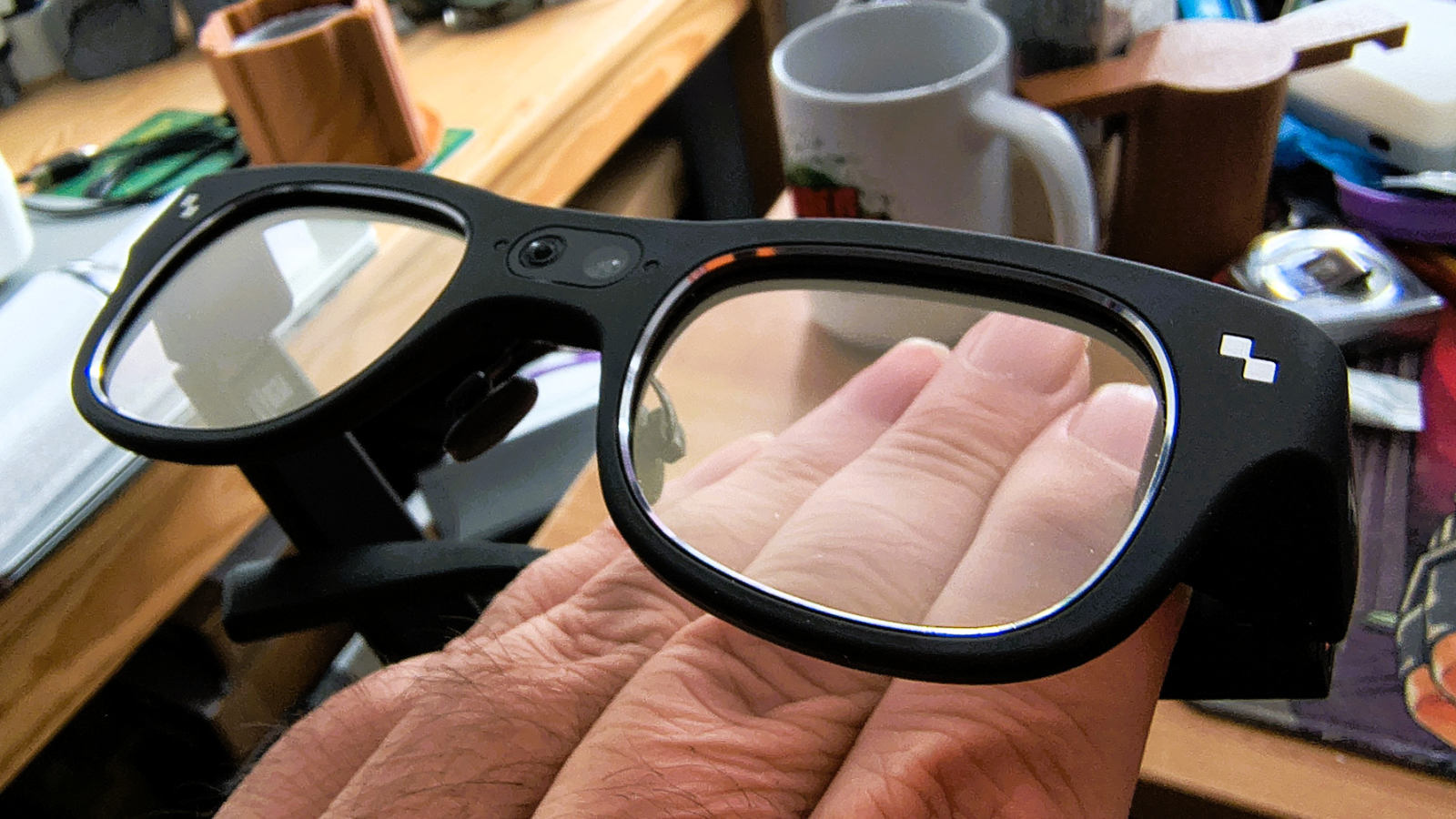
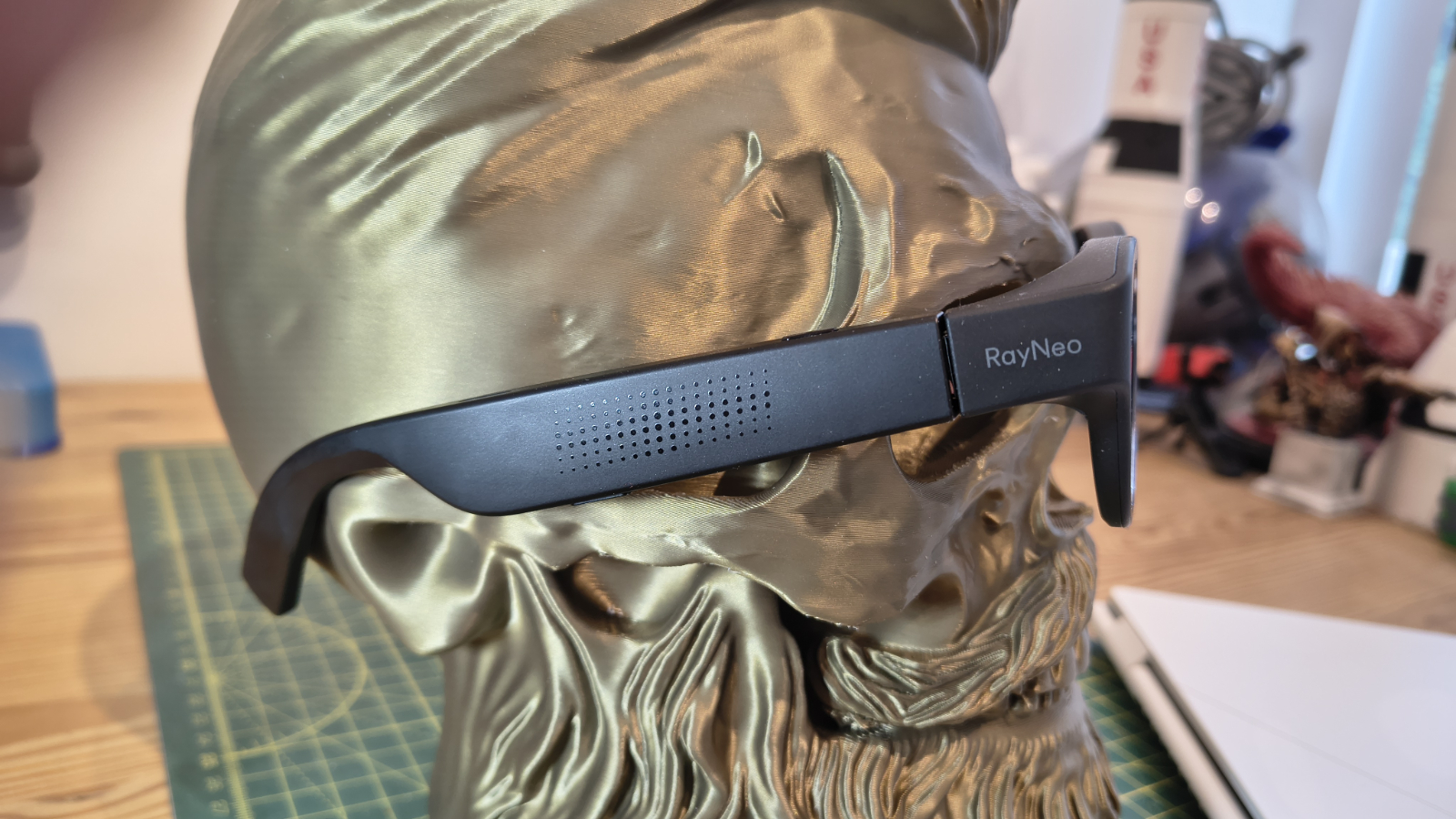
There is an obvious problem with products like the X3 Pro, which is that the design telegraphs that these aren’t just glasses, drawing attention to the wearer.
This tension between engineering achievement and social wearability is perhaps the defining characteristic of this first generation of capable AR glasses, and the X3 Pro didn’t dodge that bullet.
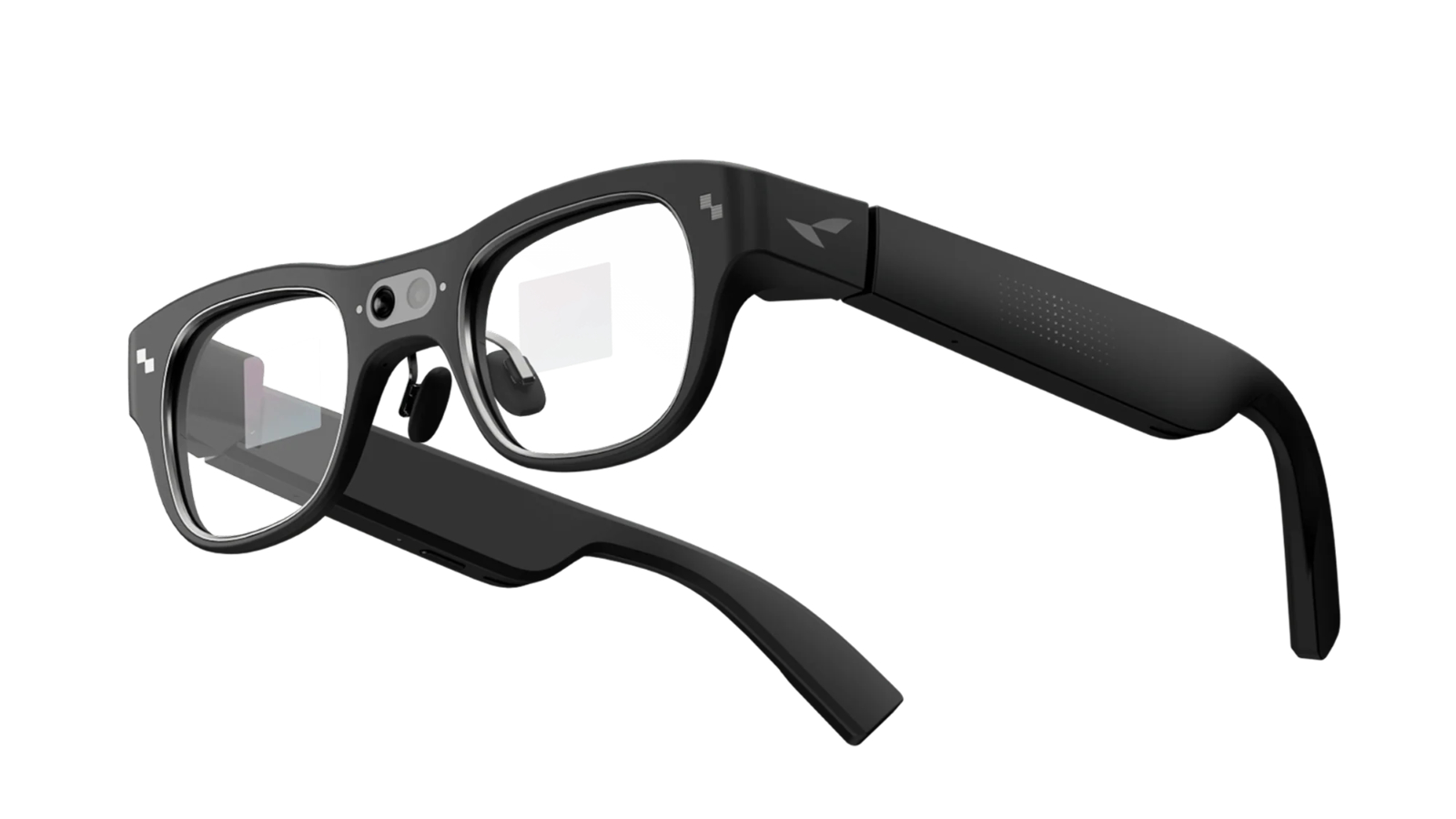
The frame takes broadly Wayfarer-style cues, i.e. being thick, squarish and dark. In short, these look like John-Paul Belmondo wore them at the end of the 1960s, before Michael Cain borrowed them to play the classic British spy, Harry Palmer.
That might be delightfully retro, but two cameras sit in the bridge between the lenses, a small indicator light sits on the front frame (active when recording), and distinctive protrusions near the temple hinges house the MicroLED projectors, giving the game away.
The temples are noticeably thicker than conventional eyewear, accommodating the speakers, electronics, and battery. The USB-C charging port sits at the tip of the right temple.
Structurally, the X3 Pro is more refined than its predecessor, the X2 Pro. RayNeo cites eleven structural optimisations and the use of aerospace-grade magnesium-aluminium alloy to achieve a 36% weight reduction over that earlier model. The result is a frame that, at 76g, sits comfortably on most faces without the ear pressure or nose strain that plagued heavier competitors. Multiple reviewers noted that they occasionally forgot they were wearing them during prolonged use.
The lenses themselves have good optical transparency when the display is off, meaning the world doesn't take on the tinted quality of sunglasses during non-display use. Interchangeable nose pads in different sizes are included, and prescription lens inserts are available through Lensology.
For older people, me included, these lens inserts are a necessity, since the glasses require abnormal eye-muscle acrobatics that those without perfect vision are unlikely to achieve without some help.
Fit adjustment is largely limited to nose pad selection, which does tend to put more pressure on the bridge of the nose. Previously, with the Air 3s Pro, RayNeo offered adjustable temple angles, but these aren’t available on the X3 Pro.
And, because of this, depending on your face shape, you can find that the display is dramatically offset from the ideal line of sight. As I’ll talk about later, I had big issues with this, and it made using them extremely difficult.
In short, if social discretion is a priority, this is not the device for you. If you are the sort of person who wears technology proudly, or who has a professional or specialist use case, the design is functional as long as your face and eye geometry fall within a specific envelope.
- Design & build: 3.5/5
RayNeo X3 Pro: Features
- Impressive display technology
- Sony IMX681 camera sensor
- Tiny battery
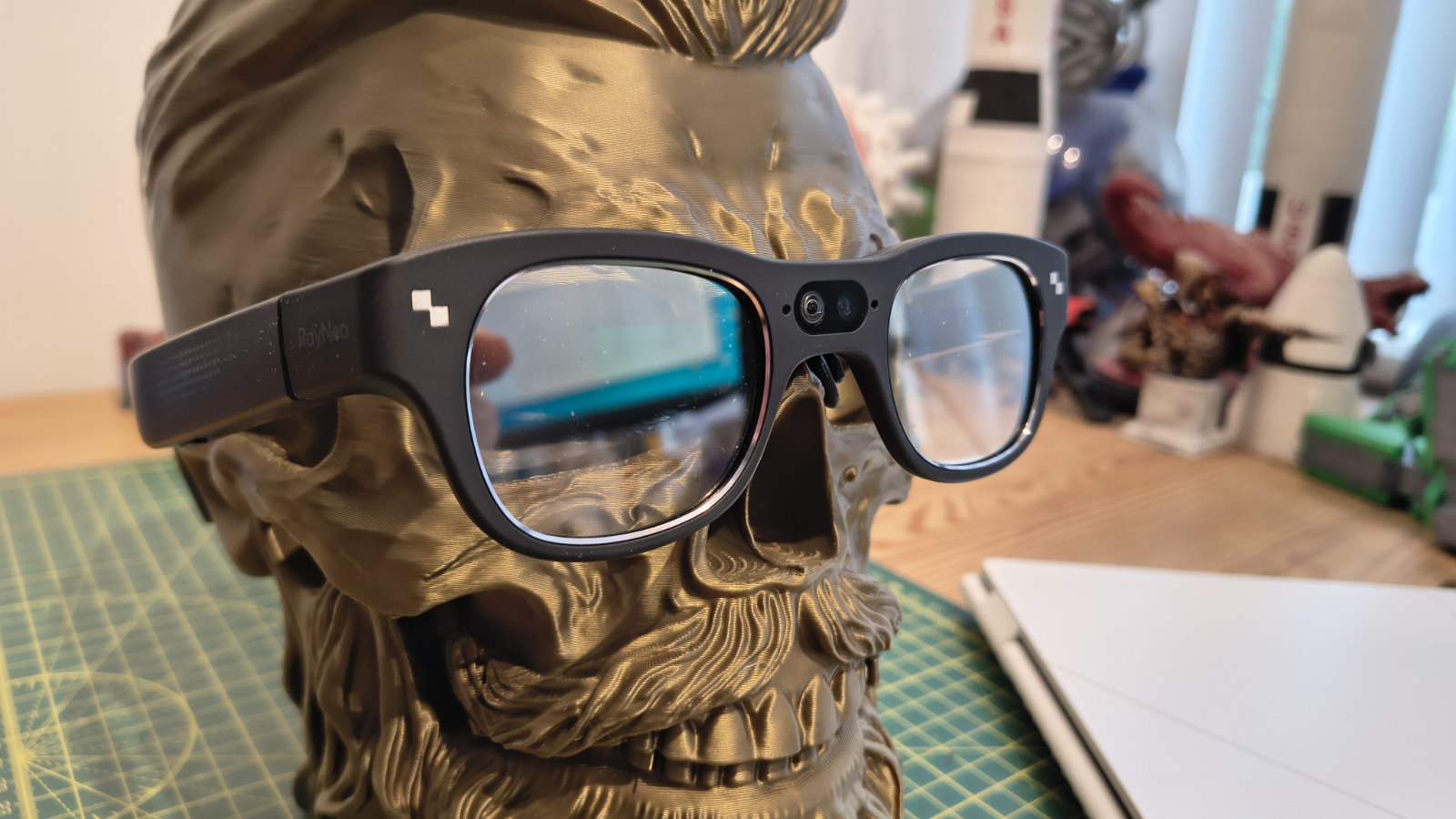
The X3 Pro's MicroLED dual-eye display is, by wide consensus, the standout feature of this device. Unlike single-eye displays used by some competitors, the X3 Pro projects identical imagery to both eyes, producing a more natural and immersive AR experience that doesn’t assume binocular compensation on the viewer's part. The 640 × 480 resolution per eye is modest by smartphone standards, but it is appropriate for a heads-up overlay and is rendered with genuine clarity at the 30-degree field of view.
Peak brightness of 6,000 nits is a notch above the Meta Ray-Ban’s 5,000 nits, making the display legible in direct sunlight and suitable for navigation or outdoor use. These aren’t meant for media consumption, and therefore don’t include shields to reduce external views, so the graphics need to be bright.
The display sits centrally in the wearer's field of view, rather than in the lower-right corner (as on the Meta Ray-Ban Display). This means AR content is more prominent and easier to read, but also more obtrusive. You cannot easily consume AR content passively while doing something else. It is a deliberate design choice that suits dedicated, task-focused use over an ambient, always-on overlay.
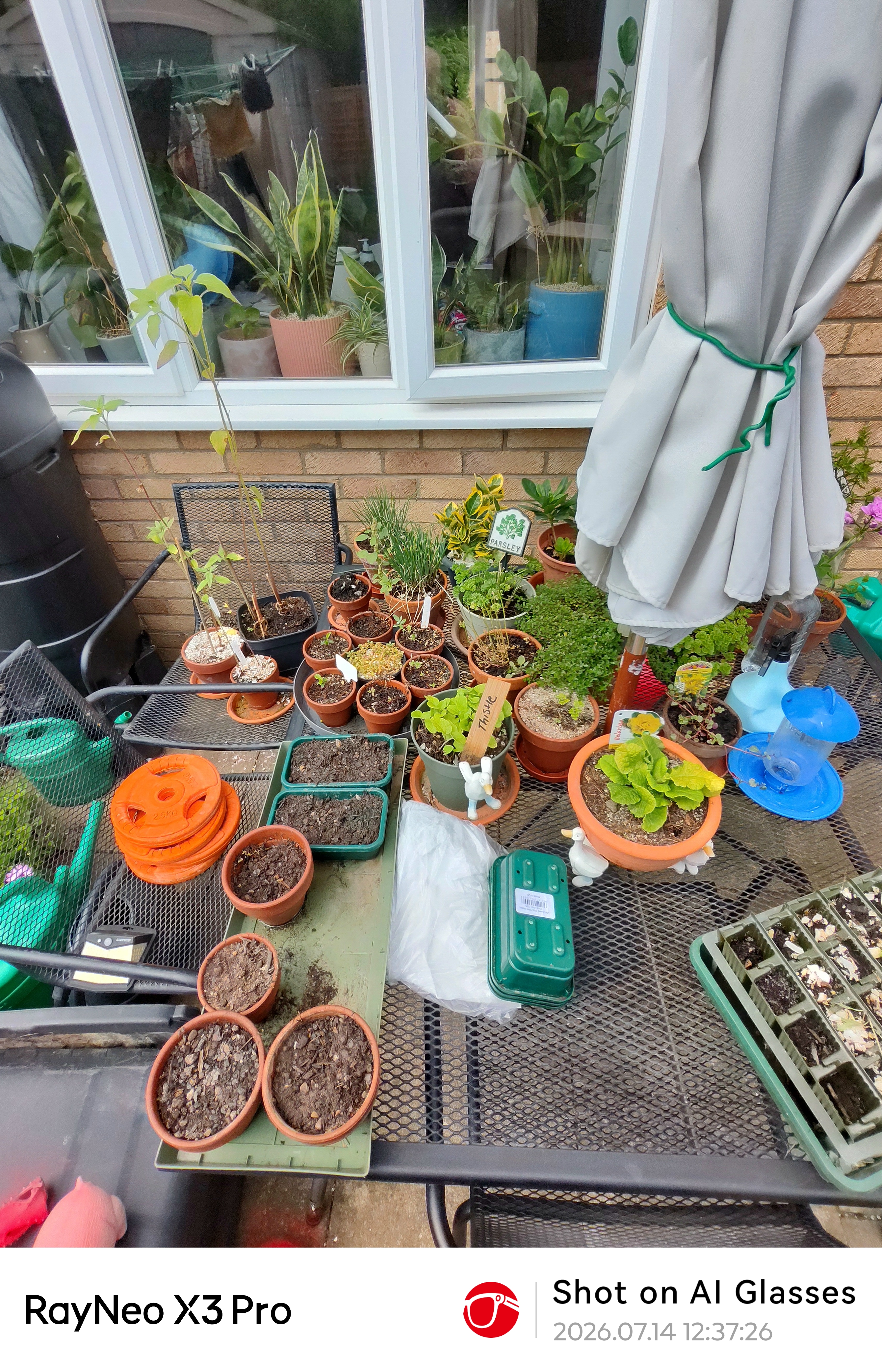
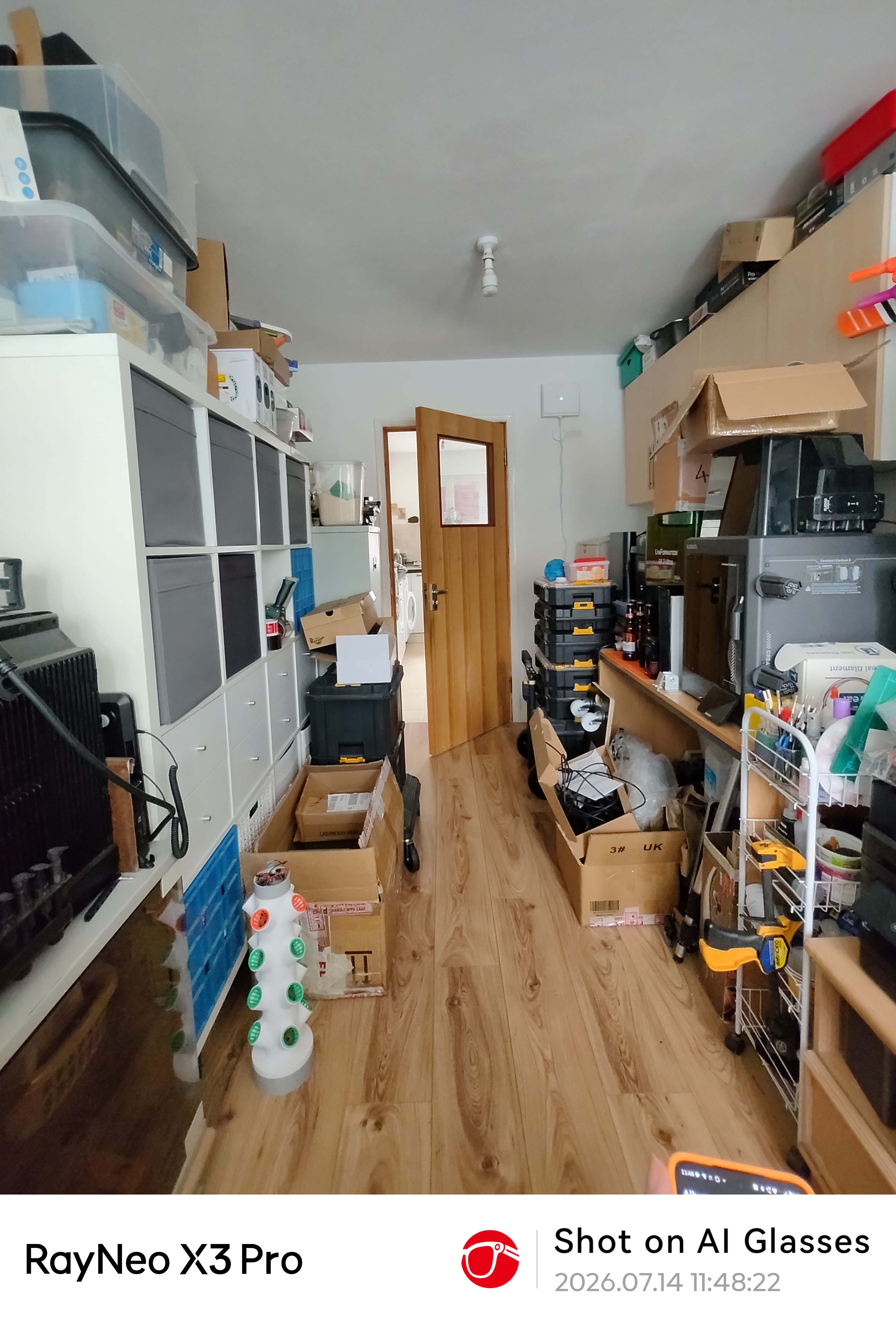
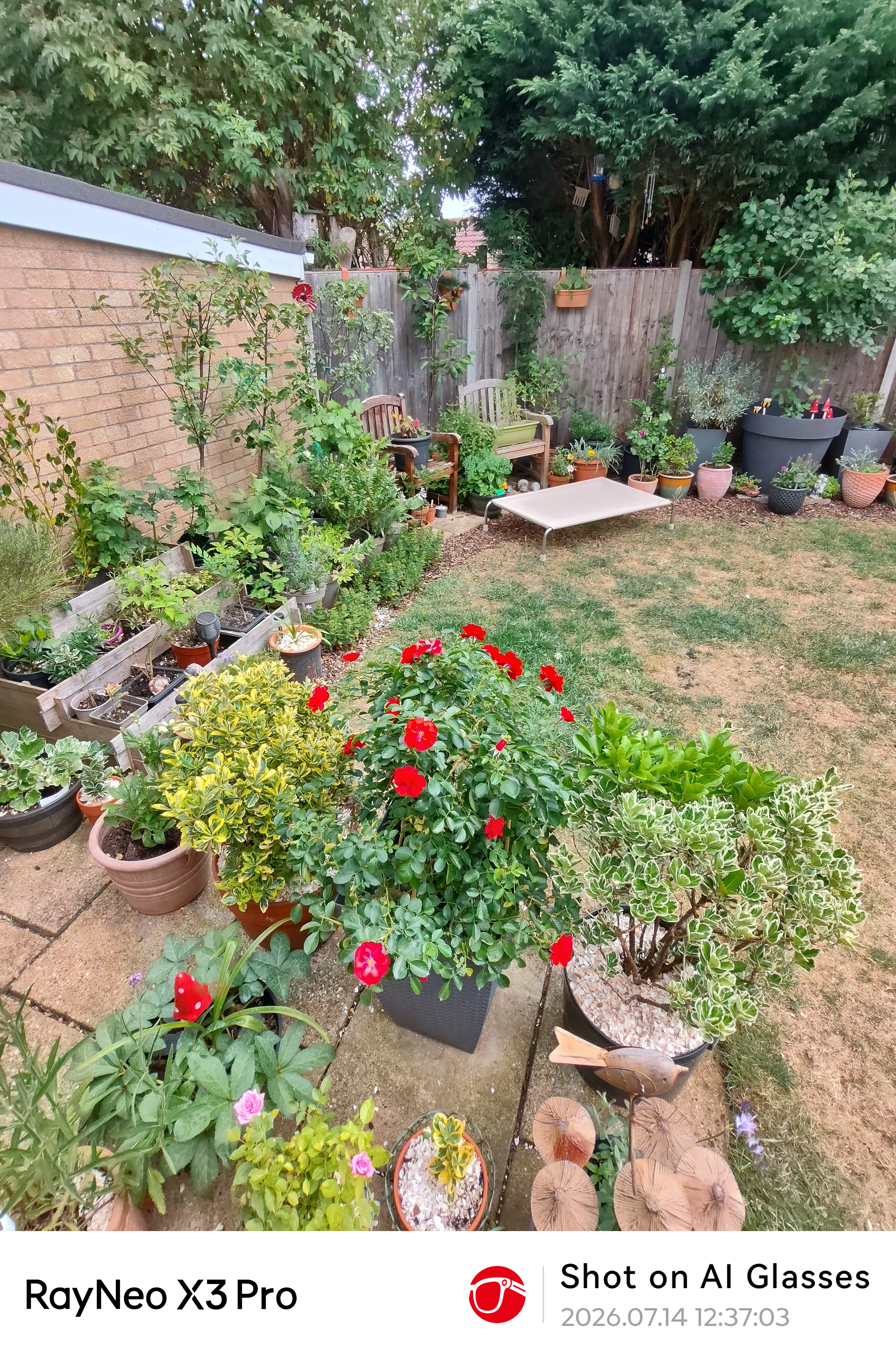
The primary camera uses a Sony IMX681 sensor capable of 12MP stills and 4K/3K video. A secondary monochrome camera assists with spatial positioning, depth tracking, and dual recording. In daylight conditions, camera output is described as decent, with the wide-angle field of view well-suited to point-of-view recording.
But in low light, there is a tendency to visible noise and graininess, and the lack of digital zoom or manual camera controls reduces flexibility. A recording indicator light on the front frame activates when the camera is in use, serving both as a privacy indicator and a practical reminder.
These don’t take pictures that would worry any mid-tier phone, and most entry-level Android phones have better sensors.
The X3 Pro's battery life is probably its greatest limitation, since a 245mAh cell is simply not large enough to support extended active use of the device's headline features.
RayNeo's claim of up to five hours applies to very light use, and by that, they probably mean music playback and limited screen time. In practice, active use scenarios significantly reduce this figure. In a few of my sessions, the time was a fraction of that amount, and the worst offenders for eating battery capacity were translation, video capture and navigation.
In theory, you could have a hip-mounted power pack attached to the USB port of the X3 Pro, but when I tried this, it pulled them out of square and made reading the display even harder.
Thankfully, the glasses do feature wear detection, automatically powering down when removed. This helps conserve battery during breaks, but carrying a power pack around is practically a necessity if you intend to use them for any extended time.
Contextually, the limited battery is an inevitable consequence of the 76g weight target. A larger cell would mean a heavier device. RayNeo engineers have made a considered trade-off here, and future hardware iterations will presumably seek to improve energy density. It may be that the makers can engineer better power management through firmware adjustments, but with only 245mAh of battery to work with, there is only so much that can be done.
Without a doubt, the primary reason to hesitate before purchase is battery life.
- Features: 3.5/5
RayNeo X3 Pro: Software
- Google Gemini 2.5 (Beta)
- Live translation
- Side-loading apps
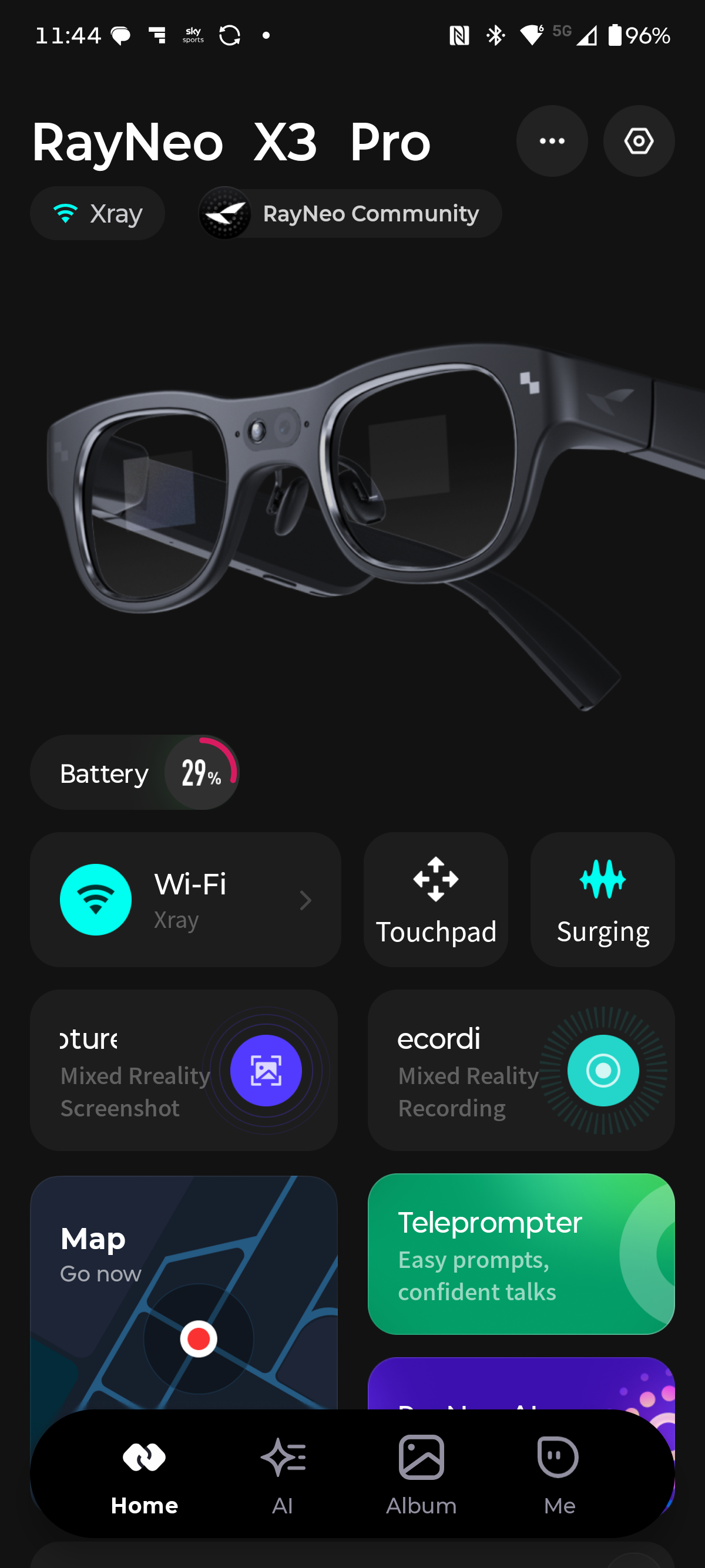
RayNeo AIOS, the operating system built on Android and structured around four primary screens: a home screen showing time and status indicators, a quick-actions panel, an app launcher, and a notifications screen. Navigation is via the five-way touch panel on the right temple, with voice commands available via 'Hey RayNeo'. The interface is responsive and, for the constrained form factor, relatively intuitive.
According to RayNeo, it's Google Gemini that’s the flavour of AI baked into AIOS, and I suspect it’s Google Gemini 2.5 (Beta), which is a long way behind the current models that Google is promoting.
Compared to some other talking AI’s I’ve used, this one is pretty average. For starters, even though I’m in the UK, it insisted on using a chirpy American accent. And, if I asked what the temperature was, the answer arrived in Fahrenheit, times in a 12-hour clock and distances in feet and inches. Yes, Gemini, the world is America.
But aside from being fixated on a region that’s more than 3,000 miles away, the other issue was that it got simple questions wrong from the outset. As it loves America, I asked it to name the last ten U.S. leaders. It got the name and the order correct and then fumbled the answer by saying that all these people had been President in the past ten years.
I tried to subtly nudge it in the right direction by asking which ones were the President in the past ten years, but it failed to notice the discrepancy between what it was saying now and what it said previously.
Thankfully, it didn’t fall for the classic "walk or drive" question for the car wash, but I think all AI platforms are hardwired to answer that way, since it’s an obvious pitfall.
Compared to the latest versions of the major AI providers, the AI on this platform isn’t going to write Skynet anytime soon.
Real-time translation is a more advanced feature, supporting 14 languages and delivering approximately 2.1-second response times. Translation can be delivered as on-screen text or synchronised audio. In testing by other reviewers, accuracy was broadly good, though the system waits for the speaker to finish before translating. That’s necessary in some languages, like German, but it does come across as a less-than-natural conversation and can feel stilted.
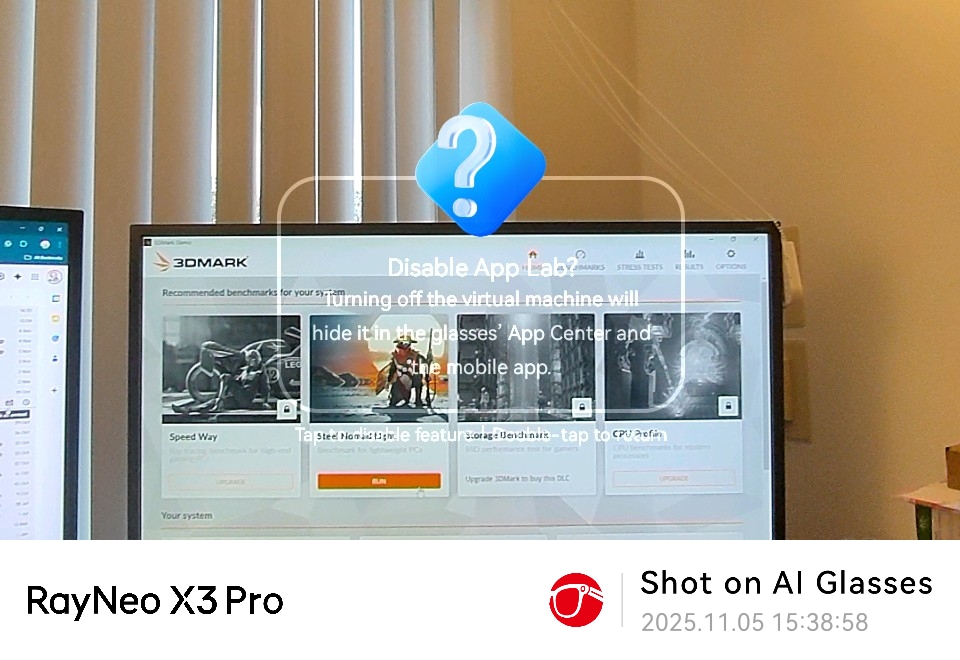
Navigation is powered by HERE WeGo Maps (used by BMW and Audi), projecting turn-by-turn directions and nearby landmarks directly into your field of view. This is one of the most practically compelling use cases for the device, eliminating the need to look down at a phone while on foot. Unfortunately, the app never loaded on my glasses. Every time I tried to download and install it, it failed. Other apps were installed, so I’m unsure why this one refused to.
I know that some software for this device requires side-loading, which isn’t something many users will be happy to perform.
- Software: 3.5/5
RayNeo X3 Pro: Performance
The Snapdragon AR1 Gen 1 is purpose-designed for augmented reality applications, and the X3 Pro benefits accordingly. Day-to-day navigation, AI queries, notification handling, and app use are smooth under normal conditions. The combination of 4GB LPDDR5 RAM and 32GB storage is appropriate for the use cases the device targets.
That said, compared with a modern smartphone, this isn’t the most powerful platform, and with some more resource-intensive tasks, the cracks start to show.
The glasses do support 6DoF + SLAM with Falcon Image spatial positioning, and the AR overlay alignment is typically accurate and stable under testing. But the issue here is more about how close this platform is to being overrun, and there are hints it's not ever too far from the edge.
But this reviewer had many more issues with this device, which is partly why I waited more than six months before completing my review.
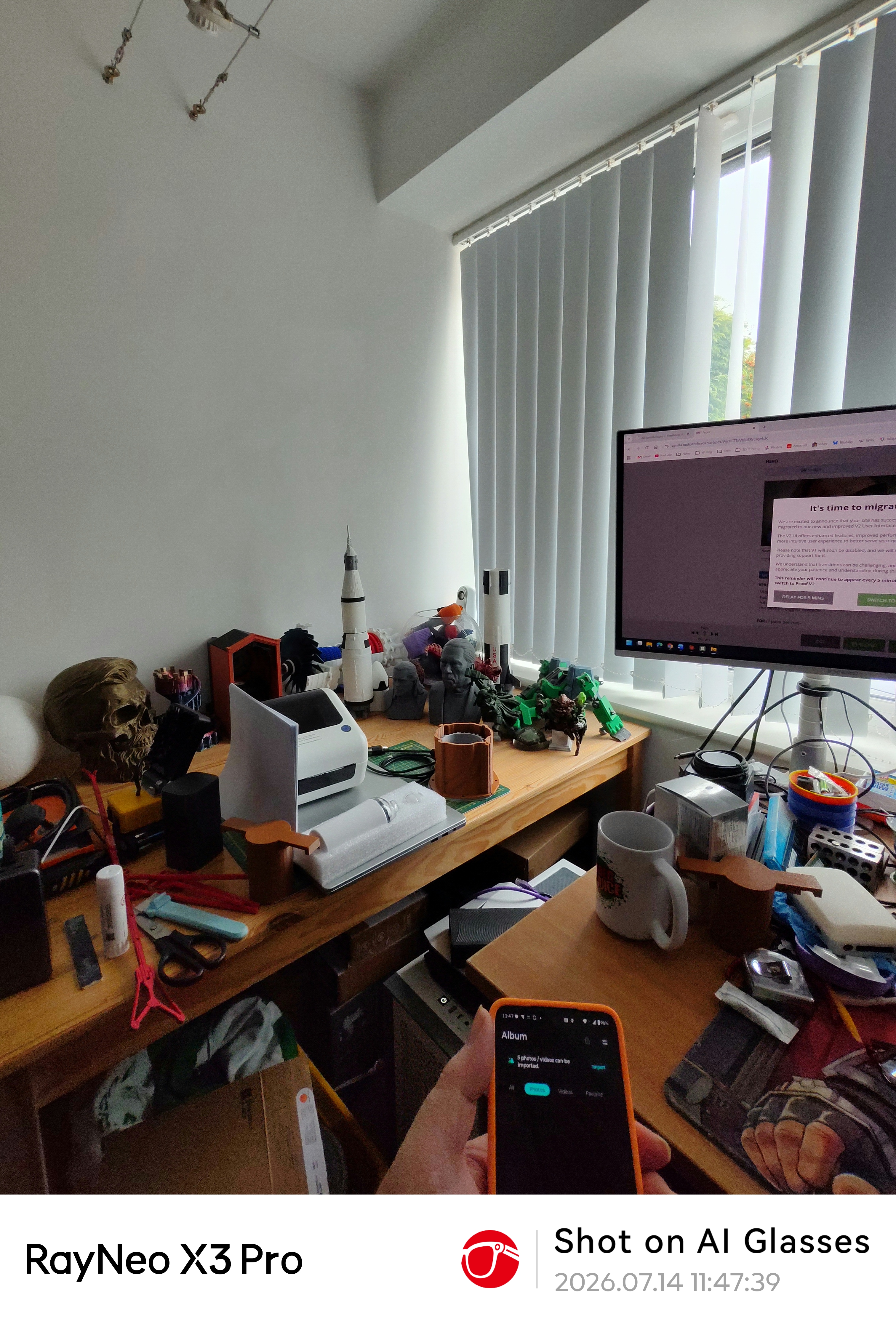
When I first got these in 2025, they did almost nothing. Since then, the firmware updates and enhancements that come via the mobile app have transformed the functionality provided, but they haven’t addressed some of the issues I’ve had from the outset.
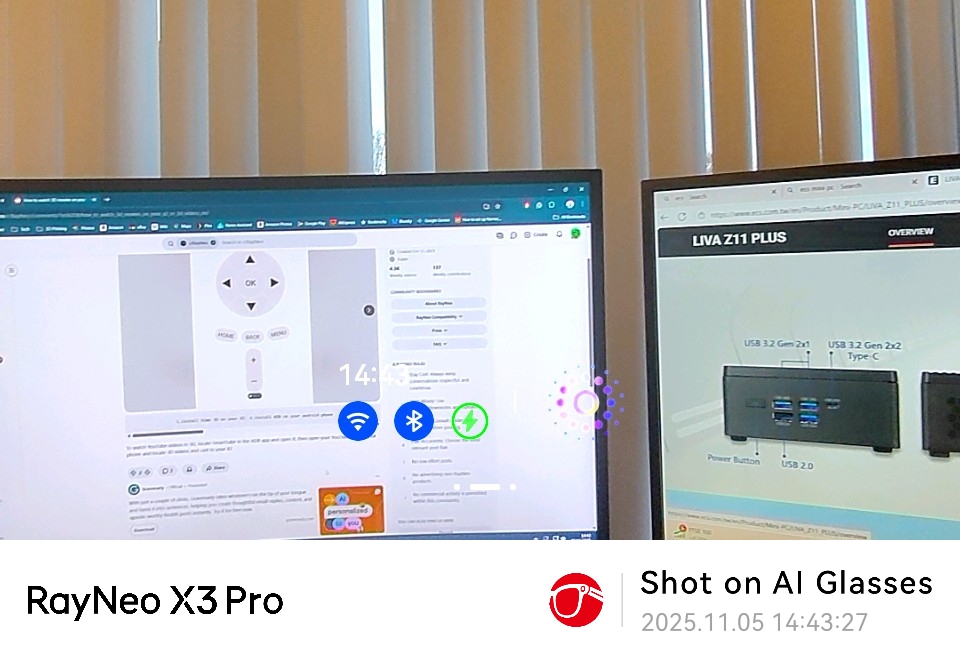
The first big problem I had was seeing the projected images, not because the glasses didn’t work, but because they were almost out of my field of view. Some of this was my long-sightedness that made the images seem soft, but I couldn’t see the entirety of the display without balancing the glasses on the very tip of my nose. If I didn’t do that, the image would have been presented as below me and barely in sight. Lifting the glasses to make the image central causes it to disappear.
I’m not confident that spending another £50 on the proper lenses would fix that issue.
That made just seeing things a challenge, but the other issue I had was using the touch panels on the sides of the glasses for directing the interface, because half the time they just ignored my instructions or did something I didn’t ask for. In one instance, I deleted the To-do application from the glasses, not because I wanted to, but because the glasses took one swipe as my instruction to do that, and then refused to cancel that erroneous request.
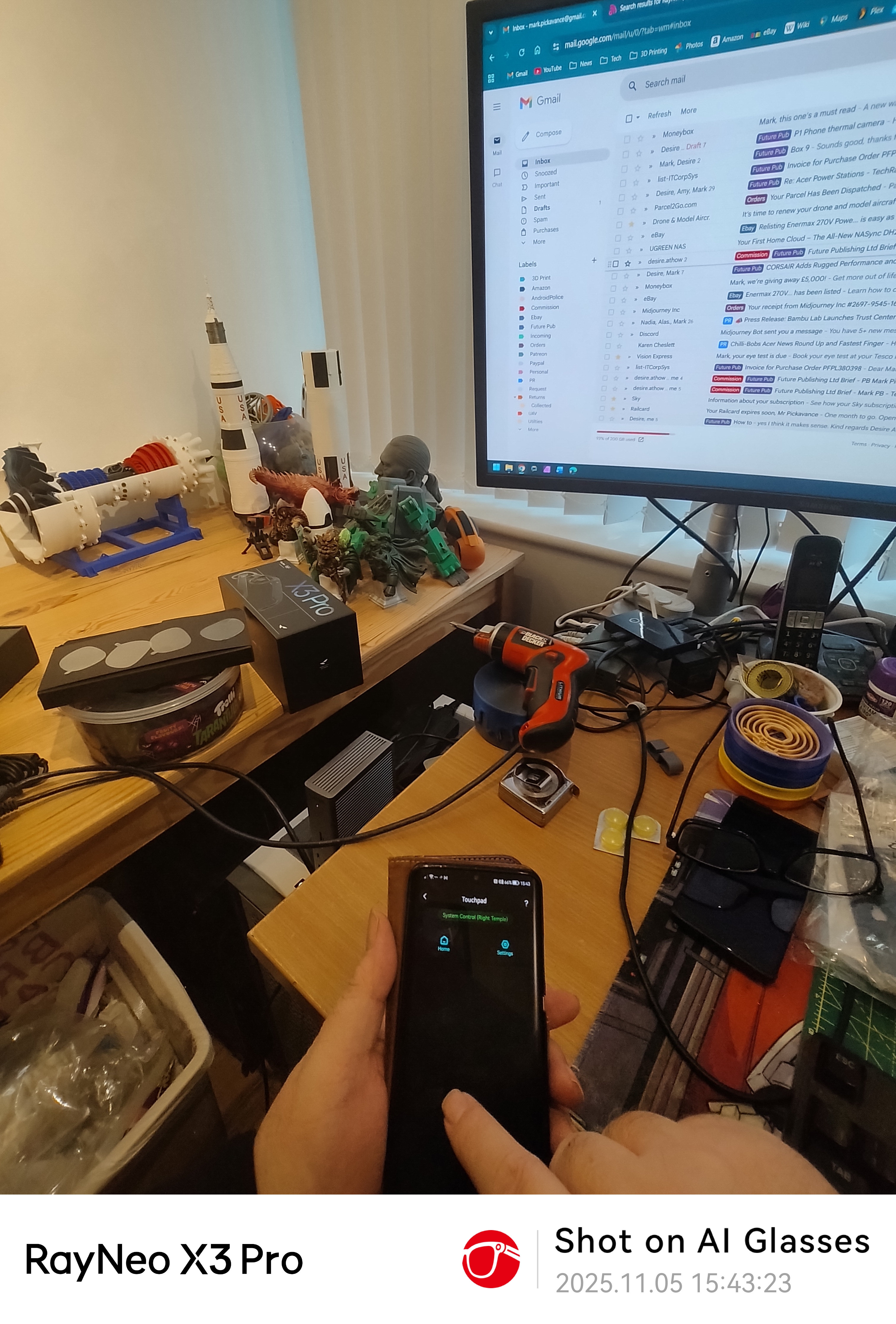
I did consider getting a small hand controller to make it easier to use or even using the phone as a touchpad, but frankly, at this price, it should be easier than it was.
My final complaint about this device is how some aspects aren’t thought through. One of the apps is a translation app, and you can stand in front of a person from another country and get real-time translation of what they are saying. And, it works. You can even run a YouTube video of someone speaking another language and see it translated.
However, my problem is how you might use this in the context of being a tourist in a foreign country. Let’s imagine I’m in Japan, where they speak a language I don’t, and I walk into a shop where a sales assistant asks, ‘What are you looking for?’ I understand this, because the glasses translate for me, but it can’t reply in Japanese.
At which point, phone translation, where you can show the person your reply in their language, or it speaks for you, works much better. Obviously, if you like to sit on a train and listen to people gossiping about you in their language, thinking you can’t understand them, it's great, but it seems an expensive device to do just that.
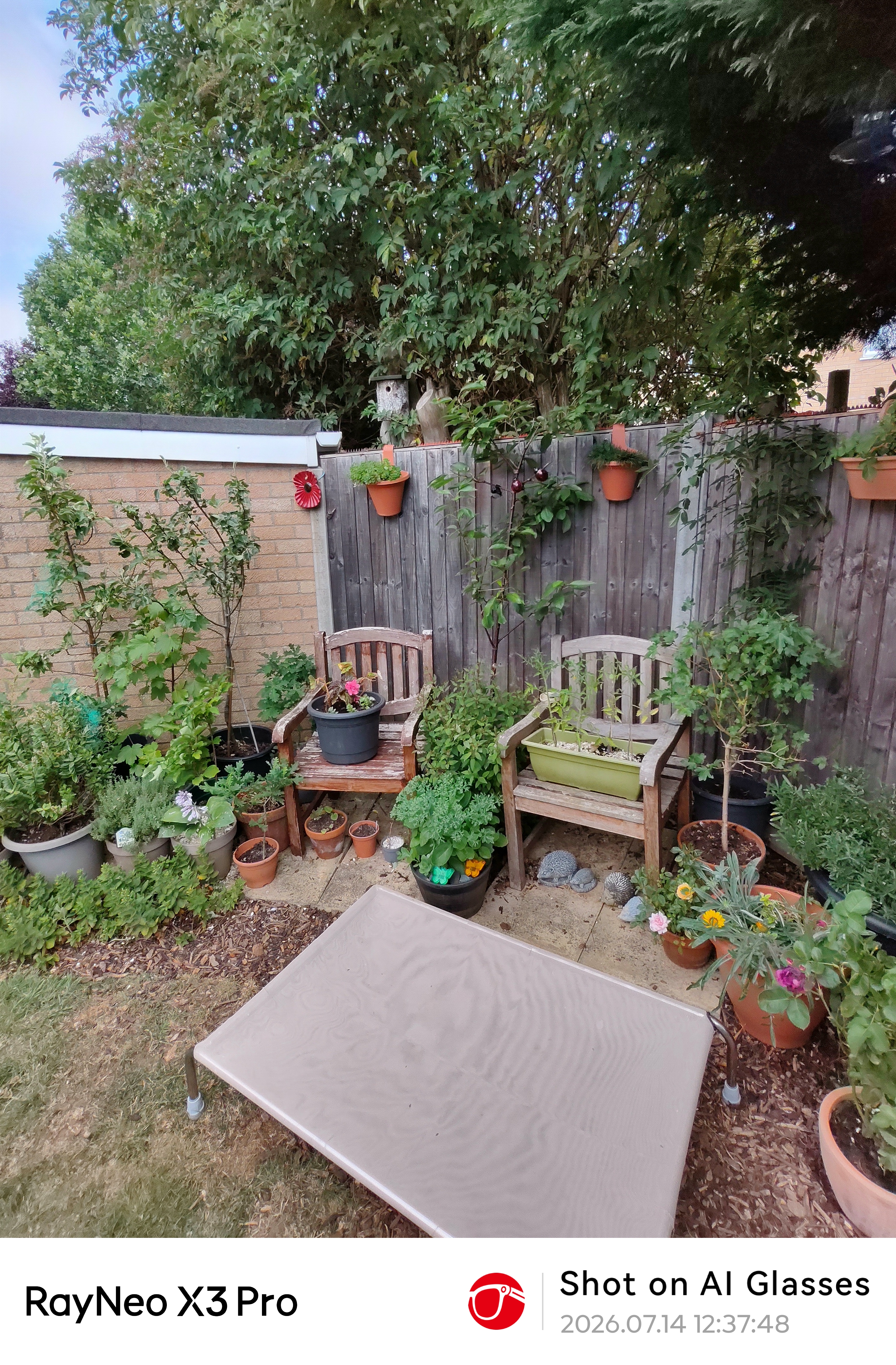
- Performance: 3.5/5
Should you buy the RayNeo X3 Pro?
The RayNeo X3 Pro is, technically, the most impressive pair of smart glasses currently available for purchase. The dual-eye MicroLED display is genuinely impressive, with bright enough images for outdoor use, colourful, and binocular in a way that no other glasses at this price point can match.
The integration of Gemini AI would make it genuinely useful beyond being a novelty if the model were newer and didn’t assume that all English speakers are Americans.
The camera produces capable results in good light, and the 76g weight is a remarkable achievement for the hardware it contains.
But the £1,000+ price tag demands honest scrutiny of what you're buying, and the answer is: a first-generation product. The battery will frustrate most users who intend to use its headline features for more than an hour or two at a time. The app ecosystem requires technical workarounds.
The aesthetic is also overly conspicuous, and considering how people are quite rightly objecting to unwanted image capture and AI in general, expect some push-back from others if you wear these in public.
For early adopters, AR developers, and professionals with specific use cases, such as live translation, heads-up navigation, and meeting transcription, the X3 Pro is credible but far from perfect. For mainstream buyers hoping for an all-day, all-purpose wearable, the technology is not quite there yet, but this is the clearest indication yet of where it is heading.
Value | An expensive option even with these features | 3/5 |
Design | Lightweight design, but obviously AR | 3.5/5 |
Features | Great displays but tiny battery | 3.5/5 |
Soware | AI and navigation, but side-loading is a thing | 3.5/5 |
Performance | Wearability issues and patchy performance | 3.5/5 |
Total | Expensive and the ecosystem is a work in progress | 3.5/5 |
Buy it if...
You want the best AR display available today
The dual-eye MicroLED is a genuine leap forward. If seeing what AR glasses can look like is important to you, nothing else currently matches it.
You have a specific professional use case
Live translation, navigation, meeting transcription, and developer access make the X3 Pro a serious productivity tool for the right scenarios.
Don't buy it if...
Social discretion matters to you
Multiple experienced smart glasses reviewers noted that the X3 Pro draws looks and comments in public. If you are not prepared to stand out, this is not the device for you yet.
You need all-day battery life
Under active use, the 245mAh cell simply cannot deliver a full day of use. If you need more than an hour or two from a single charge, look elsewhere or accept that a power bank becomes a permanent companion.


Comments
Post a Comment