I loved how many features this affordable gaming soundbar has, but audiophiles might want to look elsewhere
Creative Sound Blaster GS5: One-minute review
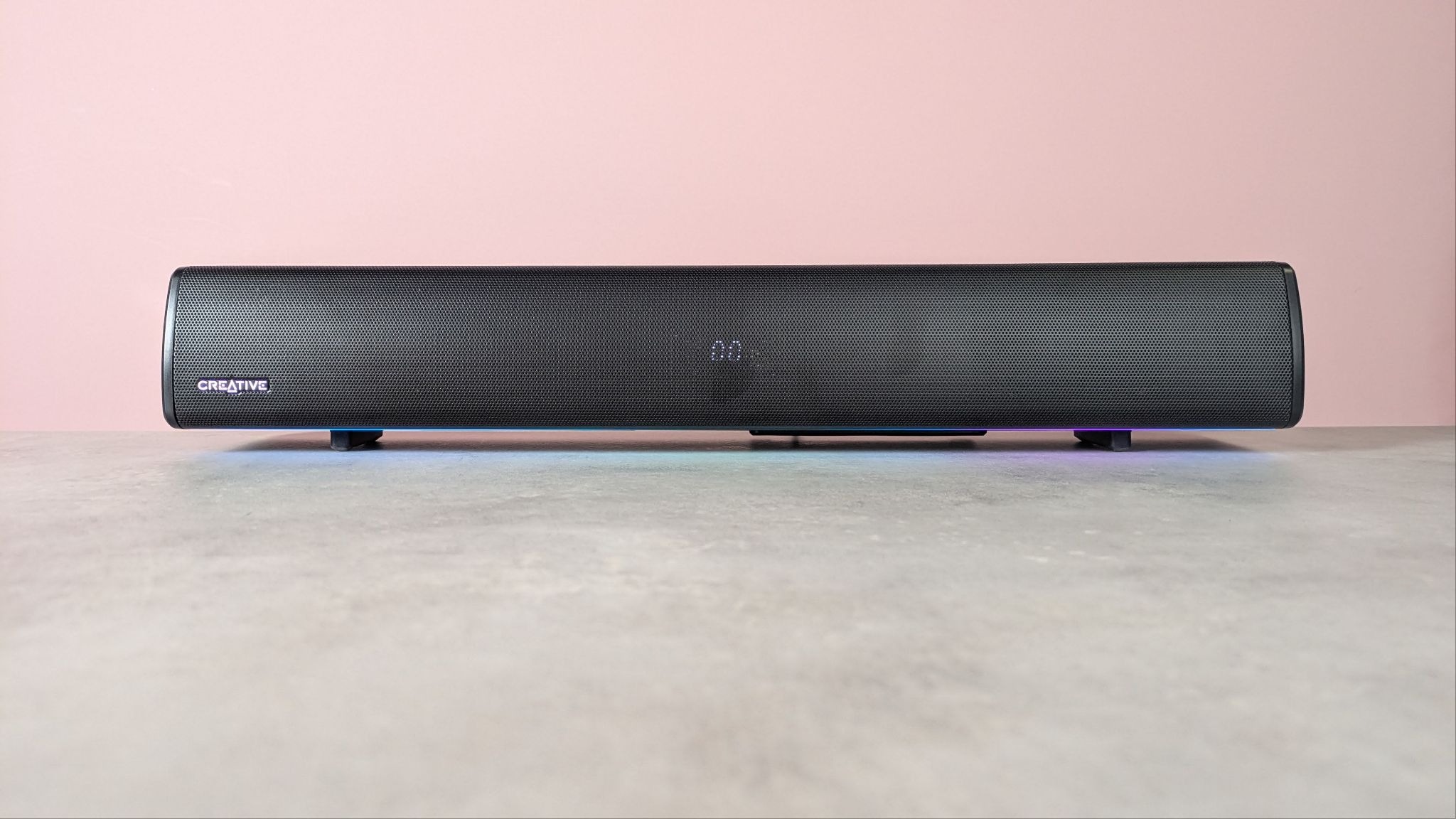
The Creative Sound Blaster GS5 is a gaming soundbar that can be used with all sorts of devices, with a form factor that’s suitable for desktops, according to the brand.
Its plain appearance won’t set hearts ablaze, but it has a certain minimalist charm that’s unlikely to offend. Customizable RGB lighting is on hand for those who want to brighten their setup, too.
The build quality of the GS5 is reasonable. It feels quite solid without being too heavy, although the chassis material doesn’t feel particularly premium. It falls short of the best soundbars in this regard, and no doubt contributes to its relatively low price tag. And while it’s a compact unit, I still think it’s a bit too large to sit comfortably on your desk.
The remote is similarly compact and functional. It’s well made and easy to use, although it can be slow to respond, especially when trying to adjust certain parameters with quick, repeated presses.
The GS5 produces a good sound for gaming. Audio effects are impactful, but overall fidelity is lacking somewhat, which is especially noticeable when listening to music or watching movies.
Altering the sound in Creative’s desktop app can help, though. There are plenty of adjustments here, including a 10-point EQ graph and other audio-enhancing features. Some of these improve clarity and impact, while others, such as the volume-leveling function, are less effective.
It’s a shame that these alterations only take effect when listening to the GS5 on PC via USB, and it’s also disappointing that the mobile app offers nowhere near the same number of adjustments as the desktop app.
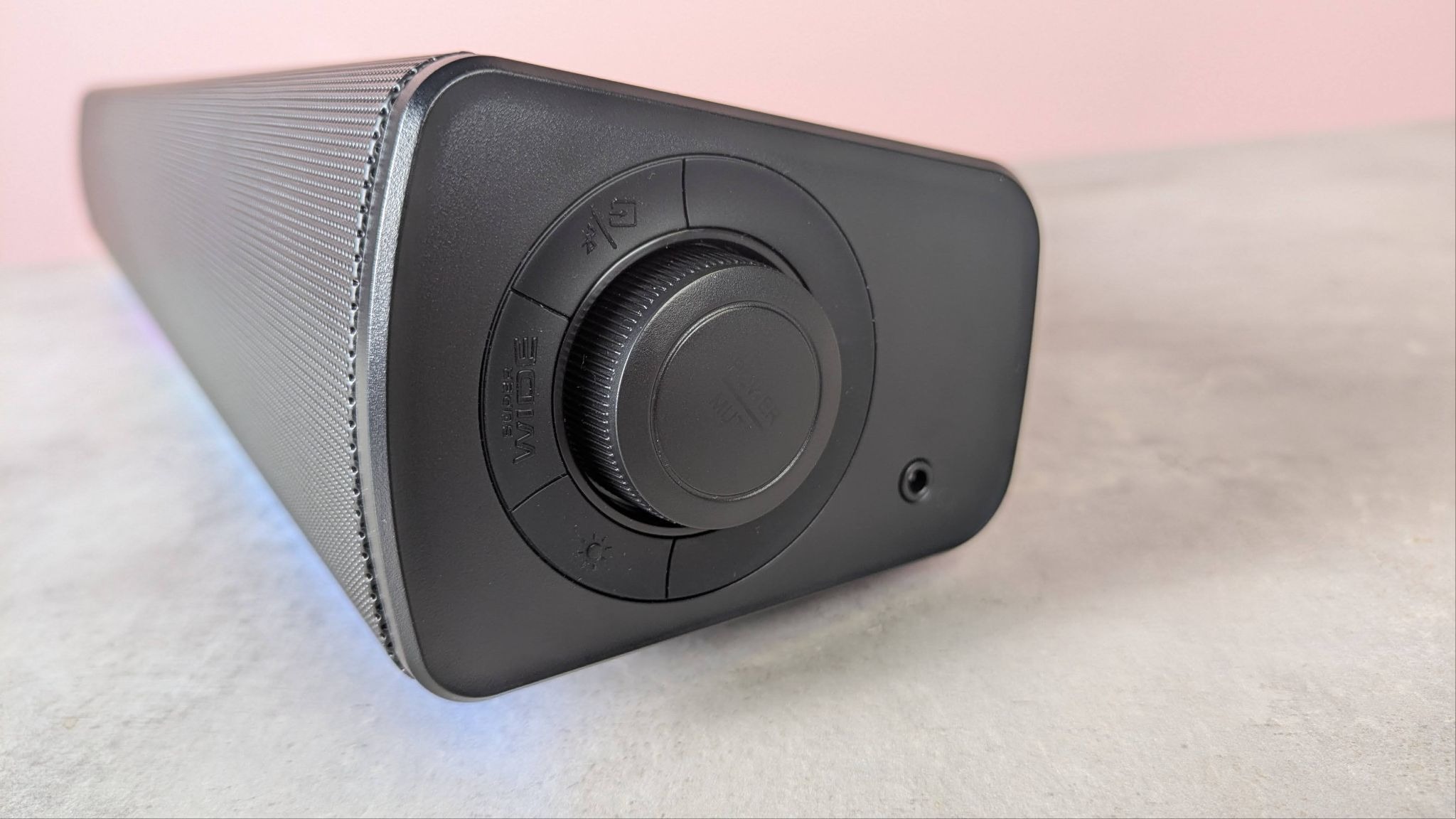
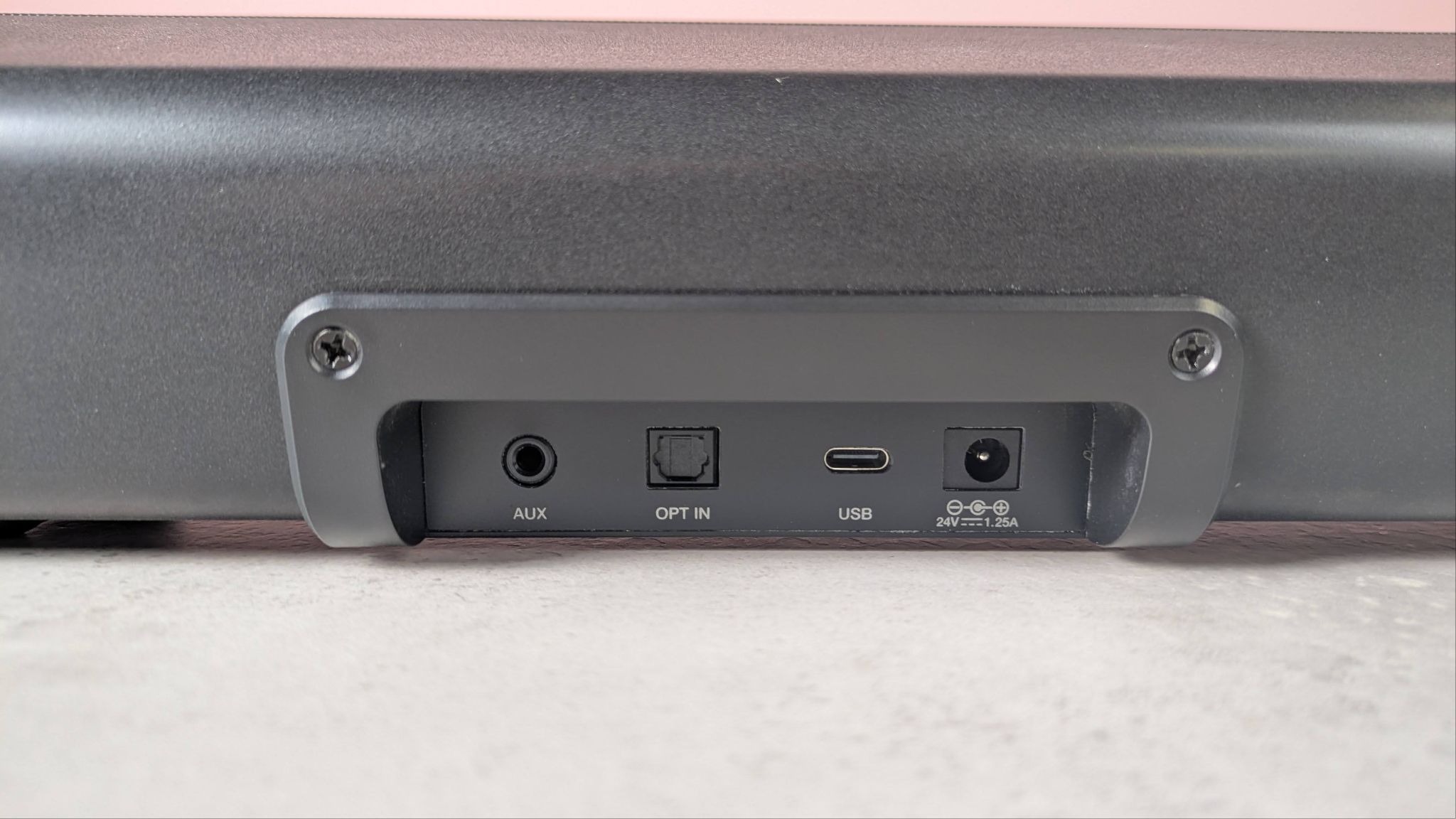
I have fewer complaints about the connectivity of the GS5, though. Bluetooth works very well, pairing quickly to my devices and making it easy to hotswitch to wired connections. Speaking of which, you get many options here, with USB, Optical, and AUX ports on board. There’s even a 3.5mm headphone jack on the side of the unit.
All these options and features are impressive for a soundbar of this price. Many of its rivals are a lot more expensive, and while they may offer better audio quality, the GS5 is still worth considering if you’re on a budget. Just don’t expect a space-saving desktop unit with pristine sound.
Creative Sound Blaster GS5 review: Price & availability
- $99.99 / £74.99 / AU$129.95
- Available now
- Cheaper than many rivals
The Creative Sound Blaster GS5 costs $99.99 / £74.99 / AU$129.95 and is available now in one colorway: black.
This is a reasonable price for a gaming soundbar, especially one that offers so many features. For something even cheaper, there’s the GS3, the younger sibling to the GS5. However, this is smaller, less powerful, and lacks the same features.
For more premium options, there’s the Creative Katana SE, which has a similar feature-set and audio quality, while the Razer Leviathan V2 Pro has more advanced features, including an infrared camera with AI tracking to keep the sound centered on where you are.
Creative Sound Blaster GS5 review: Specs
Frequency range: | 65–20,000Hz |
Drivers: | 3.35 x 2.16 inch full-range racetrack drivers |
Dimensions: | 510 x 102.7 x 82.6mm / 20.07 x 4.04 x 3.25 inches |
Weight: | 1.5kg / 3.3lbs |
Audio Inputs: | Bluetooth 5.3, Optical-in (TOSLINK), 3.5mm AUX-in, USB Audio (Type C) |
Audio Outputs: | 3.5mm Headphones-out |
Creative Sound Blaster GS5 review: Design
- Restrained looks
- A little too big for desktops
- Feature-packed desktop app
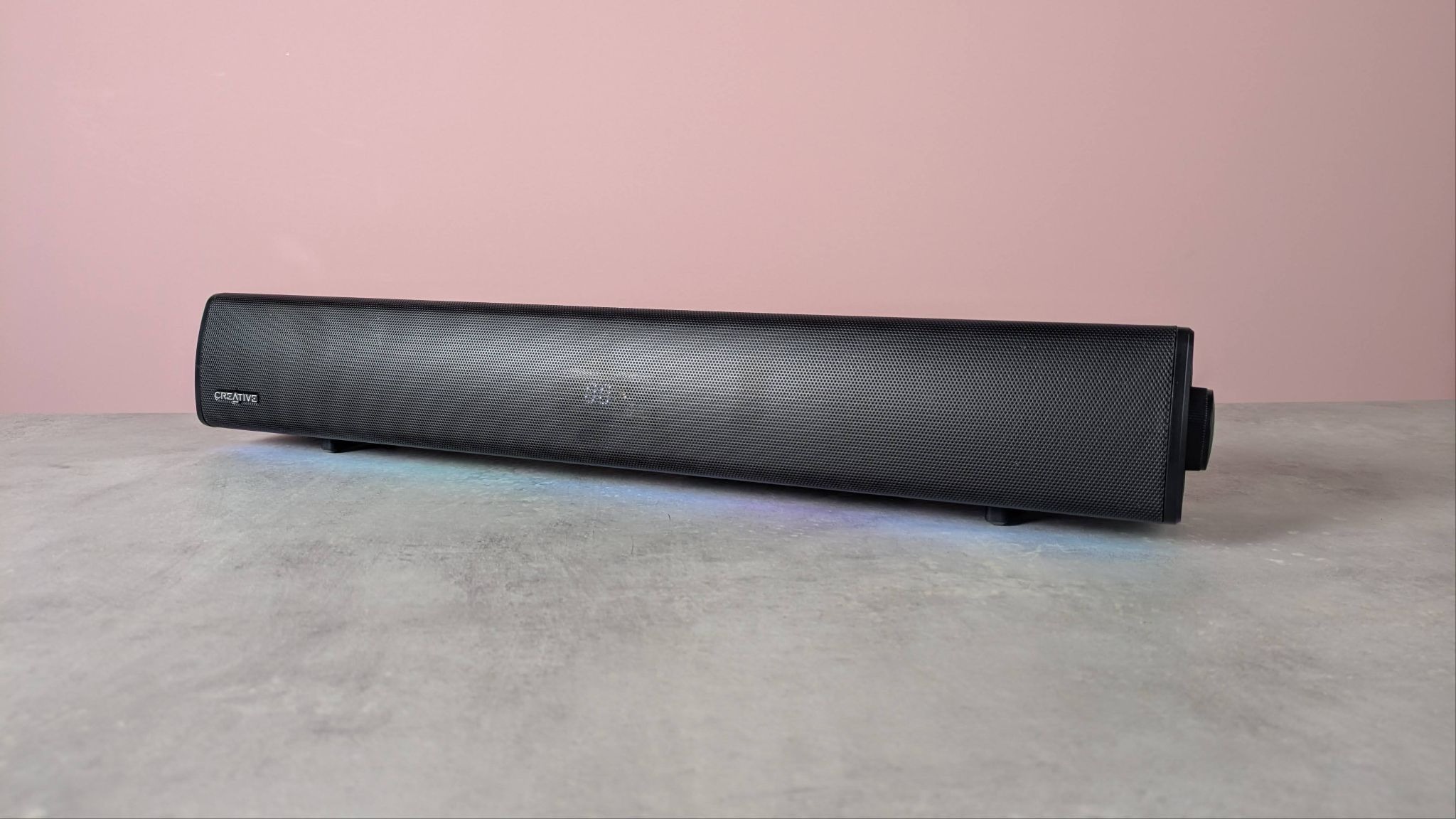
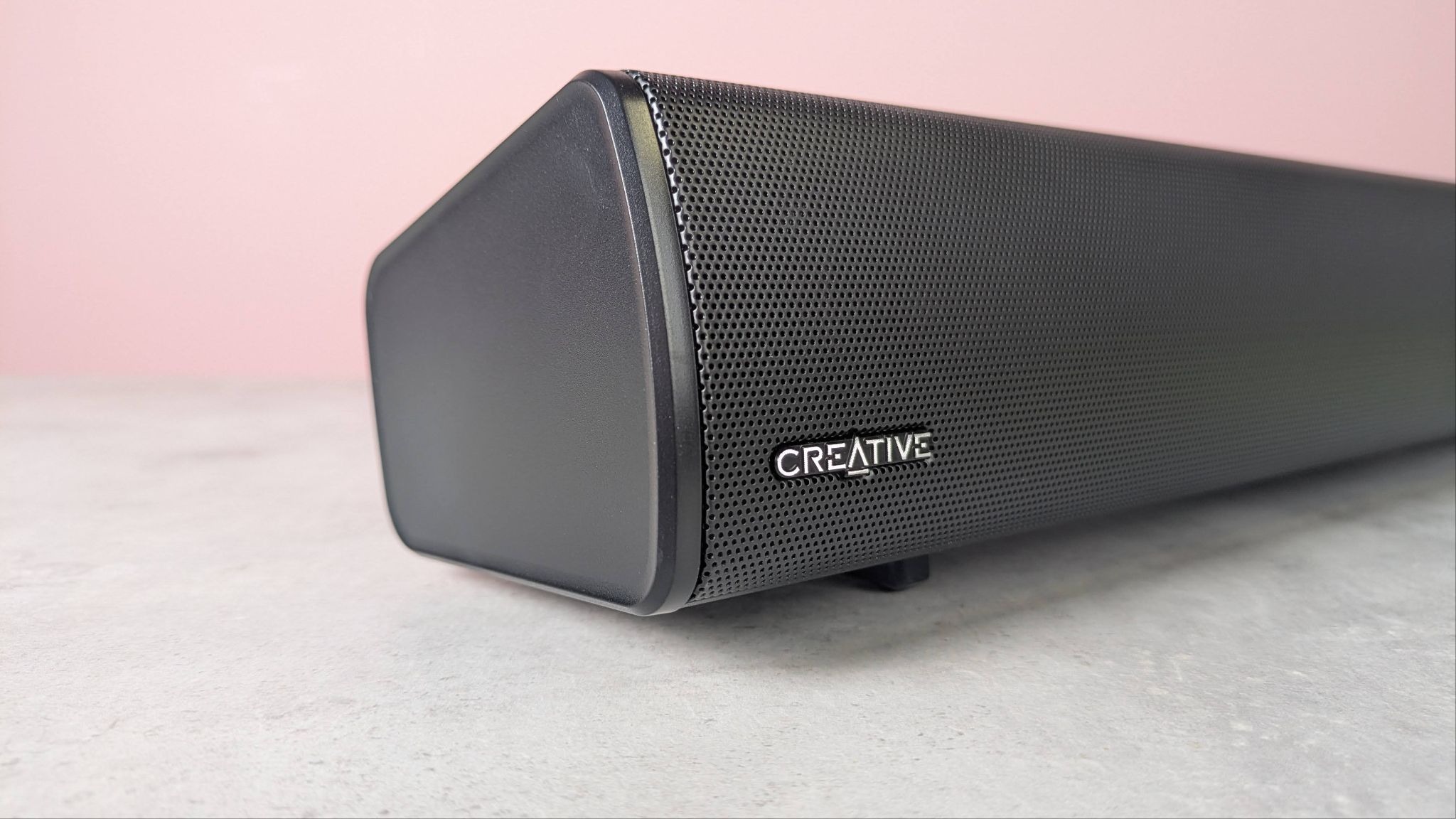
The GS5 has a rather functional appearance; the all-black design looks smart, but also a little dull. The RGB lighting, however, does impart some interest, with its keen luminescence and plenty of customization options on tap.
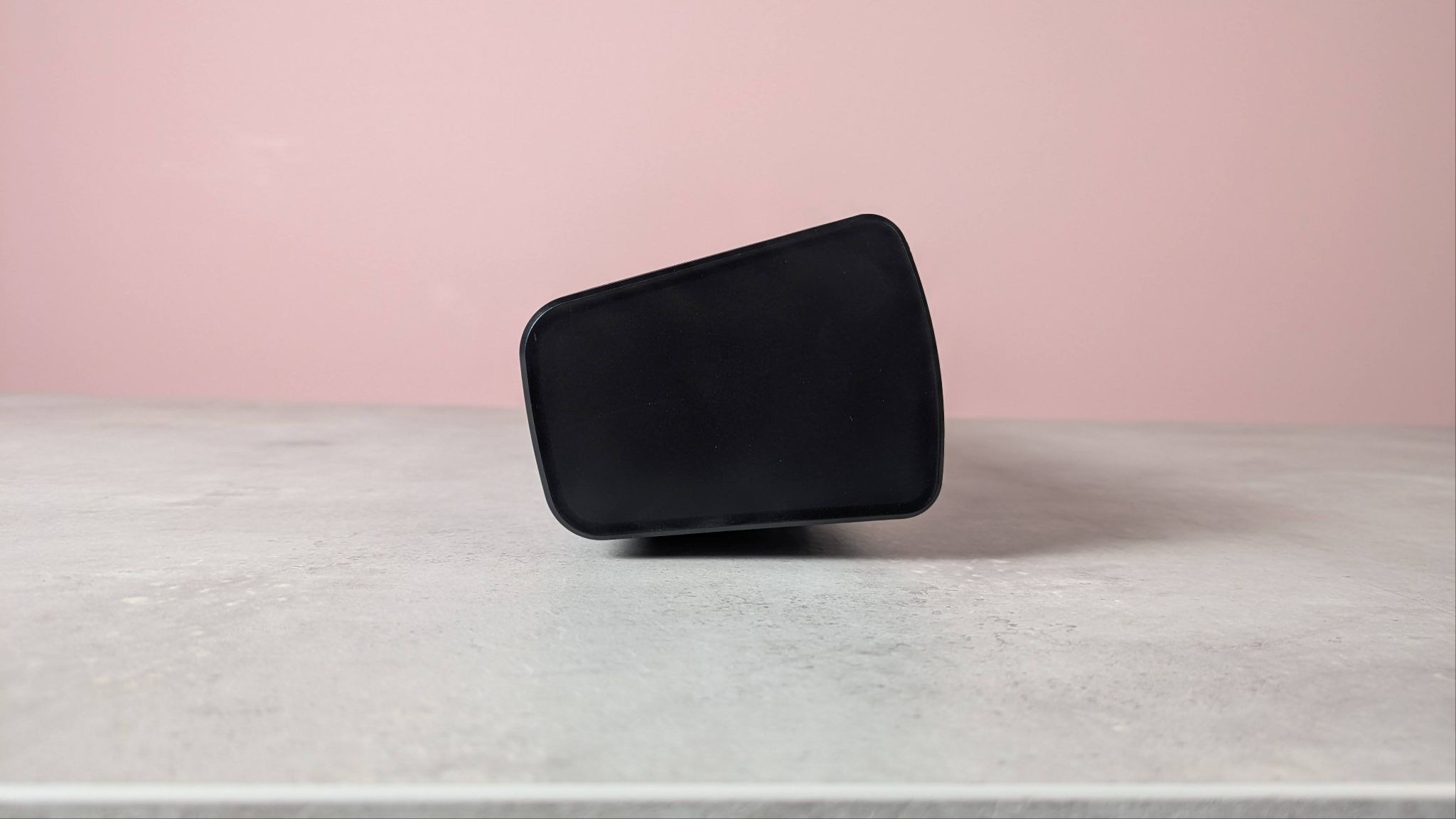
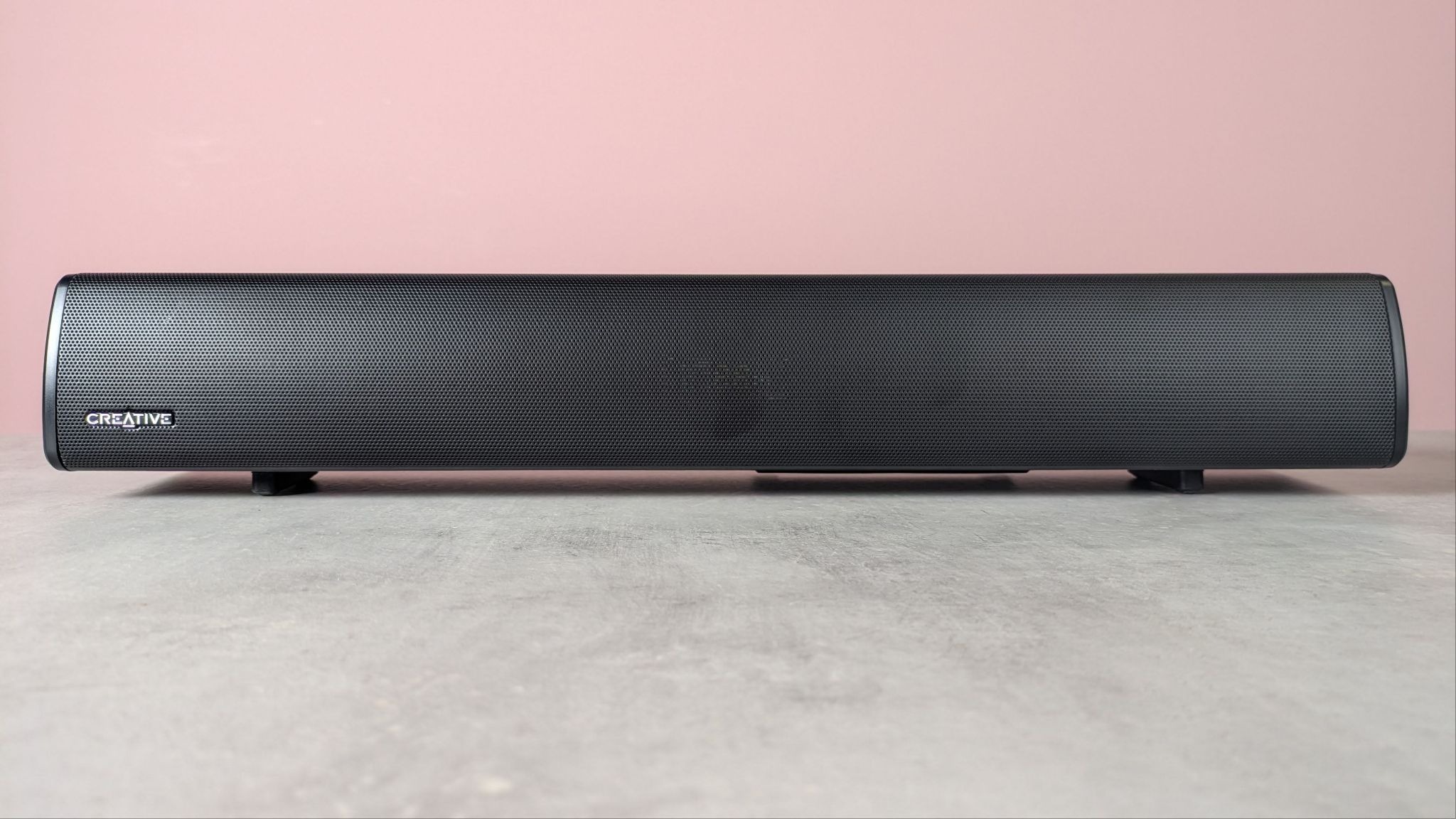
Although the GS5 is smaller than your typical soundbar, it’s still a bit too cumbersome for desktop use, despite Creative’s intentions for it. It mightn’t be particularly wide but it's quite tall and deep, so it takes up more space than you might think. At least the overall form is sleek and minimal, lacking unnecessary angles or protrusions.
Build quality is reasonable, too. It feels solid in the main, and although the materials employed don’t feel particularly upmarket, they’re sufficient for the job. I also appreciated the soft rubber feet, which help to stabilize the soundbar, as well as protect the underlying surface.
The LED display is limited to just two characters, but it’s clear enough without being distracting, and is sufficient for conveying information. The side knob is similarly discreet, and rotates smoothly with light notching. Also operating well, the surrounding buttons only require a light press to work. They’re coated in a soft rubber that feels comfortable, although it's a little pointless in my view.
Feeling of a similar quality, the IR remote control is compact and sits nicely in the hand. The buttons operate with a satisfying solidity, too, and there are plenty of adjustments available, from volume and track skipping to toggles for various audio features.
However, not every feature and function that the GS5 has to offer is present here. To gain access to further tweaks, you’ll need to install Creative’s free desktop app. Here you’ll find plenty of in-depth options to tinker with, including EQ graphs and various enhancements.
It’s clearly laid out for the most part, although adjusting some of the functions for the sound mode are a little confusing. It’s not immediately clear how the Sound Mode, Acoustic Stage, and Equalizer sections are linked, but they are. What’s more, adjustments made in the app fail to sync up with the GS5’s LED readout. For instance, if you’ve selected Gaming mode via the app, this won’t show up.
The app’s interface isn’t the most appealing, with certain UI elements looking a little low-res. Also, some clickable objects, such as drop-down boxes, didn’t always respond properly in my experience. What’s more, I was disappointed that the app won’t recognize the GS5 if connected wirelessly via Bluetooth; you must have a wired USB connection. Ultimately, though, these are minor niggles, and overall the software is stable and usable.
It’s frustrating that the mobile app is far more limited than its desktop counterpart. It only offers a few adjustments, and these are ones that are already present on the remote, although I understand it may be more convenient for some to use their phone rather than the remote to control the GS5.
Creative Sound Blaster GS5 review: Performance
- Impactful and punchy sound
- Lacks fidelity
- App settings only take effect on PC
The GS5 is an effective companion to your gaming sessions. Sound effects are punchy and impactful, adding real bite to sword swings when I played The Elder Scrolls 4: Oblivion Remastered and gunfire in Counter-Strike 2. Sadly, the overall fidelity of the GS5 isn’t particularly great, which is especially noticeable when listening to music. It’s certainly not in the same league as the best speakers for audio enthusiasts, nor is it on a par with the best gaming headsets.
There’s plenty of volume, although it’s a shame that the increments aren’t very precise; you’ll find the sound hardly changes as you increase or decrease the volume by one or two digits, before it suddenly jumps on the third or forth.
You can make several adjustments to tailor the sound of the GS5 to your needs. You can control the tone by seven levels: 0 is the neutral point between the two extremes of ‘warmth’ and ‘brilliance’ (as Creative terms them), with three either side for more bass or more treble.
The brighter tones were impressive, enhancing the clarity of that aforementioned punch to game sound effects. However, the lower tones were disappointing, muddying the bass rather than making it fuller.
On top of this, there's also a SuperWide setting, which promises a more expansive soundstage. You can toggle between Near and Far modes (or disable it altogether), based on your distance from the bar. I found this to be an effective feature, as it really does impart a greater sense of space. The Far setting adds some unwanted airiness, but not to the extent that it undermines clarity and depth entirely.
Then there are the plethora of what Creative calls Sound Modes. On the remote, you can only toggle between two of these: Gaming and Movie. The latter seemed to offer greater fidelity at the expense of impact, whereas the former had the opposite effect, emphasizing mids and lows at the expense of clear trebles.
In the Creative desktop app, there are many more of these modes to choose from, including those designed for specific games. You can even design and save your own custom profiles, with independent sections for speaker and headphone settings, should you wish to connect one via the 3.5mm jack on the side of the GS5.
To shape your sound, there’s an EQ graph with a range of 31Hz to 16KHz, plotted with 10 points that you can drag to boost or cut frequencies by 6dBs. For convenience, there are additional sliders for overall bass and treble, allowing you to adjust multiple frequencies in those domains simultaneously. There’s also a Preamp slider that can be used to alter overall volume.
Alongside this traditional EQ, the app also has a feature that Creative calls Acoustic Engine. Here, you can adjust more sound-related aspects. There are further sliders for enhancing bass and treble frequencies, which stack on top of what can be achieved with the EQ. There’s also a setting called Dialog+ that’s designed to make dialog clearer, and in my experience this does indeed achieve its aim.
I found the Smart Volume setting less effective. This claims to intelligently ride levels to prevent loud and unpleasant spikes in volume. Unfortunately, in action, it sounds like an unsubtle audio compressor, causing a slight pumping effect but not actually taming peaks all that well.
All these options are a little overwhelming at first, but on the whole they’re welcome and meaningful additions. However, it’s a shame that any custom sound mode you create can’t be selected via the remote. Worse still, these only work on PC via USB — you won’t be able to use them when connected via Bluetooth, or when connected to consoles and other devices, wired or wirelessly.
Connecting to various devices via Bluetooth was as quick and as painless as I could’ve wished for. I couldn’t discern any difference in sound quality between USB and Bluetooth connections, either.
What’s more, switching between Bluetooth and USB connections was also seamless. I could switch between them without needing to unplug and replug the cable, which made hot-switching that much easier. There are also ports for AUX and optical connection, which means that overall the GS5 has an impressive range of connectivity options.
The performance of the IR remote was somewhat disappointing. I often experienced delayed inputs, especially when adjusting the Tone parameter, for some reason. And while I appreciated the media controls for play / pause and track skipping, these only worked on PC via USB, not on console.
Should I buy the Creative Sound Blaster GS5?
Scorecard
Attribute | Notes | Score |
|---|---|---|
Value | It offers quite a lot for its relatively unassuming price tag. | 4 / 5 |
Design | The unfussy and compact form are positives, but it’s still too large to sit on desktops comfortably. | 3.5 / 5 |
Performance | The GS5 doesn’t have the best fidelity, but there are plenty of sound-enhancing features to somewhat make up for this. | 3.5 / 5 |
Overall rating | The GS5 packs in plenty of features and connectivity options, but the lack of audio quality compared to hi-fi alternatives is clear. It’s also a little too big for desktops, but at this price, it’s still worth considering if you’re on a budget. | 3.5 / 5 |
Buy it if…
You’re on a budget
As soundbars go, the GS5 is quite cheap, yet it still has a lot of features and connectivity options.
You want plenty of customization
Using the GS5 on PC unlocks a wealth of tweaks, most of which make meaningful changes to the sound.
Don't buy it if…
You want the best sound quality
The lack of clarity compared to top-tier rivals is apparent, and music and movie lovers might be especially disappointed.
You want something discreet
Although Creative does say the GS5 is fit for desktops, it’s still a little too large, in my view.
Creative Sound Blaster GS5 review: Also consider
Creative Katana SE
Another Creative model, the Katana SE is a powerful, bass-heavy unit that, like the GS5, features plenty of customization and connectivity options. Unfortunately, though, it also shares the same lack of fidelity, so it still can’t compete with audio-focused soundbars and speakers. Read our full Creative Katana SE review.
Razer Leviathan V2 Pro
The Razer Leviathan V2 Pro impressed us with its powerful low-end and wide sonic landscape, although we did find mid and high frequencies to be a little disappointing. It does have a Virtual Headset mode for increased immersion, though, as well as an infrared camera with AI tracking to make sure you’re always at the center of the soundstage. Read our full Razer Leviathan V2 Pro review.
How I tested the Creative Sound Blaster GS5
- Tested for several days
- Used for various content on various devices
- Plenty of gaming and audio experience
I tested the GS5 for several days. I used it for all kinds of content, from gaming to watching videos and listening to music.
I also used it with various devices via its various connections. I used it with my PS5, gaming PC, Nintendo Switch, and Android phone, with a mixture of USB and Bluetooth connections.
I have experience testing a range of audio gear, including headsets designed for gaming and headphones and speakers designed for audiophiles. Such products have spanned a range of price points, form factors, and feature sets.
- Read more about how we test
- First reviewed: April 2026


Comments
Post a Comment