The Apple MacBook Air 13-inch (M5) is still the best ultraportable I've ever used — and I wrote this review on it
Apple MacBook Air 13-inch (M5): Two-minute review
It's safe to say the MacBook Air 13-inch M5 is every bit as good as its M4 predecessor, but a little faster. The differences are so scant, in fact, that I could simply direct you to my now year-old MacBook Air M4 review, and just note here that the M5 chip makes Apple's latest, and sure to be quite popular, ultraportable both faster and more efficient.
However, I'm not that lazy. I've spent considerable time with this attractive, well-built, ready-for-almost-anything (and a solid day of it) ultraportable laptop, and I have some thoughts.
The MacBook Air is one of the most popular laptops out there for a reason. Apple has found a winning aluminum slab design that mixes a lightweight (2.7lbs) chassis with a stunning 13.6-inch Liquid Retina Display, and 18 hours of battery life (promised for streaming video only).
While Apple didn't touch the design, or any external materials and components, it was inevitable that its fastest class of Apple silicon would find its way into the new Air, along with the new N1 chip, which readies the MacBook Air for the growing proliferation of WiFi 7 hubs and brings it up to speed with the latest Bluetooth 6 capabilities.
If there is a downside to this update, it's the new starting price. Over the years, the MacBook Air has bounced around the $1,000 mark, dropping just below and then rising up a hundred dollars or so. Now it's back to $1,099 / £1,099 / AU$1,799, but I'm actually okay with this change, because the Air finally starts with a half terabyte of storage (for the record, my test system arrived with 1TB 👀); that's double the 256GB we've been getting, without a huge leap in price. And, as a bonus, the storage speed is faster than on the M4 MacBook Air.
So, while having to pay a little more for the best ultraportable you can buy is not good news, the upsides far outweigh the hit to your bank balance.
The MacBook Air 13-inch M5 does have several other notable, though not new, features, like the 12MP Center Stage camera, a backlit keyboard that feels wonderful to use, the highly responsive ForceTouch trackpad, Thunderbolt 4 ports, and macOS 26 (a.k.a. Tahoe). I know Liquid Glass divides opinion, but I think it's elegant and I like it. Yes, there's also Apple Intelligence, but I'm still not fully sold on its utility.
All in all, while I don't think you need to trade in your M4 Air for this new model, it's a worthwhile upgrade from your clamshell MacBook Air M1; and it will, like its predecessor sit atop our best ultraportables list.
Apple MacBook Air 13-inch (M5) review: Price and availability
- Starts at $1,099 / £1,099 / AU$1,799
- Costs more than the M4, but there's hidden value
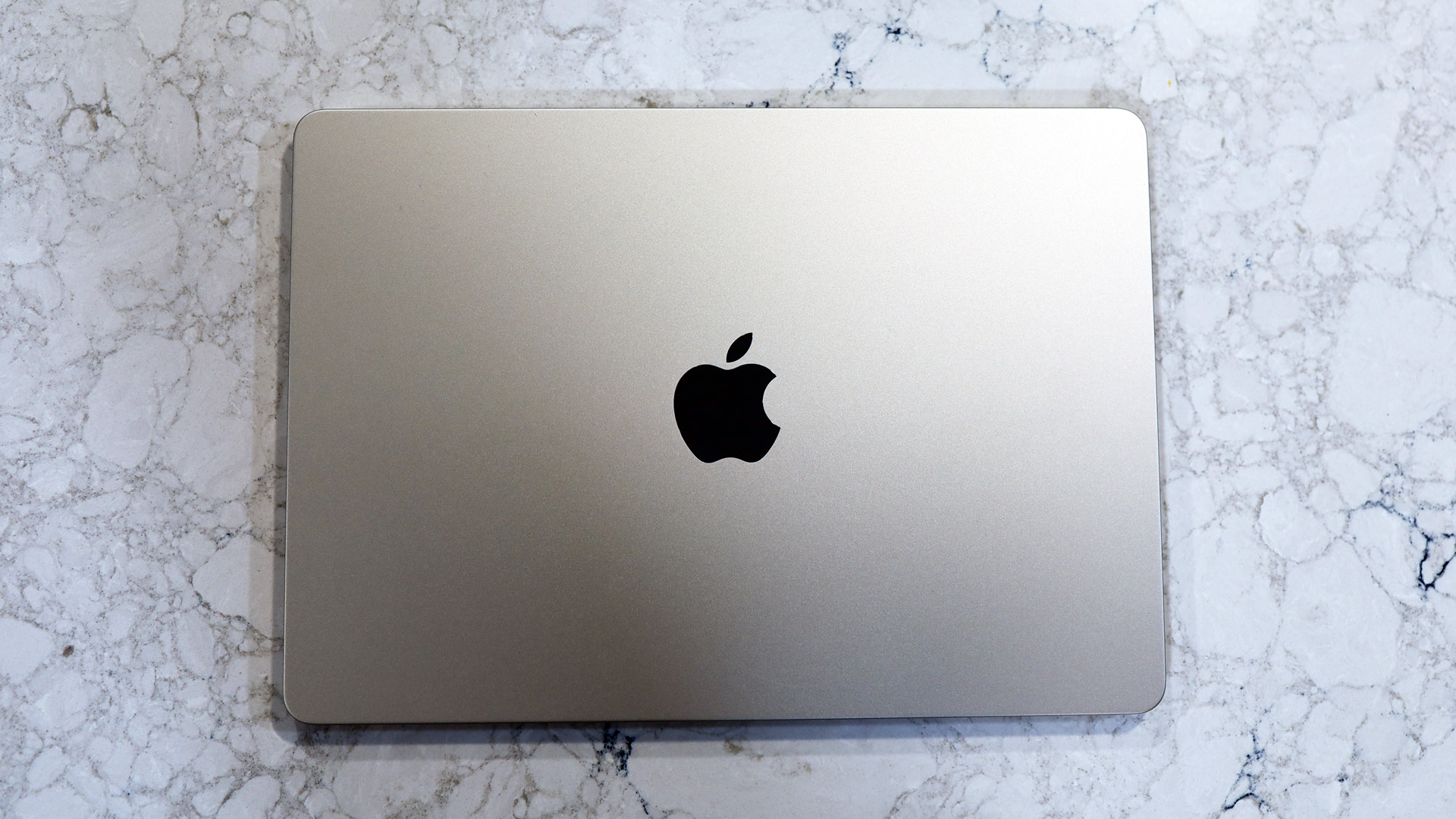
Apple unveiled the MacBook Air 13-inch (M5) on March 3, 2025, and the laptop starts shipping on March 11.
Those shopping for the latest MacBook Air will likely notice the price hike on this 13-inch model and wonder what gives. Yes, it has an incrementally faster piece of Apple silicon (M5), but I'd attribute the $100 / £100 / AU$100 hike to the new base storage level. The 13-inch MacBook Air M5 starts with 512GB of storage, double the starting SSD of previous models. It's a non-insignificant change and, as I've written, 256GB was simply not enough in what for many users is a workhorse portable.
In addition to the option of buying a larger, 15-inch MacBook Air (heavier and more expensive, but with a substantially larger screen), the 13-inch MacBook Air M5 comes in a variety of configurations, including my 10-core GPU test model, up to 32GB of memory, and up to 4TB of storage (the previous limit was 2TB).
It’s available in Sky Blue, Midnight, Starlight, and Silver. Sadly, there are no new colors this year, although that may only be an issue if you let the new day-glo Citrus MacBook Neo turn your head.
- Price score: 4.5/5
Apple MacBook Air 13-inch (M5) review: Specs
The Apple MacBook Air 13-inch (M5) comes in three pre-configured options.
|
MacBook Air 13-inch (M5) base configuration (reviewed): |
MacBook Air 13-inch (M5) mid configuration (reviewed): |
MacBook Air 13-inch (M5) top configuration: |
|
|---|---|---|---|
|
Price: |
$1,099 / £1,099 / AU$1,799 |
$1,199 / £1,199 |
$1,299 / £1,299 / AU$2,399 |
|
CPU: |
Apple M5 (10-core) |
Apple M5 (10-core) |
Apple M5 (10-core) |
|
Graphics: |
Integrated 8-core GPU |
Integrated 10-core GPU |
Integrated 10-core GPU |
|
RAM: |
16GB unified memory (up to 32GB) |
16GB unified memory (up to 32GB) |
24GB unified memory (Up to 32GB) |
|
Screen: |
13.6-inch, 2560 x 1664 Liquid Retina display (500 nits sustained brightness, wide color P3 gamut, True Tone technology) |
13.6-inch, 2560 x 1664 Liquid Retina display (500 nits sustained brightness, wide color P3 gamut, True Tone technology) |
13.6-inch, 2560 x 1664 Liquid Retina display (500 nits sustained brightness, wide color P3 gamut, True Tone technology) |
|
Storage: |
512GB SSD (up to 4TB) |
1TB SDD (up to 4TB) |
512GB SDD (Up to 4TB) |
|
Ports: |
2x Thunderbolt 4 (USB-C), 3.5mm headphone jack, MagSafe 3 |
2x Thunderbolt 4 (USB-C), 3.5mm headphone jack, MagSafe 3 |
2x Thunderbolt 4 (USB-C), 3.5mm headphone jack, MagSafe 3 |
|
Wireless: |
Wi-Fi 7, Bluetooth 6 |
Wi-Fi 7, Bluetooth 6 |
Wi-Fi 7, Bluetooth 6 |
|
Camera: |
12MP Center Stage Camera 1080p HD video |
12MP Center Stage Camera 1080p HD video |
12MP Center Stage Camera 1080p HD video |
|
Weight: |
2.7 lbs (1.24kg) |
2.7 lbs (1.24kg) |
2.7 lbs (1.24kg) |
|
Dimensions: |
11.97 x 8.46 x 0.44 inches (304 x 215 x 11.3mm) |
11.97 x 8.46 x 0.44 inches (304 x 215 x 11.3mm) |
11.97 x 8.46 x 0.44 inches (304 x 215 x 11.3mm) |
Apple MacBook Air 13-inch (M5) review: Design
- No major redesign
- Excellent construction, materials, keyboard, and trackpad
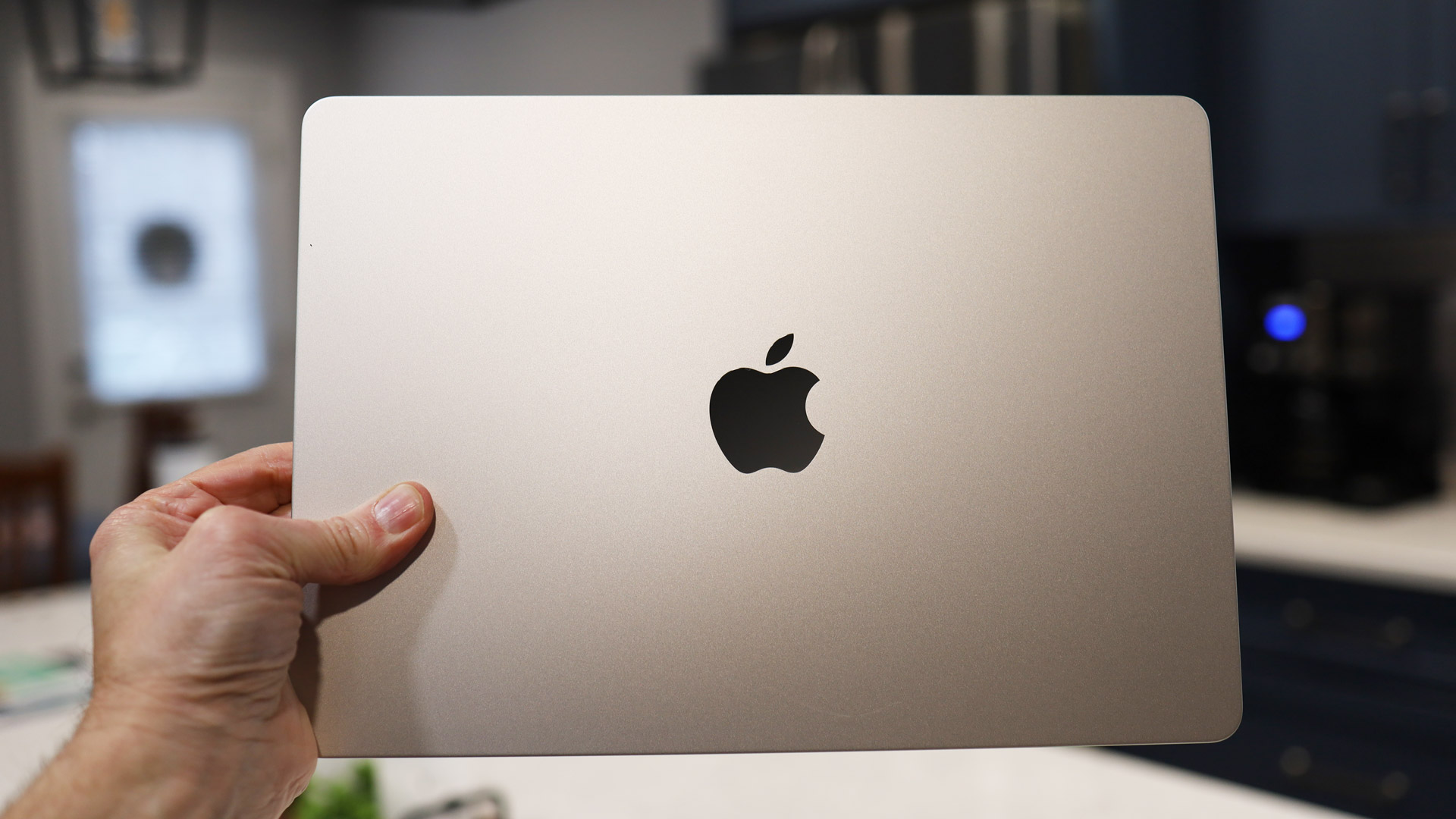
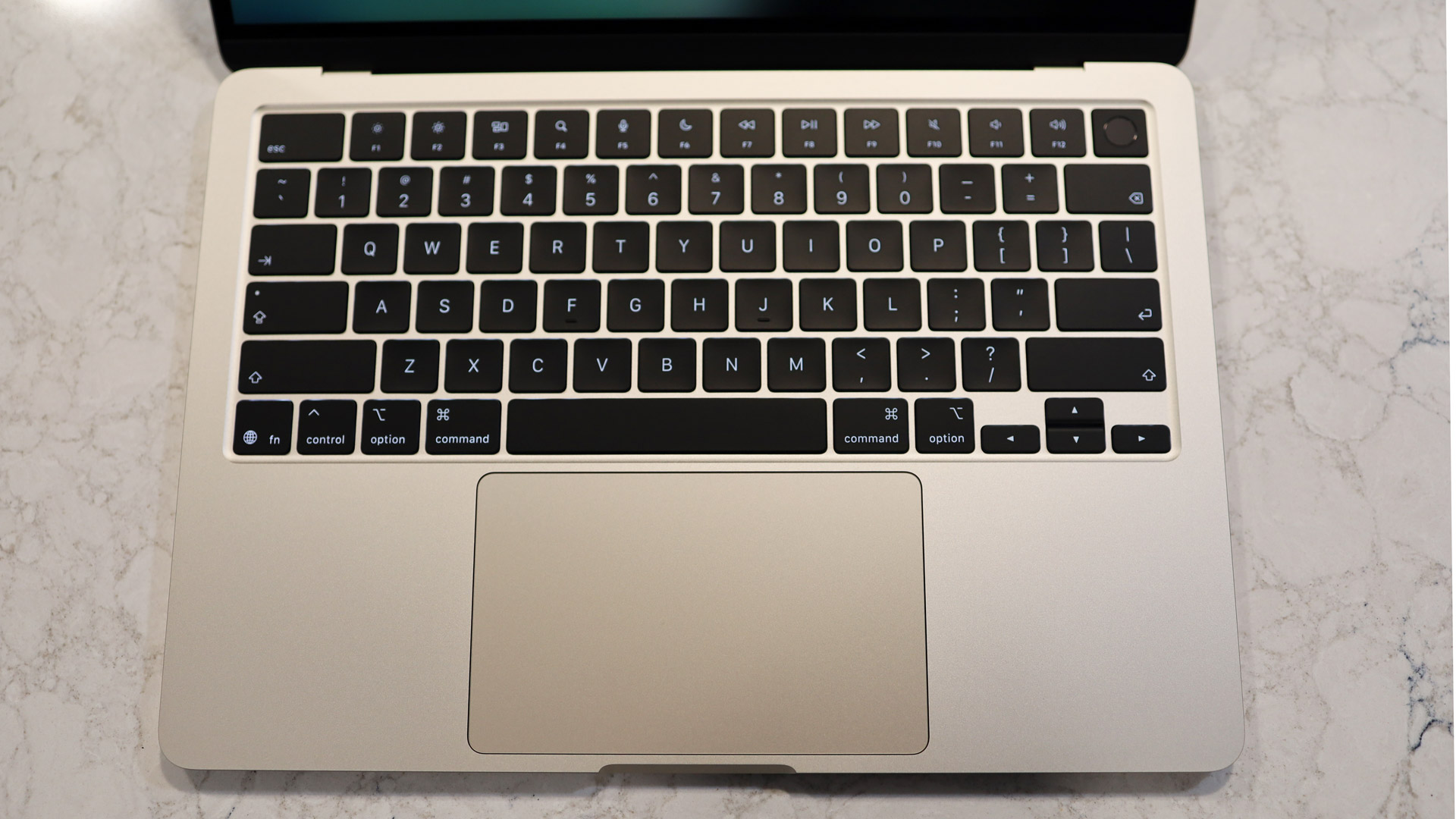
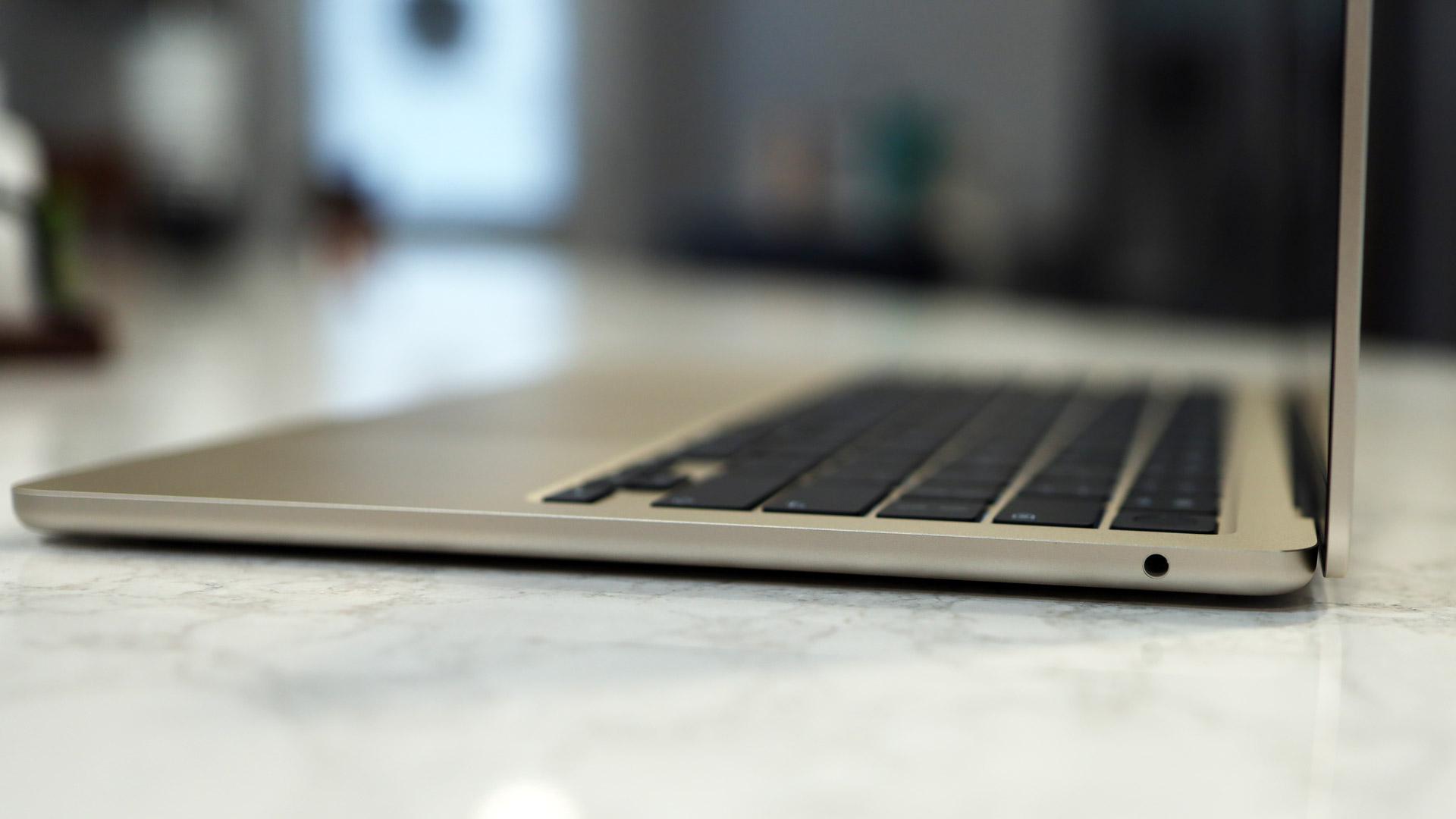
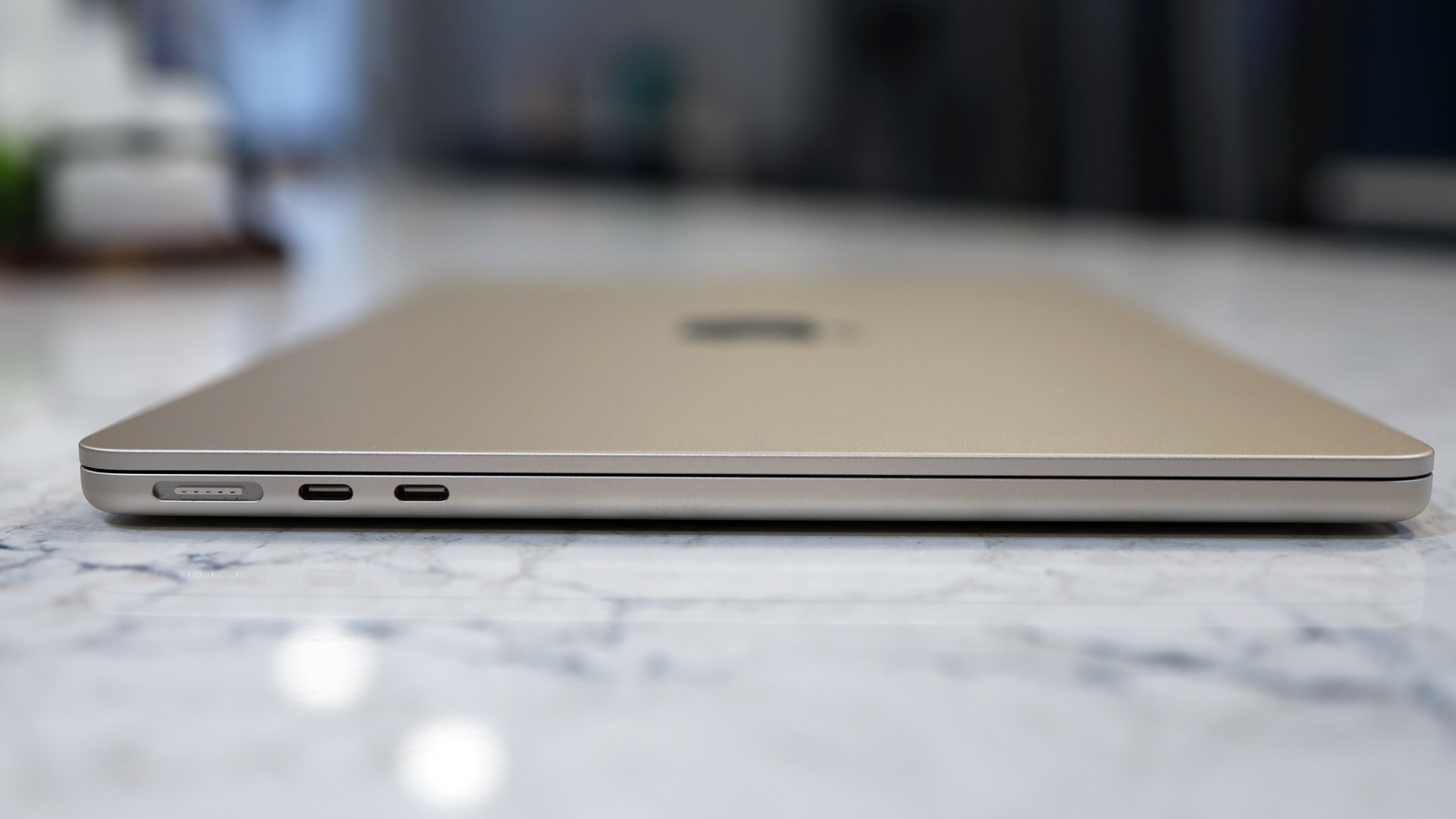
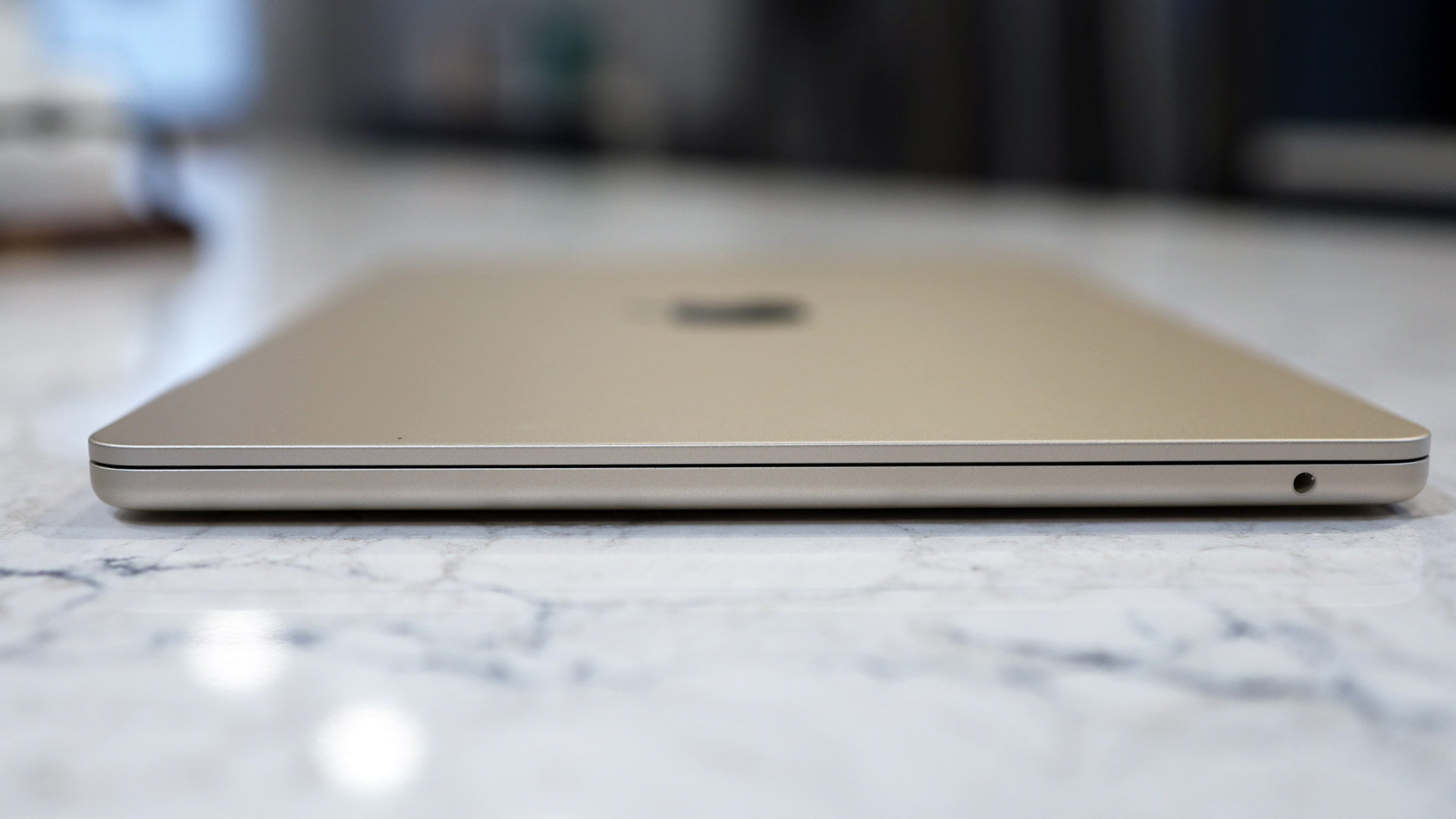
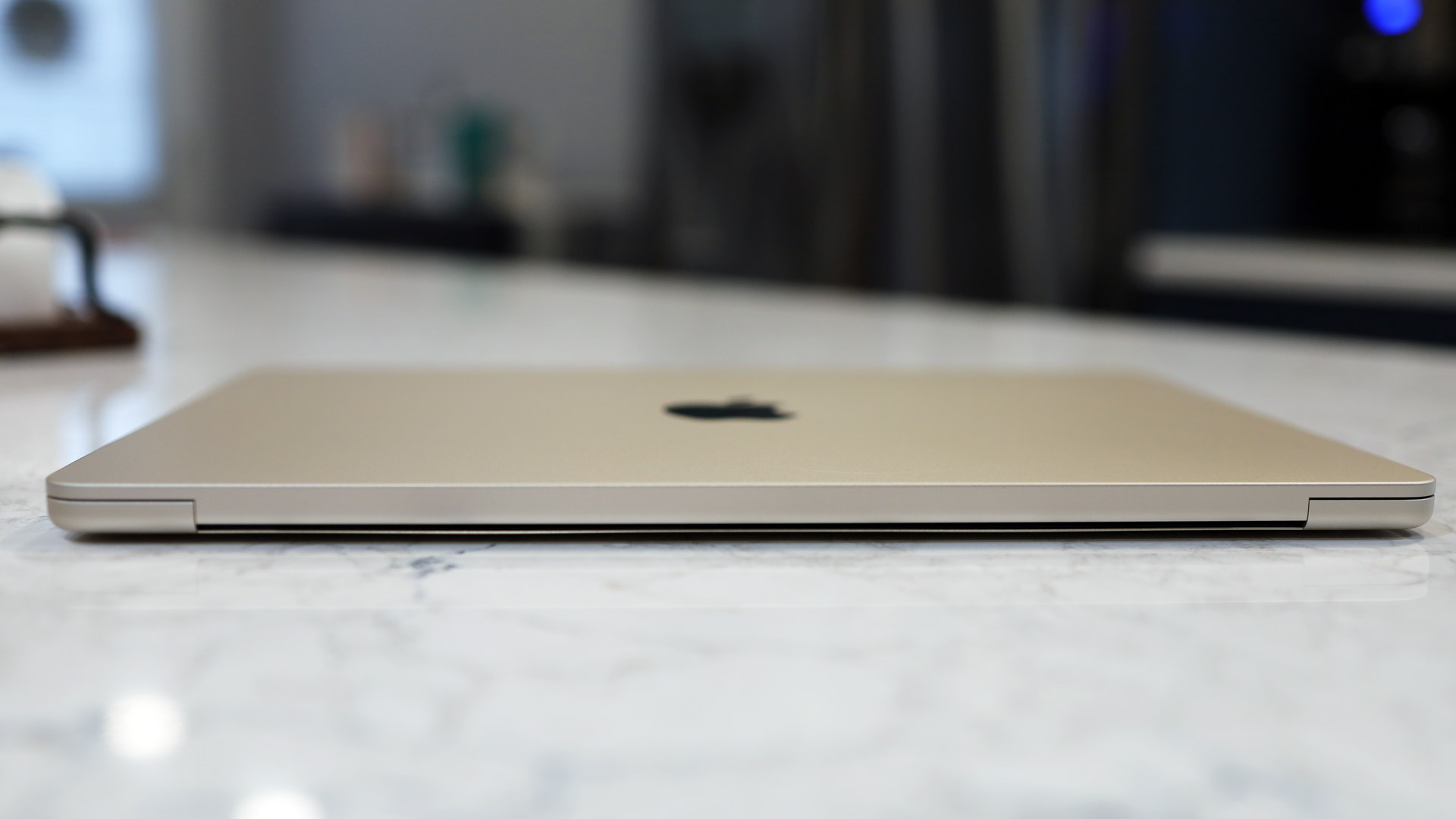
You'd be forgiven if you had trouble telling the difference between this new 13-inch MacBook Air M5 and the M4 model. They are, for all intents and purposes, identical. Still, this is a winning design. The body is made of recycled aluminum that feels premium and smooth to the touch, but also strong enough to get dumped in your backpack or slapped onto a desktop without suffering any damage. My 1TB review unit arrived in Starlight, which is not my favorite color (I'd have chosen Sky Blue), but the chassis hue is not why you buy a MacBook Air, anyway.
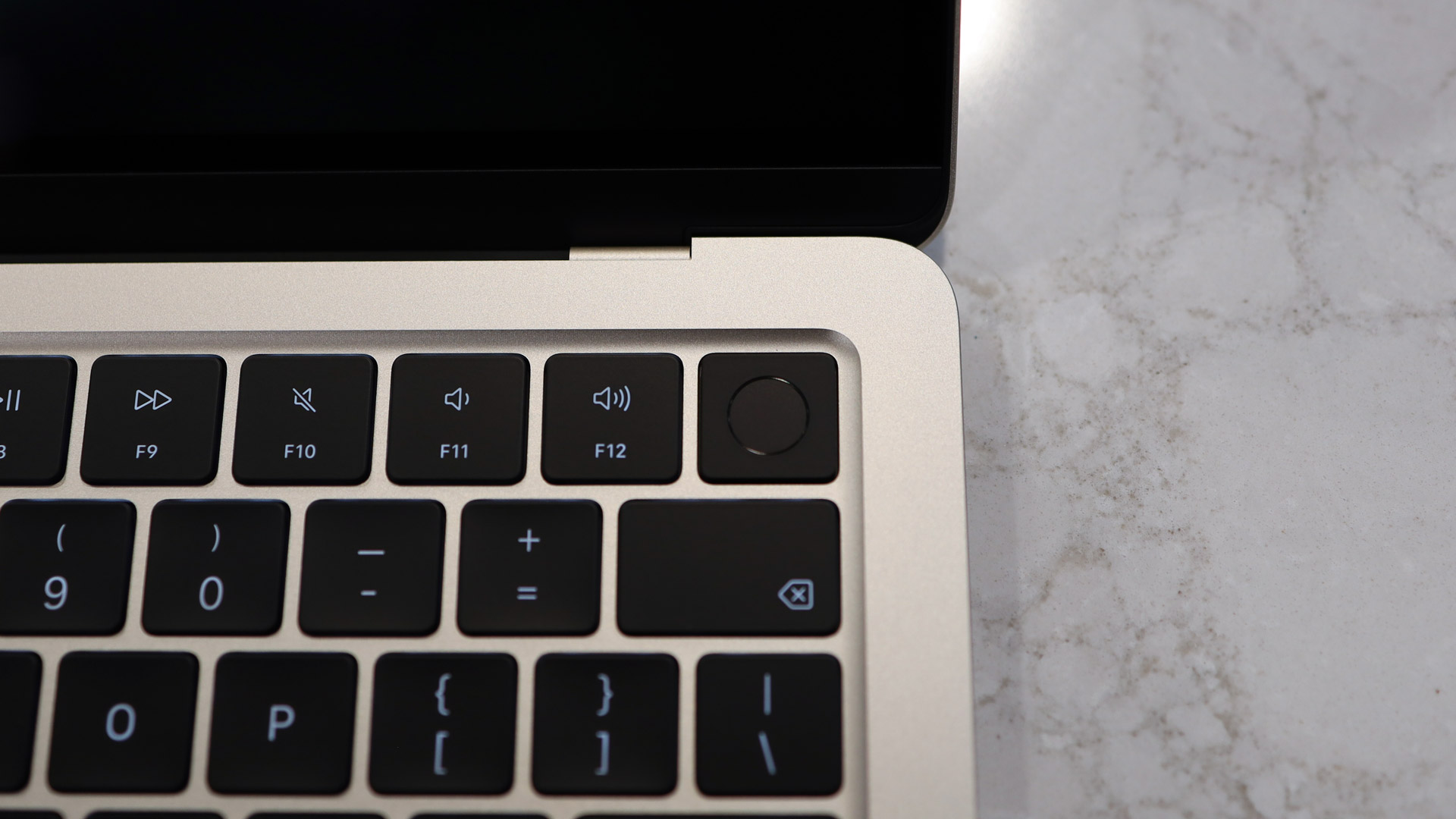
MacBook Airs will never be the cheapest laptop (there's now Neo for that), but they all have the same premium design and build. The backlit keyboard is expansive, and with good, satisfying travel. I love typing on it; in fact, I'm using it right now to write this review. Included in the keyboard is the Touch ID sleep button, a useful biometric device for unlocking the laptop, signing into services and apps, and making purchases. It took me just a moment to register my index finger (though I can register more).
The Force Touch trackpad offers an expansive, almost 6-inch, canvas for interaction without ever getting in the way. As a haptic device, it doesn't actually move, but it does a remarkable job of fooling you into thinking it does.
Ports and speakers are also unchanged from the previous model. We have on the left side a pair of Thunderbolt 4 USB-C ports, which are great for extending the screen to a new Studio Display or doing some high-speed data transfer (the Pro model gets you Thunderbolt 5 ports).
Next to those ports is the MagSafe charger, a magnetic port that makes it almost impossible to accidentally drag the laptop off a desk by kicking the charging cable. Opposite those ports is the 3.5mm audio jack. The four-speaker system sits in the hinge and provides loud and clear audio that supports spatial audio and Dolby Atmos. The 15-inch model ups the speaker count to six.
Perhaps the best demonstration of the MacBook Air's elegance and design is how you can open it with just a fingertip. The laptop is so perfectly machined and balanced that all I have to do is place a fingertip under the lip and above the 1.5-inch-wide-carve-out in the base and lift. Even without me holding it, the base stays put.
- Design score: 5/5
Apple MacBook Air 13-inch (M5) review: Display and Center Stage
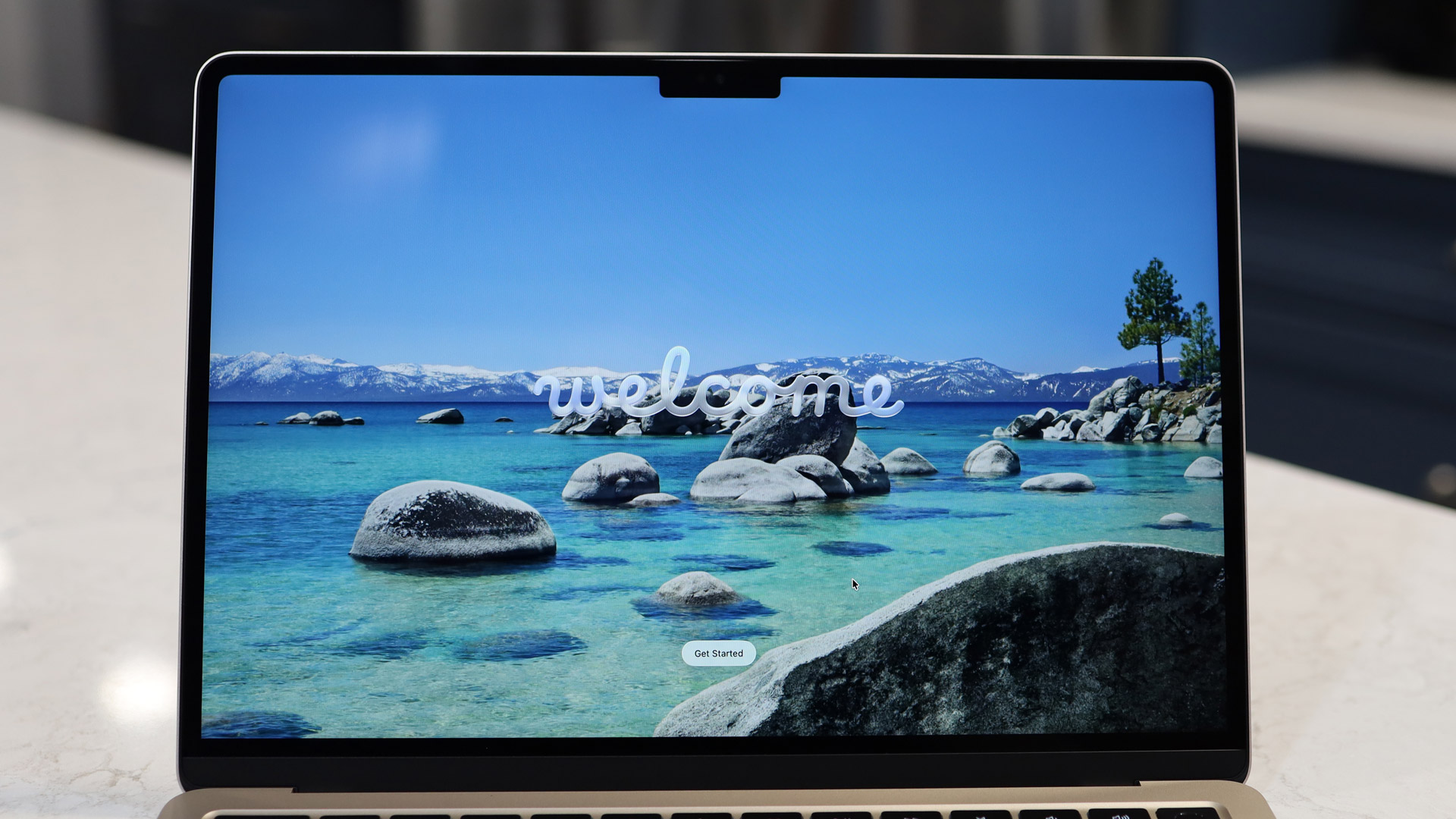
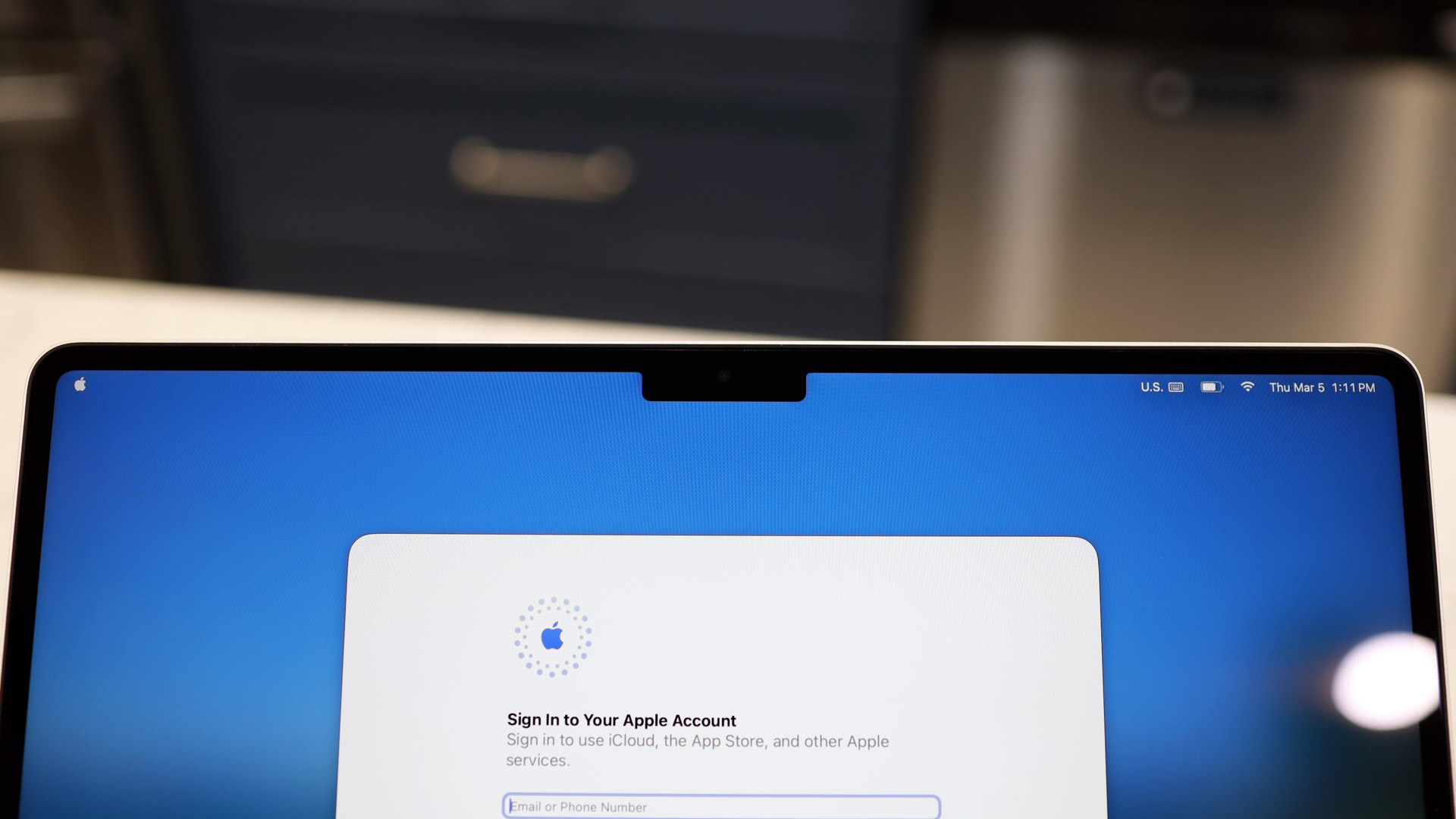
Over the years, I've gotten used to the notch at the top of the MacBook Air's lovely 13.6-inch Liquid Retina display. For most apps, the space, which is used to house the Center Stage Camera, a light sensor, and an LED Indicator, only breaks into the Menu system. Streaming content, games, and the majority of apps run in the rectangular space below it. If you really feel like you're losing a lot of space, you might consider the 15-inch MacBook Air instead.
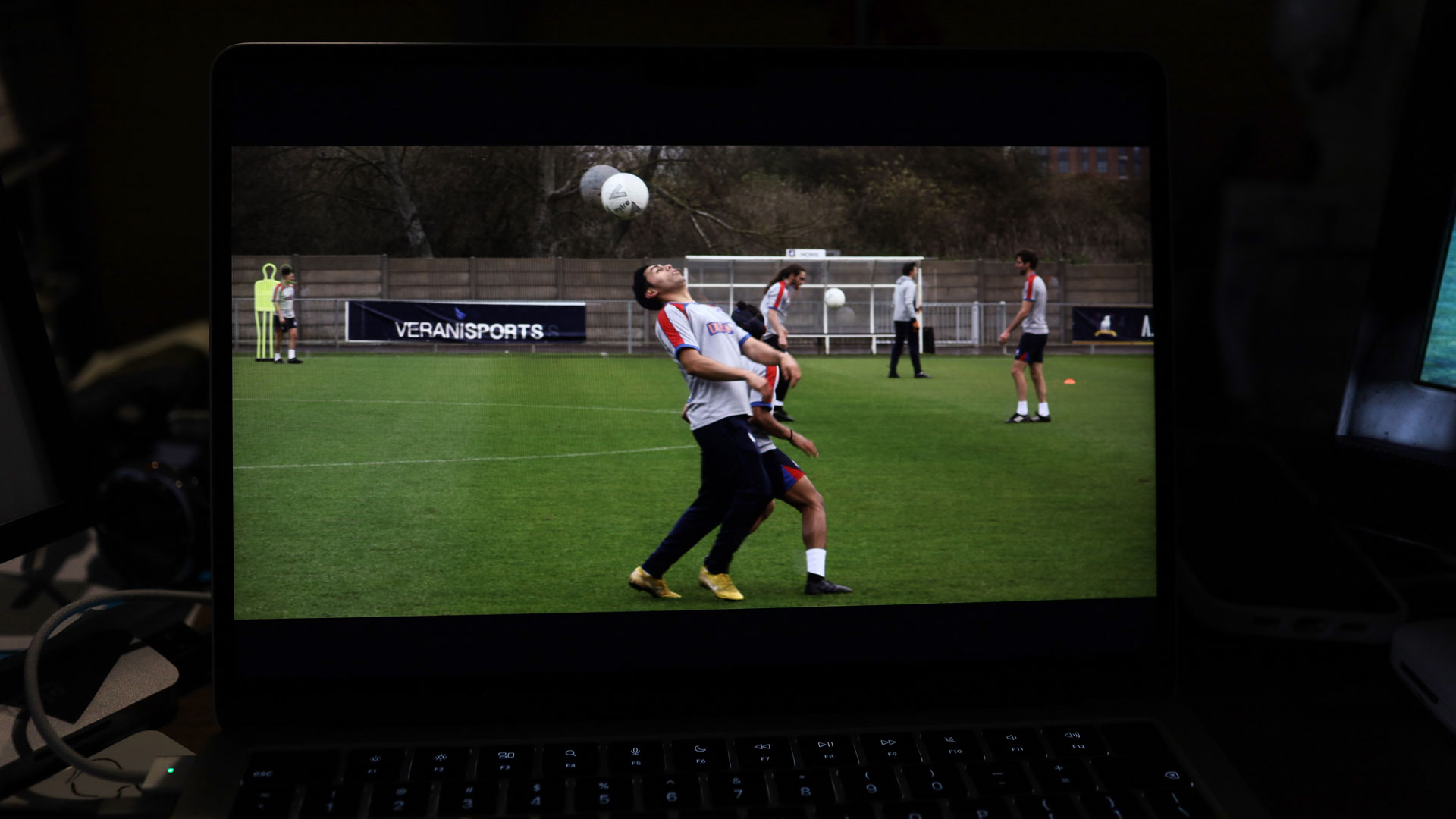
Overall, though, this is an excellent LED-backlit, high-resolution (2560x1664) display, full of rich colors (a promised 1 billion, though I can't say that I counted), rich contrast, and 500 nits of brightness. I've used MacBook Air outdoors, and while it might struggle in direct sunlight, using it in shade is no problem at all.
13.6 inches is ample space for one or more apps and everything from macOS apps to movies and games, which look great on it. Images and text are crisp and clear, blacks are inky, and colors pop. I spend most of my work days looking at this screen and am never disappointed.
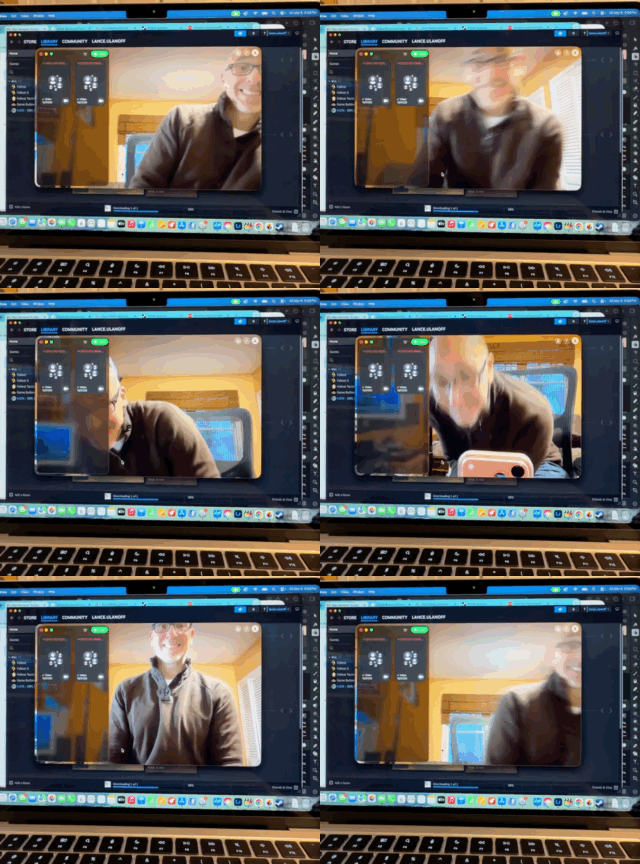
Speaking of that notch, at least it gives you a decent webcam, the 12MP, 1080p Center Stage camera. It's called "Center Stage" because it can, if you allow, follow around during your video conference. So if you like to stand up and walk around during your next FaceTime call, this camera is for you. The camera can also recognize gestures and can launch reactions and emojis during the call.
Unlike many modern Windows 11 ultraportables and even more affordable laptops, the MacBook Air screen does not include touch. If you want that Apple ecosystem and touch, but still plan on doing desktop-style computing, I suggest you look at an iPad Air or iPad Pro running iPadOS 26 and with a Magic keyboard.
- Display score: 4.5/5
Apple MacBook Air 13-inch (M5) review: macOS and Apple Intelligence
- macOS Tahoe is a rich, deep, and well-organized platform
- Liquid Glass
- Apple Intelligence is of limited use
macOS Tahoe 26 is not only a rich, well-organized, and deeply thought-out operating system, it's a doorway to Apple's wide and varied ecosystem — the more Apple products you own, the more powerful it becomes.
With Liquid Glass, there's a consistent look and feel across everything from the MacBook Air 13 I'm testing to the iPhone 17 Pro Max and iPad Pro. However, the glassiness feels somewhat less aggressive on the MacBook Air, likely because it still has to look like a traditional Mac desktop.
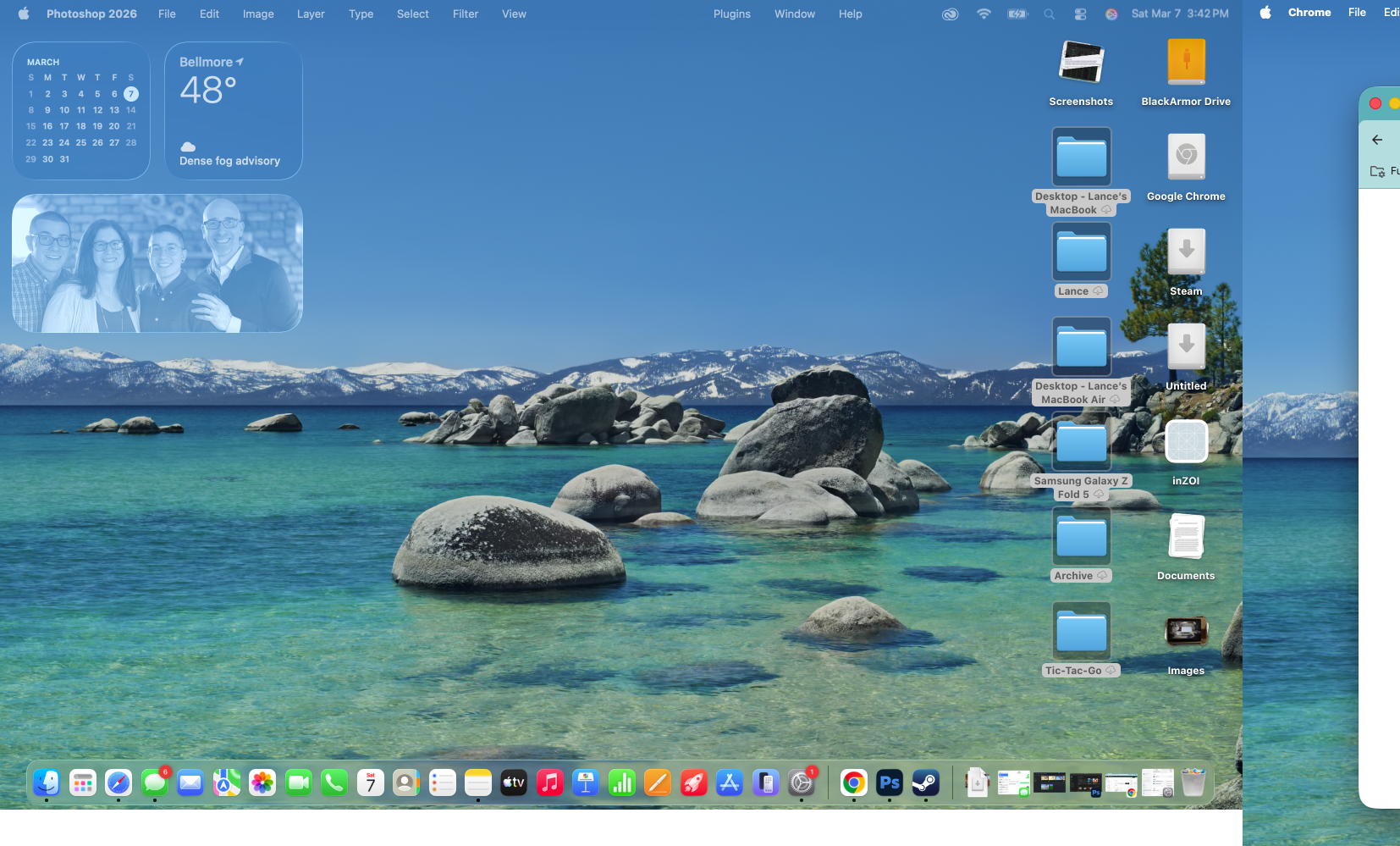
The desktop is customizable, easy to manage (stacks are incredibly useful), and I like the widgets, especially that you can keep them black and white to reduce distractions.
Still, I love how I can mirror my iPhone and get notifications from it on my MacBook Air desktop, and with Universal Control, my trackpad and keyboard easily hop from one Apple screen to another. I found that not only could I control a neighboring iPad with the mouse and keyboard on my 13-inch MacBook Air, but I could do the same with two MacBooks sitting side-by-side.
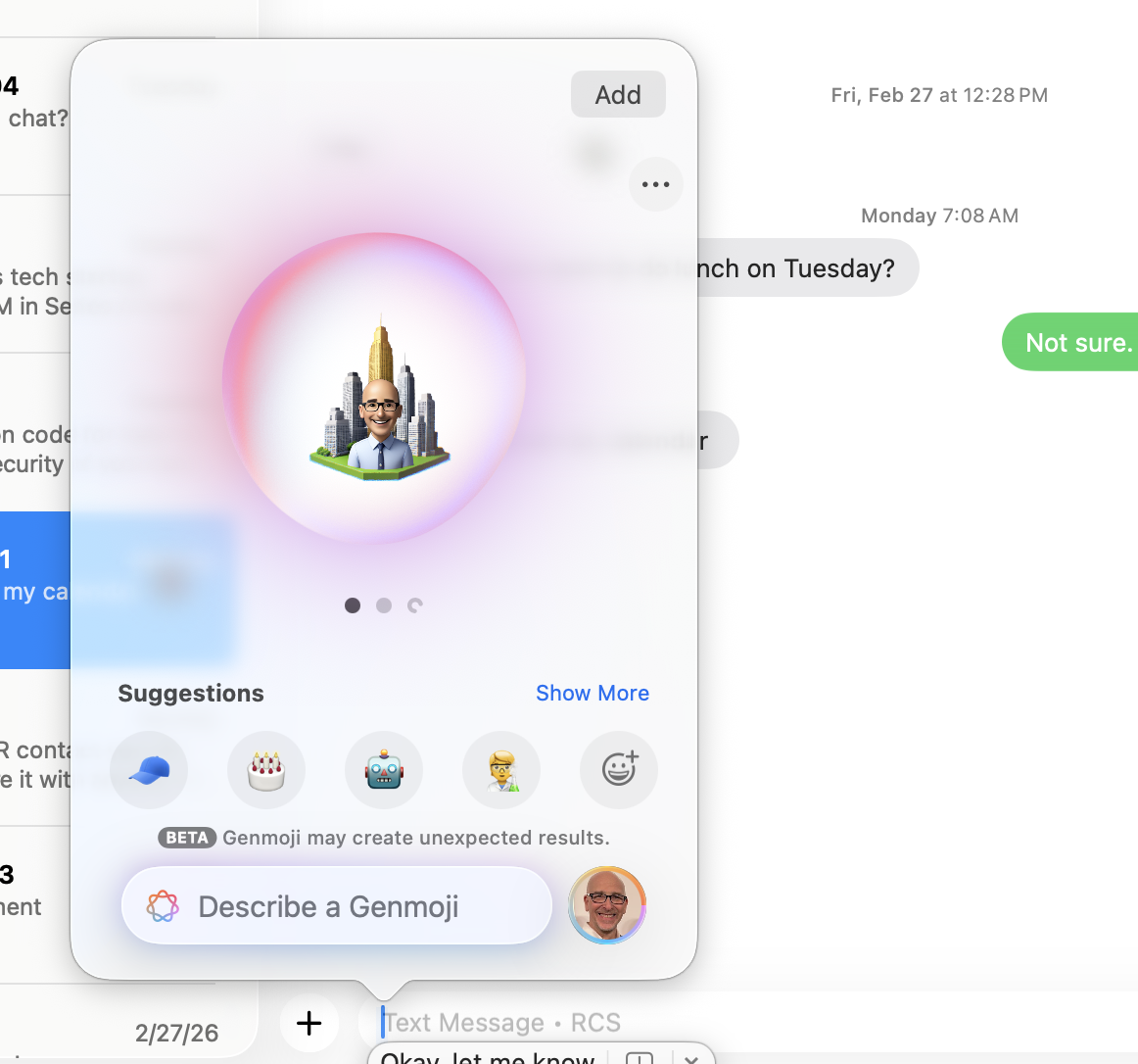

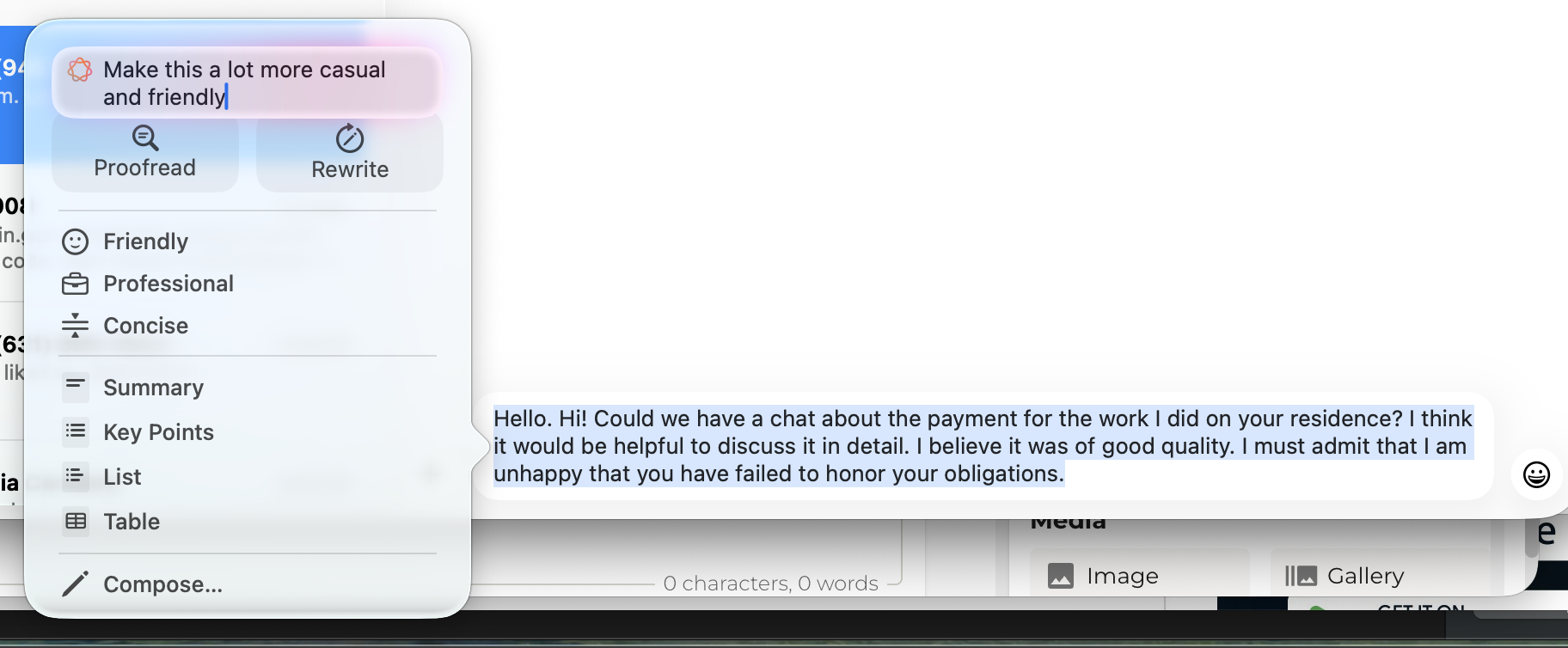
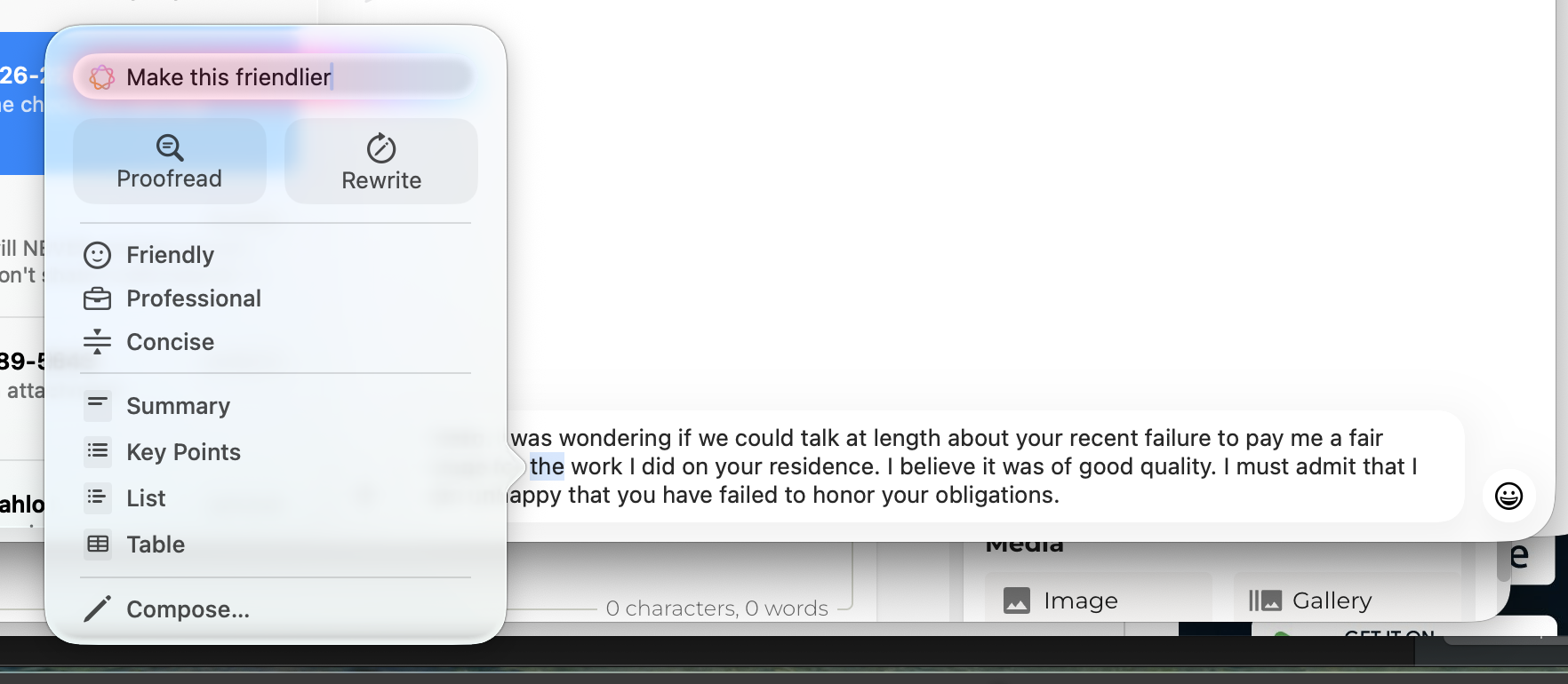

Apple Intelligence does add some useful features like Writing tools to help you sound, say, more intelligent or friendlier in writing, including in Messages. For those who aren't as confident with their writing, this might be of some use. I can imagine other features like Live Translation might come in handy, especially if you work with global teams.
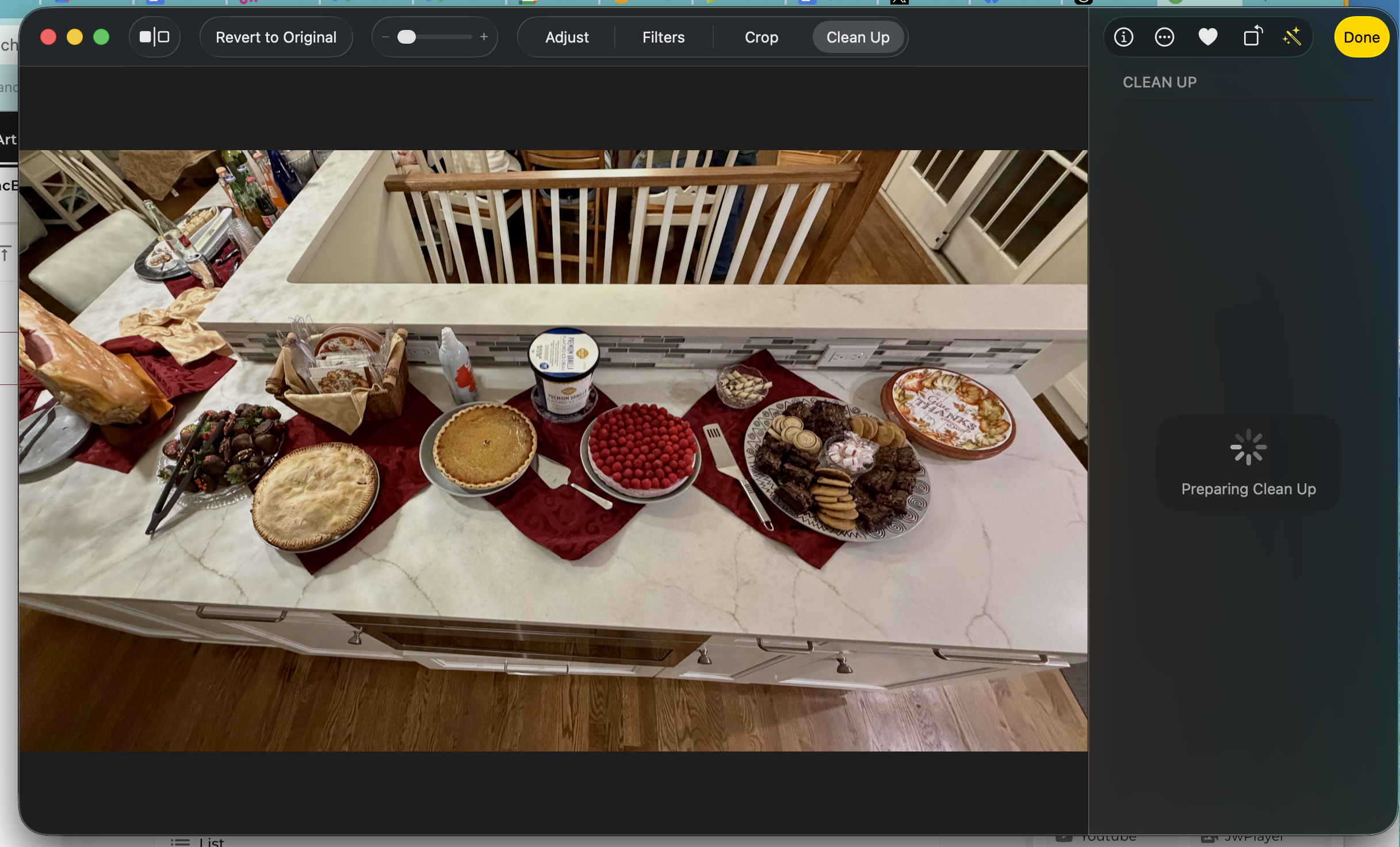
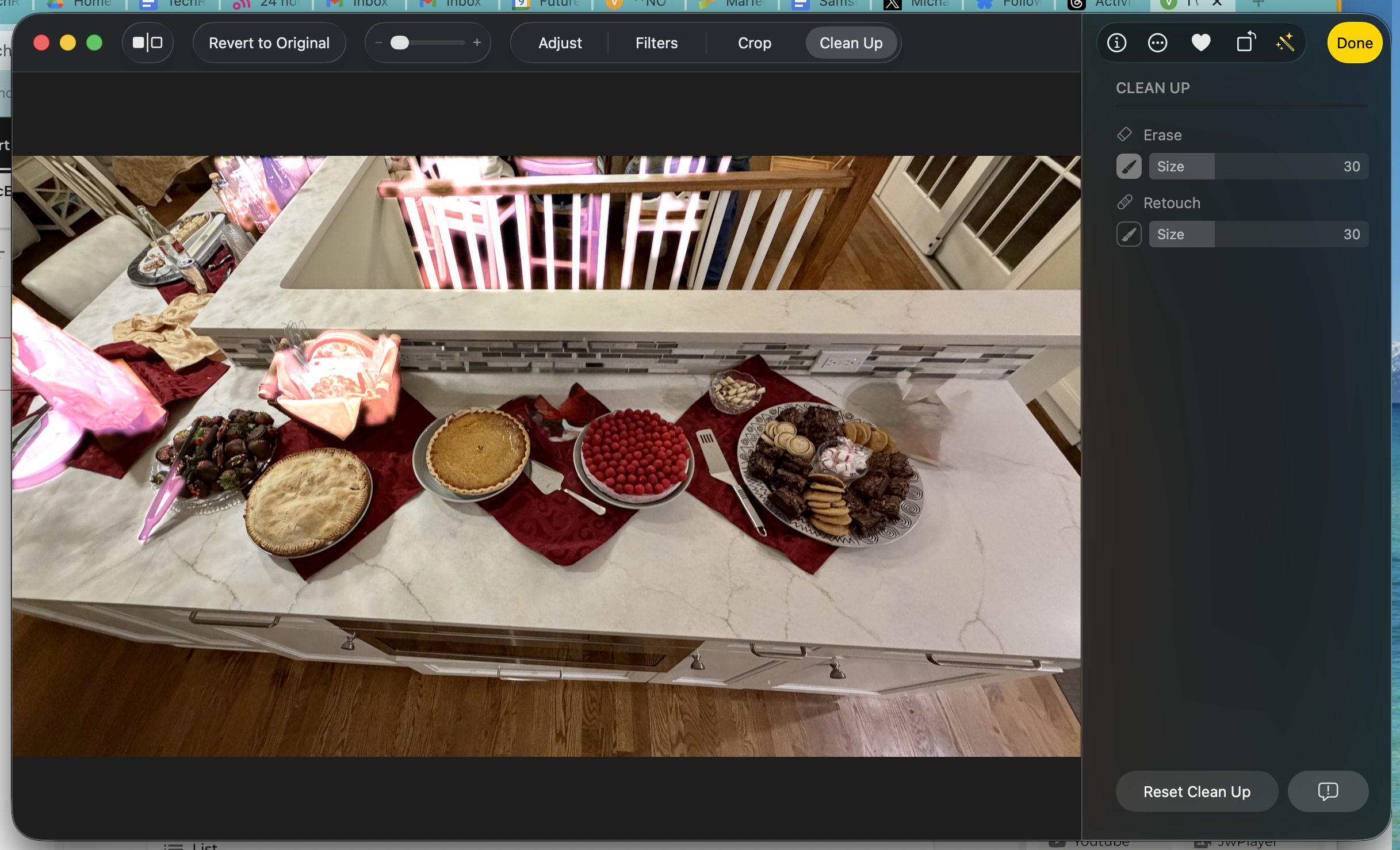
Clean Up in Photos is also a valuable enhancement, especially if you need to remove distractions from photos you want to share, post on social media, or print. Apple Intelligent can't, say, add a lifelike puppy to your photos (or really anything for that matter), but it will do its best to make sure that when you remove something, the revealed background still makes sense. One caveat here: this replacement only works if the object you remove isn't too big. It did a pretty good job when I removed a pie and some whipped cream from my photo of a holiday spread.
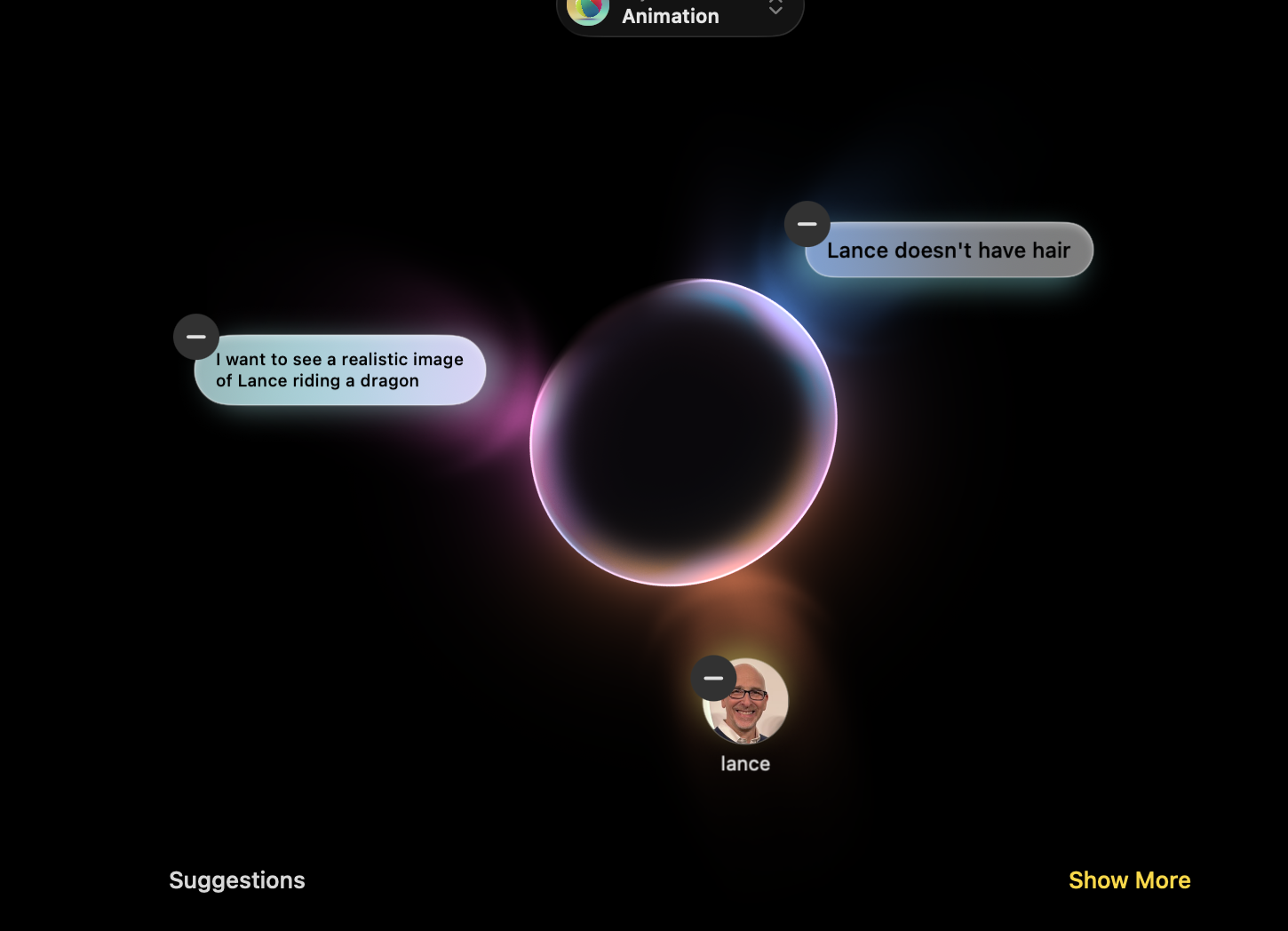
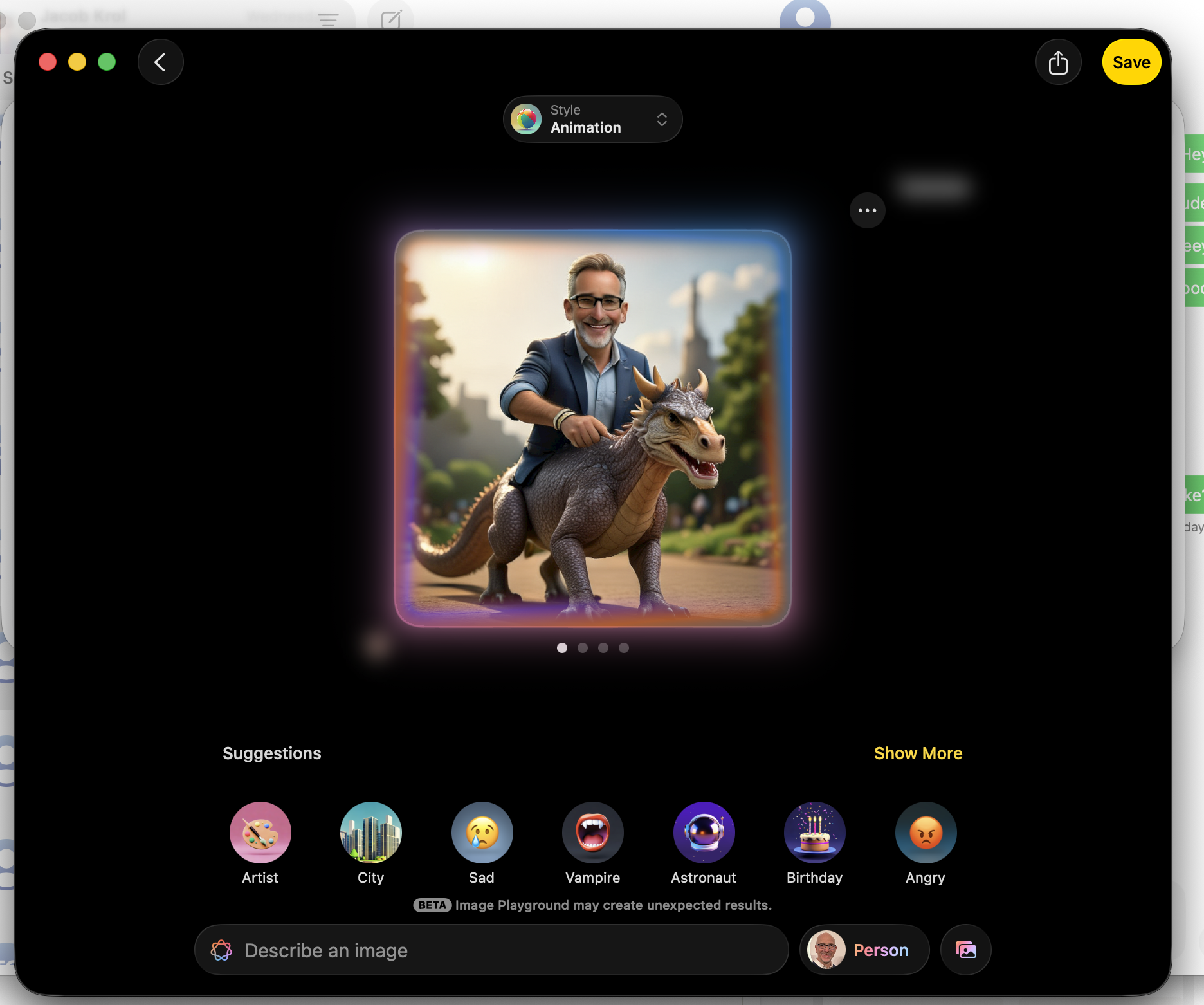
I do not get what the big deal is with Genmojis. Basic emojis are still good enough for me. I was similarly disenchanted with Image Playground.
Despite providing Image Playground with a good headshot of me, its output does not look much like me (it put hair on my head!). Also, Apple's insistence on sticking with cartoonish content creation seems ridiculous when you consider the image generation capabilities found on even the best smartphones.
Siri is obviously part of the system but still lacks the long-promised AI brain transplant. You can get wider answers via the ChatGPT integration, but Siri is still not the master of all things (inside the system and relating to you) that Apple's been promising. I, like many others, await the promised Gemini integration that will likely transform Siri on this MacBook Air and all other Siri-supporting Apple devices.
- Software score: 4/5
Apple MacBook Air 13-inch (M5) review: Performance
- M5 brings all the same power it put on display on the MacBook Pro
- More and faster storage is a very welcome update
- The MacBook Air M5 is truly a workhorse in ultraportable clothing
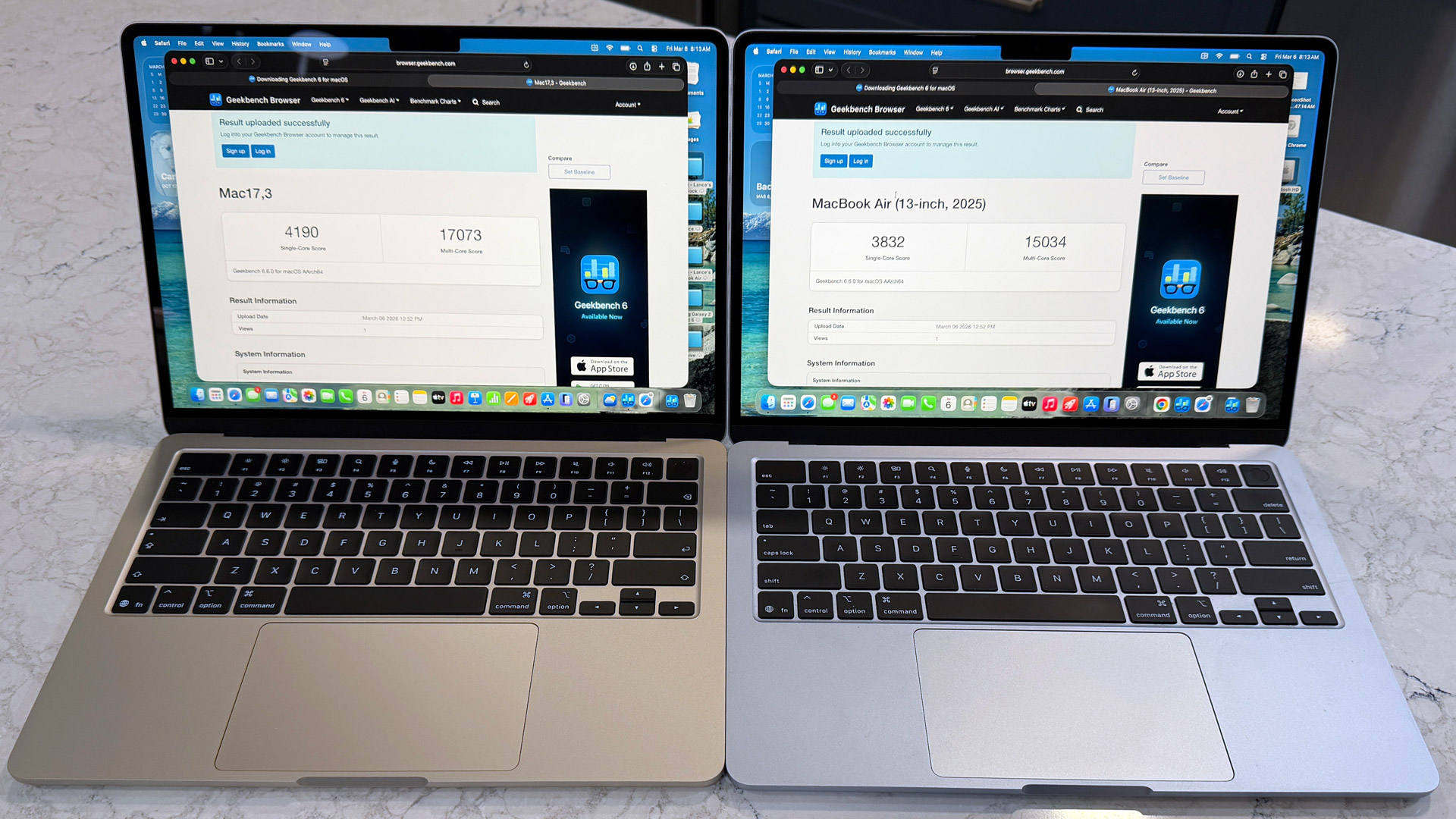
Here’s how the MacBook Air 13-inch (M5) performed in our suite of benchmark tests:
Geekbench 6 Single-Core: 4190; Multi-Core: 17073
Geekbench Metal score (8-core GPU): 49557
Cinebench 2026 Single-core: 729; Multi-core: 2921
Cinebench 2026 GPU: 16872
Battery life (web surfing): 15.5 hours
Apple's MacBook Air line now lives between the new A18 Pro MacBook Neo and the high-performance, heavy-workload M5 Pro (or M5 Max) MacBook Pro. It's meant to be the laptop for every student and office worker who prioritizes portability and battery life over raw power.
(Note: my test system shipped with the 10-core CPU and 10 core GU, so your GPU scores may vary if you have an 8-Core GPU.)
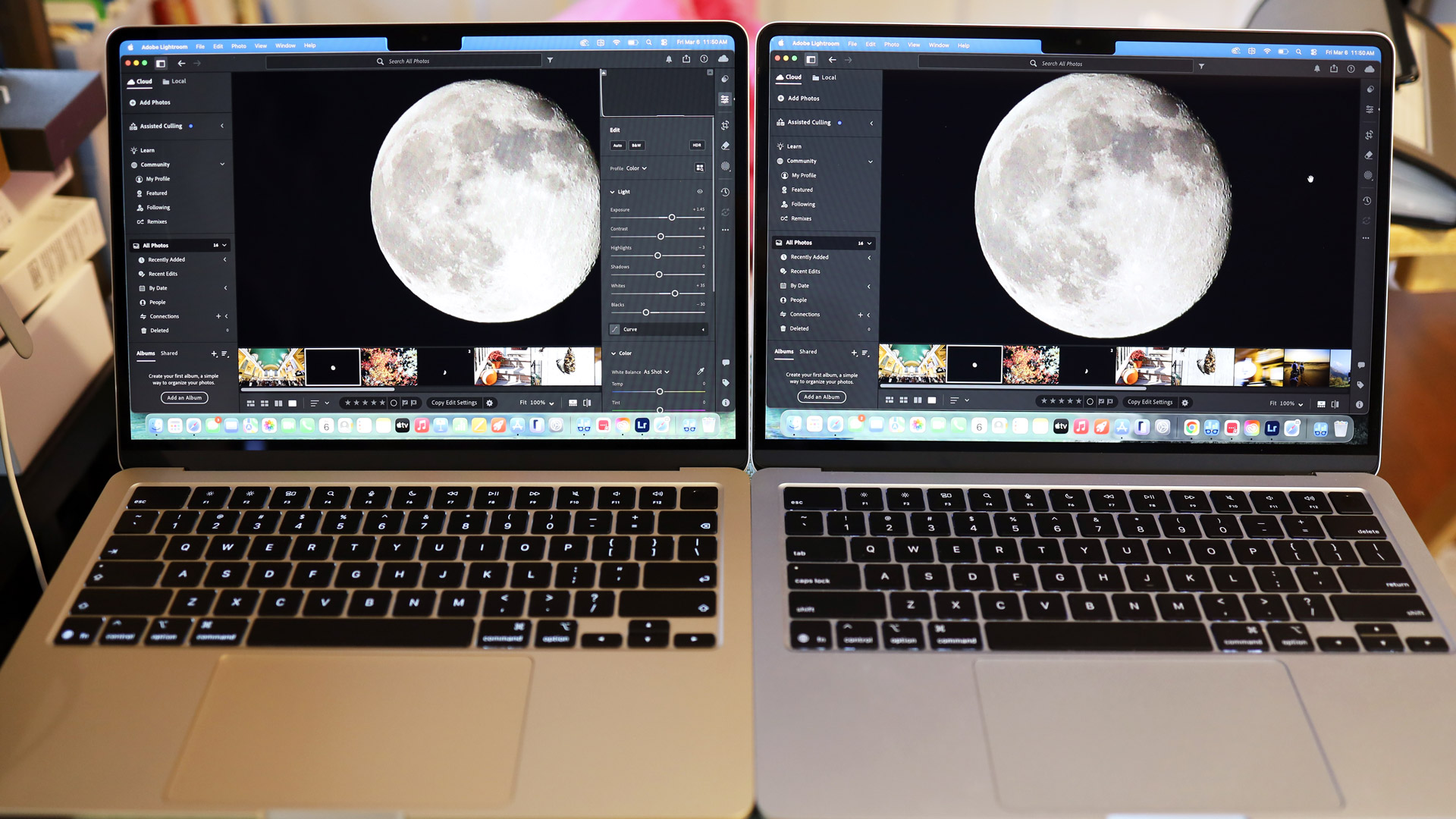
However, even in my early performance tests, I found the new 13-inch MacBook Air M5 more than capable of some pretty heavy-duty tasks.
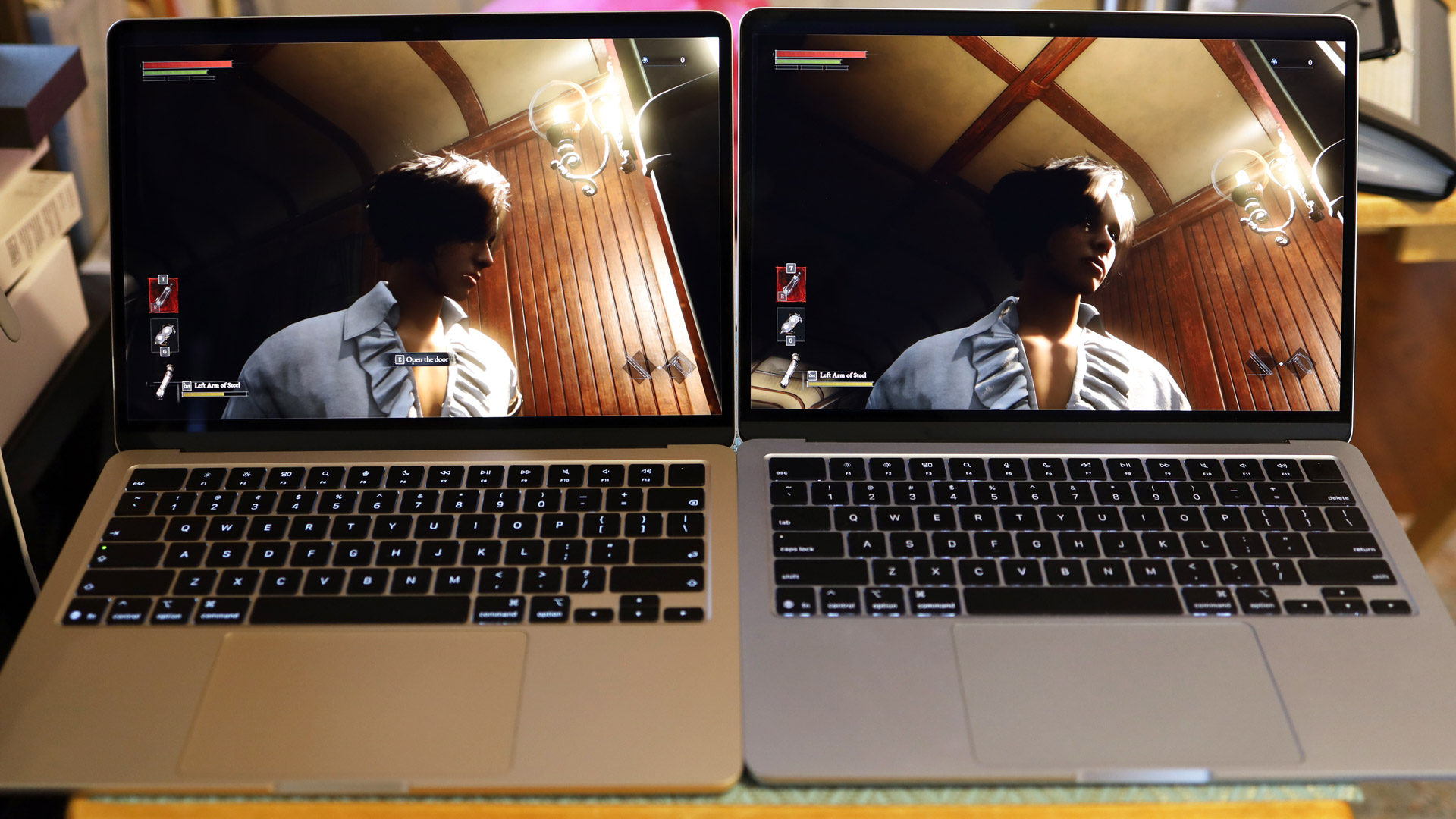
I started by opening Lightroom and loading in some raw images. Then I launched Final Cut Pro and imported an 8K 30 fps video, and then made three copies and started editing a video where all four videos could play at once. Next, I loaded Pixelmater Pro and edited a photo. I also installed Chrome and opened 25 tabs (tuned to TechRadar, of course). After that, I installed and started playing Lies of P. Finally, I installed Steam and downloaded Inzoi, a rich, open-world SIM that sort of overwhelmed me with its choices and scope.
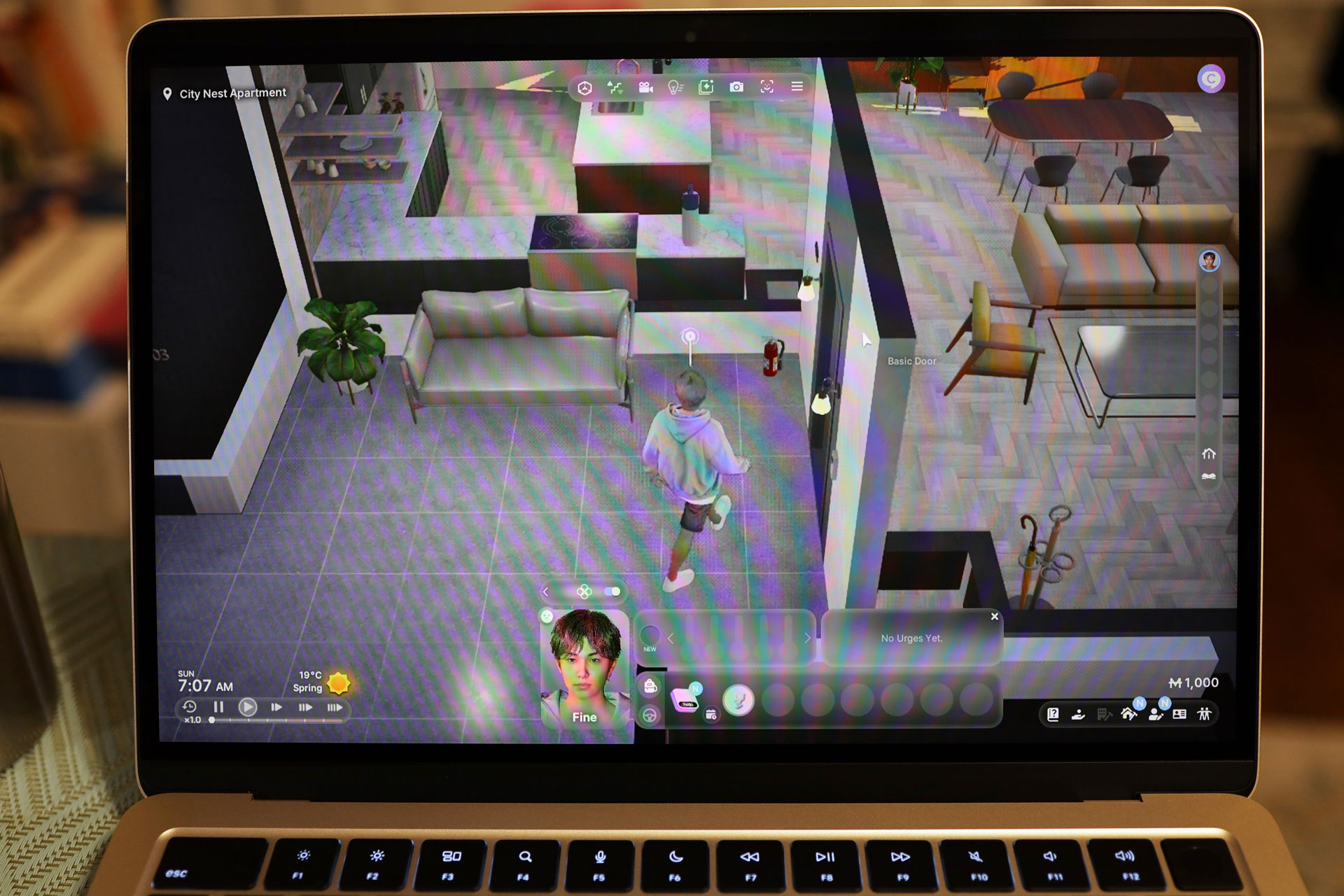
The MacBook Air just kept going. At one point, I got a system message indicating that Inzoi was eating a lot of system processes and battery and that I should consider switching to low power, but when I exited the game, the battery was still near 90%. Overall, I found it difficult to stress the M5 and its 16GB of RAM.
Perhaps more exciting for your day-to-day efforts, the MacBook Air line now starts with 512GB of storage, and faster storage at that.
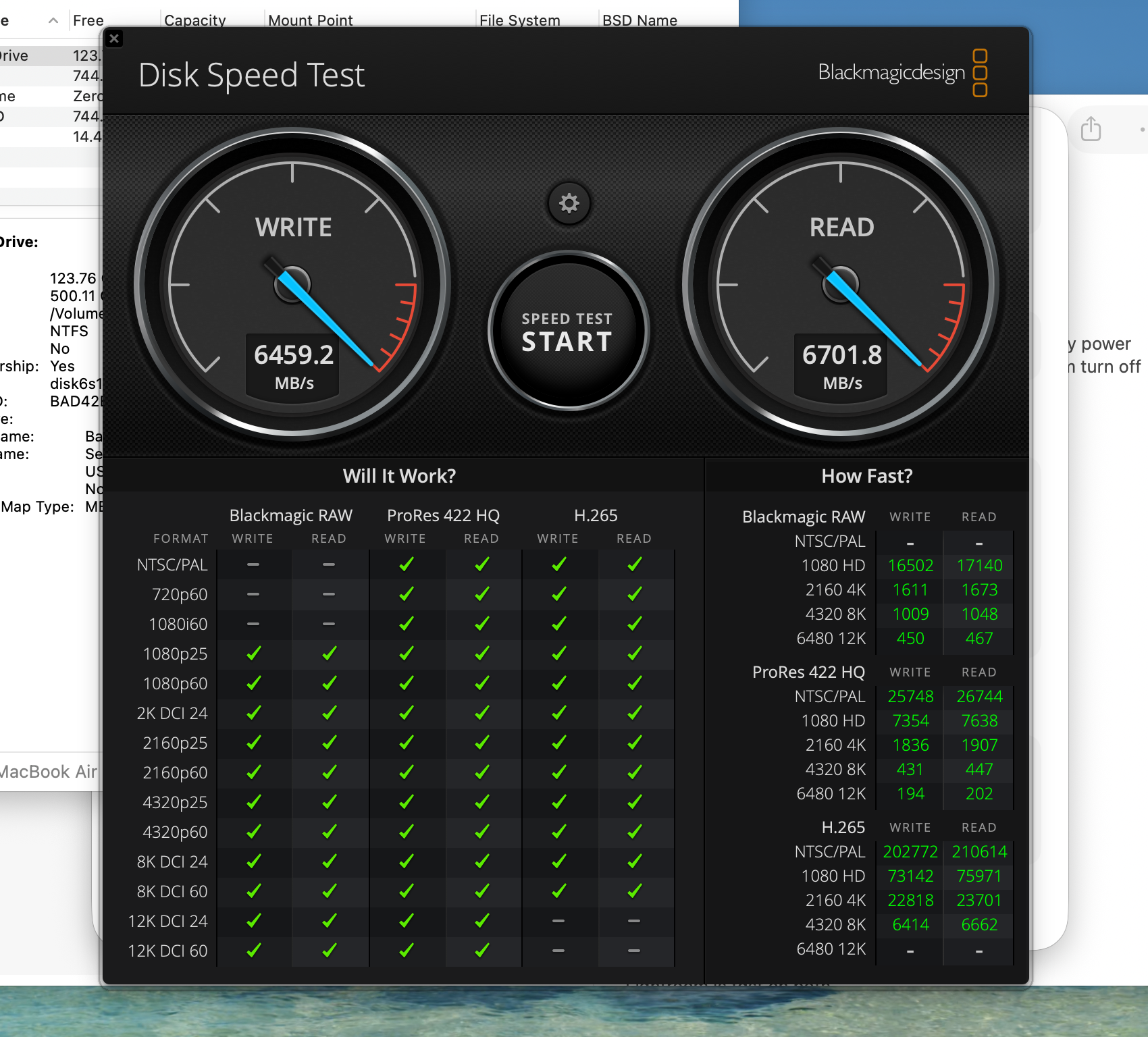
I ran the BlackMagic Disk Speed Test on the new M5 MacBook Air and on the MacBook Air 13-inch with an M4 chip. My M5 test system has a 1 TB drive, and the M4 only came with a 256GB SSD; however, I do not believe storage capacity has any bearing on these tests.
|
Write (MB/s) |
Read (MB/s) |
|
|
MacBook Air M5 |
6459.2 |
6701.8 |
|
MacBook Air M4 |
845.2 |
288.2 |
As you can see, the differences are stark. The new MacBook Air M5 SSD is faster on both read and write tasks. The payoff should be in system launch, app performance, and other operations.
Overall, the M5 chip, ample RAM, and a larger and faster SSD mean this is a powerful and efficient system that will satisfy most users, and may be enough for quite a few pro users, too.
Connectivity got an upgrade, as well, with Apple's N1 chip bringing WiFi 7 and Bluetooth 6 support, two moves that help set itup for the foreseeable future of wireless communication.
- Performance score: 5/5
Apple MacBook Air 13-inch (M5) review: Battery life
- 15 and a half hours of battery life (web activities)
- Effectively lasts all day (mixed use)
- Charges to 50% in 30 minutes with the included 40W charger; 100% in just over 2 hours
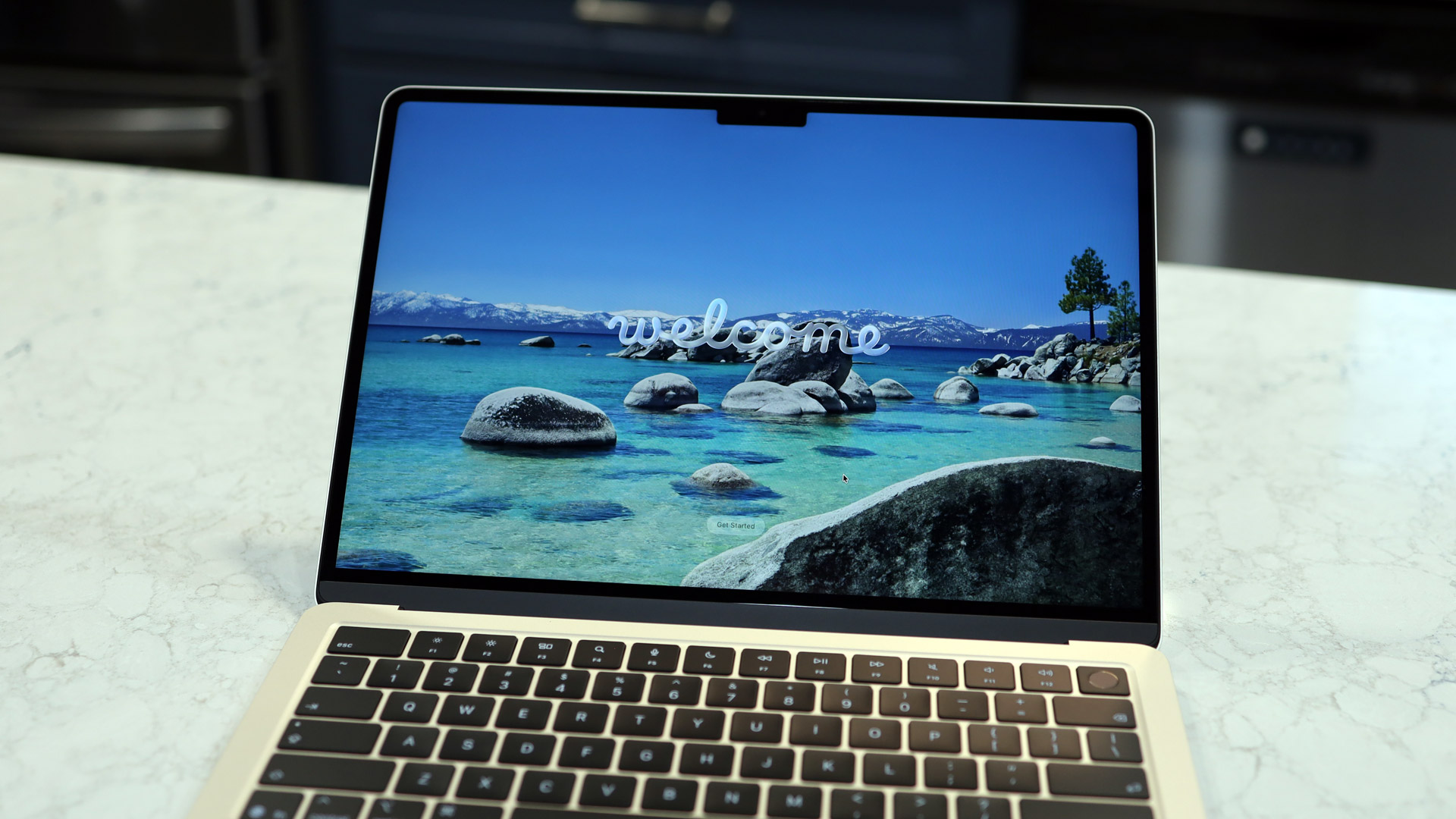
The 3-nanometer M5 inside my new 13-inch MacBook Air isn't just faster, it's more efficient, squeezing another hour and a half of battery life out of the system over what our Future Labs tests found with the M4 MacBook Air.
What's more, in mixed use, I got closer to the promised 18 hours of video streaming that Apple claims. No matter how you slice it, this is an ultraportable that can sip power and let you leave your "ABC" (Always Be Charging) worries behind.
When it was time to charge, I used the included 40W charger and MagSafe cable to charge it to almost 50% in 30 minutes. It took about 2 hours to reach 100%.
- Battery score: 5/5
Should you buy the Apple MacBook Air 13-inch (M5)?
|
Attributes |
Notes |
Rating |
|---|---|---|
|
Price |
The MacBook Air 13-inch (M5) is a little more expensive than the M4 before it but with twice the storage, it's still a good deal |
4.5/5 |
|
Design |
Close to a perfect laptop design, with quality materials, excellent build and Apple's exquisite attention to detail. |
5/5 |
|
Display and Center Stage |
Excellent screen with high quality color, and sharpness, Brightness is good, and we've learned to live with the notch. Center Stage camera makes for high-quality video conferencing and calls. |
4.5/5 |
|
macOS and Apple Intelligence |
macOS Tahoe is the complete package, a rich and comprehensive platform that ties in nicely to the Apple ecosystem. I wish Apple Intelligence was more useful but find great utility in every other part. |
4/5 |
|
Performance |
The M5 brings the level of performance we've previously seen on the MacBook Pro. We had trouble finding anything the laptop couldn't do. The faster and more substantial storage paired with 16GB of RAM make this a high-performance ultra portable that we'll love using every day. |
5/5 |
|
Battery life |
Mixed battery life improved and got closer to the possible 18 hours Apple promises if you only stream video. |
5/5 |
Buy it if...
You want the best ultraportable
The MacBook Air 13-inch (M5) doesn't reinvent the wheel, but it does raise the bar for ultraportable performance.
You demand real portability
At 2.7 lbs / 1.24kg, the MacBook Air still lives up to its name.
You need a good blend of power and efficiency
The MacBook Air 13-inch (M4) packs more than enough power for most users and you can bank on all-day battery life.
Don't buy it if...
You still want a touchscreen
Some think this might be the year of a touchscreen MacBook, but I doubt it. The MacBook Air is a perfect, classic laptop, and for touchscreen lovers, there's always the iPad Pro and Magic Keyboard.
You want more useful AI
Apple Intelligence is not the kind of integrated AI we expect from our mobile systems. But changes are on the horizon. Who knows what Siri with Gemini integration will be like.
Apple MacBook Air 13-inch (M5) review: Also consider
|
MacBook Air 15-inch M5 (2026) |
Dell XPS 13 Plus |
|
|---|---|---|
|
Price: |
$1299 / £1,299 / AU$2,199 |
$1,999.99 / £2,049 / AU$3,998.50 |
|
CPU: |
Apple M5 (10-core) |
Up to Intel Core Ultra 9 288V |
|
Graphics: |
Integrated 10-core GPU |
Intel Arc Graphics |
|
RAM: |
16GB unified memory |
Up to 32GB LPDDR5X |
|
Screen: |
15.3-inch, 2880 x 1864 Liquid Retina display, 500 nits brightness, wide color P3 gamut |
Up to 13.4-inch 3K (2880 x 1800) OLED, 60Hz |
|
Storage: |
512GB SSD |
Up to 2TB SSD |
|
Ports: |
2x Thunderbolt 4 (USB-C), 3.5mm headphone jack, MagSafe 3 |
2 x Thunderbolt 4 (USB-C) |
|
Wireless: |
Wi-Fi 7, Bluetooth 6 |
Wi-Fi 7, Bluetooth 5.4 |
|
Camera: |
Center Stage Camera (12MP, 1080p) |
720p, 30 FPS HD |
|
Weight: |
3.3 pounds / 1.51kg |
2.70lbs / 1.21kg |
|
Dimensions: |
13.40 x 9.35 x 0.45 inches / 34 x 21.2 x 1.56cm |
11.6 x 7.8 x 0.58 inches / 29.5 x 19.9 x 1.48cm |
If our Apple MacBook Air 13-inch (M4) review has you considering other options, here are two laptops to consider...
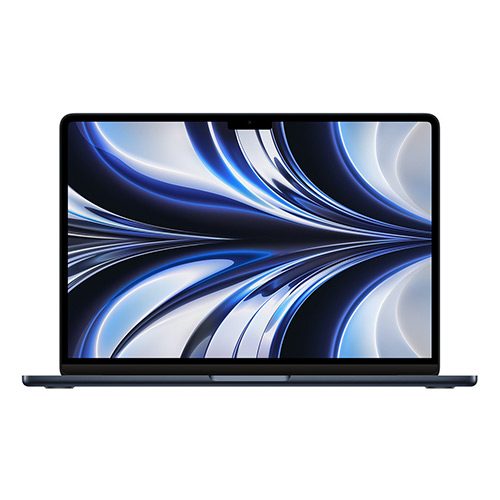
Apple MacBook Air 15-inch (M5)
The MacBook Air 15-inch (M5) is virtually the same as the 13-inch model in every aspect except size (and screen size), but the base model does start with two extra GPU cores.
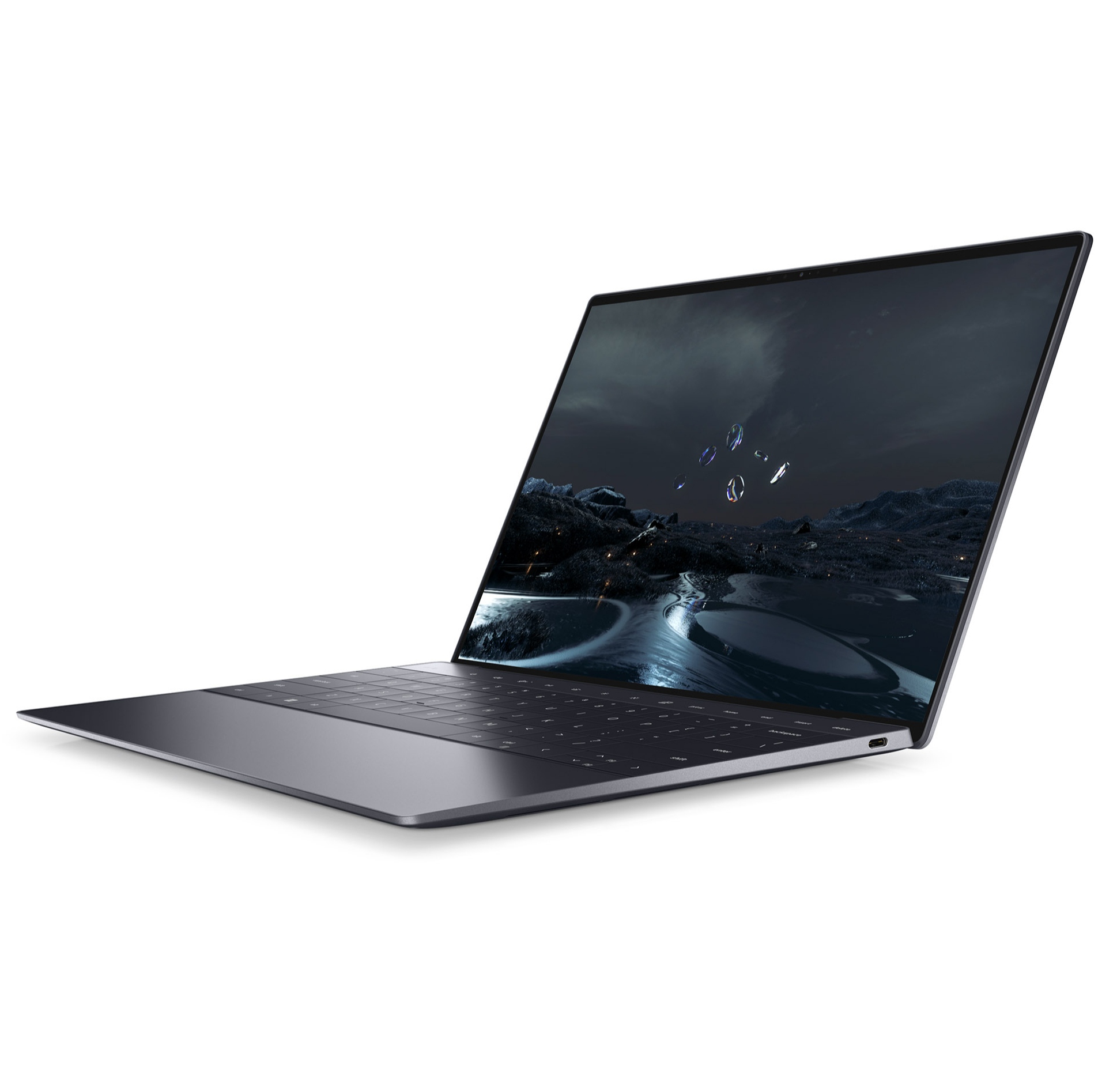
Dell XPS 13 Plus
The latest Dell XPS 13 brings Intel's Lunar Lake chips to the iconic laptop line, delivering truly all-day battery life and strong performance across the board in a sleek and stylish MacBook-esque design. However, issues with the XPS redesign remain, with its edgeless trackpad and adaptive function bar creating some problems with usability that prevent it from reaching true greatness.
Read more: Dell XPS 13 Plus review
How I tested the Apple MacBook Air 13-inch (M5)
- I used the Apple MacBook Air 13-inch (M5) for five days
- I worked, played, listened, edited, and wrote this review on it
- I usually ran multiple apps at once
The 13-inch Apple MacBook Air M5 has been my constant companion since I unboxed it last week.
I worked, played, edited (photos and videos), and gamed on it.
I ran a wide variety of benchmarks, installed Steam, and ran heavy-duty games. I watched some streaming video and did my best to tax the M5 chip. I also spent time comparing it to the M4 chip on my Sky Blue MacBook Air.
I browsed the web, played with Apple Intelligence (it didn't help me write this), and enjoyed every minute of my time with this splendid machine.
I've been reviewing technology for over 30 years, and I've tested everything from DOS-based word processors to Apple's Vision Pro. I've reviewed laptops of all stripes, including traditional clamshells and convertibles. I regularly work on macOS but also use the Windows platform almost every day – I like to keep my hands in all the ecosystems.
First reviewed March 2026


Comments
Post a Comment