I tested the Lenovo ThinkPad T14s 2-in-1 Gen 1 - a fresh spin on my favorite portable business laptop
The Lenovo ThinkPad Lineup has been tried and true for generations of laptop variants, all scoring fairly well in reliability, durability, features vs. price, and all-day usability. The ThinkPad T14s 2-in-1 Gen 1 is a big jump for Lenovo, putting a convertible form factor into their popular T-series lineup and risking cannibalization of their X-Series lineup. But, before we get there, let's dive into this laptop and how it performs on its own, without considering other devices.
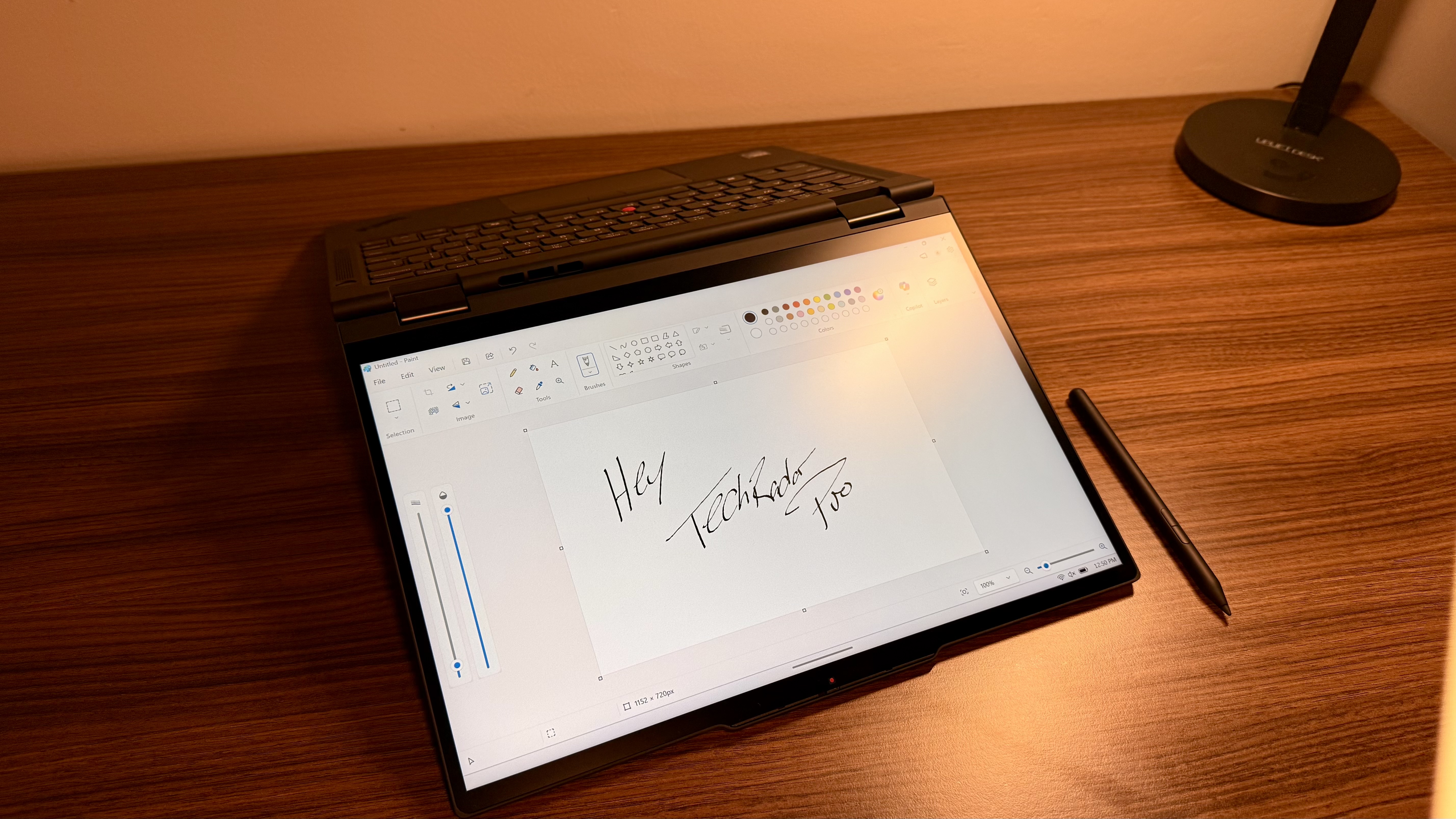
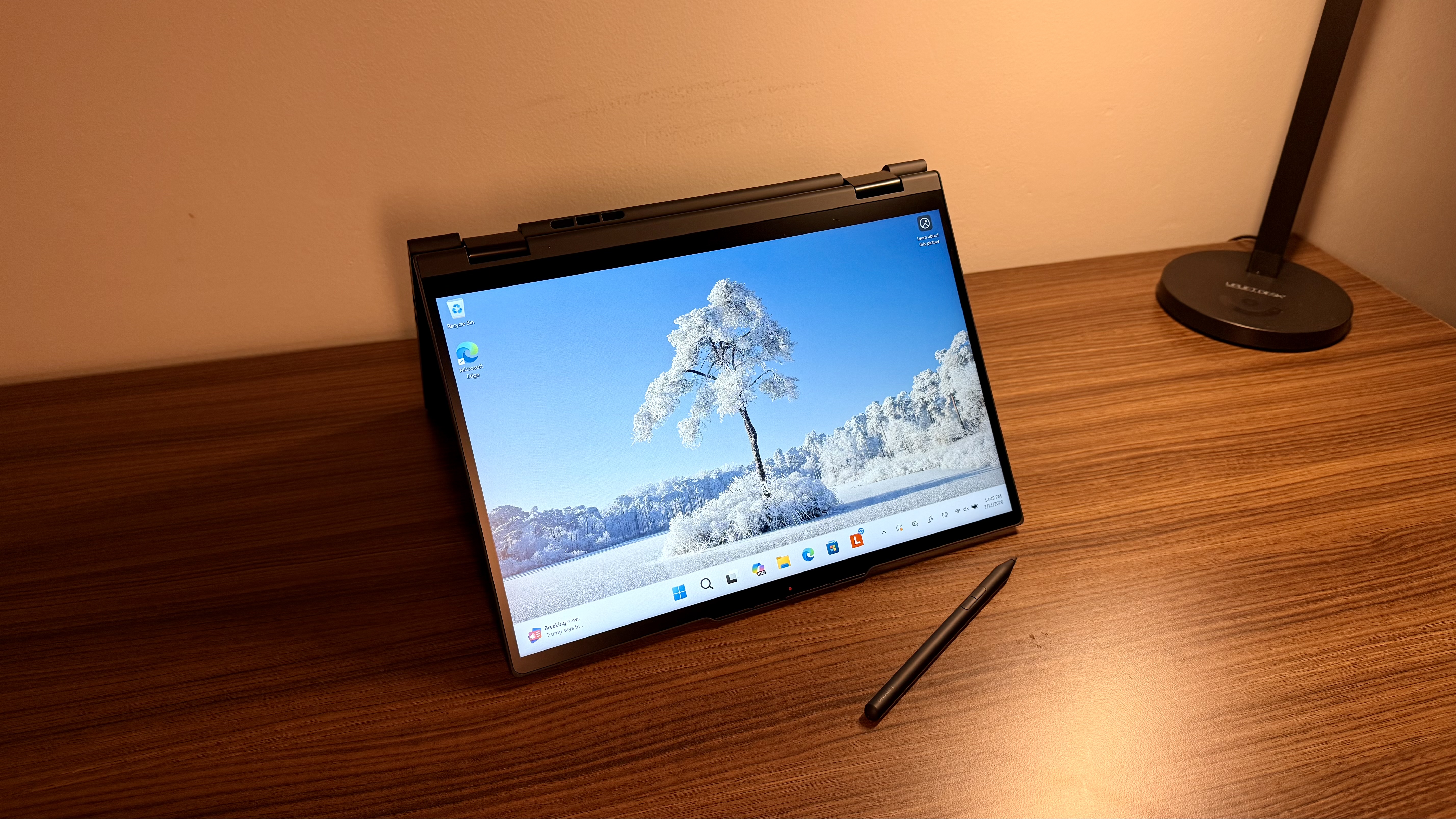
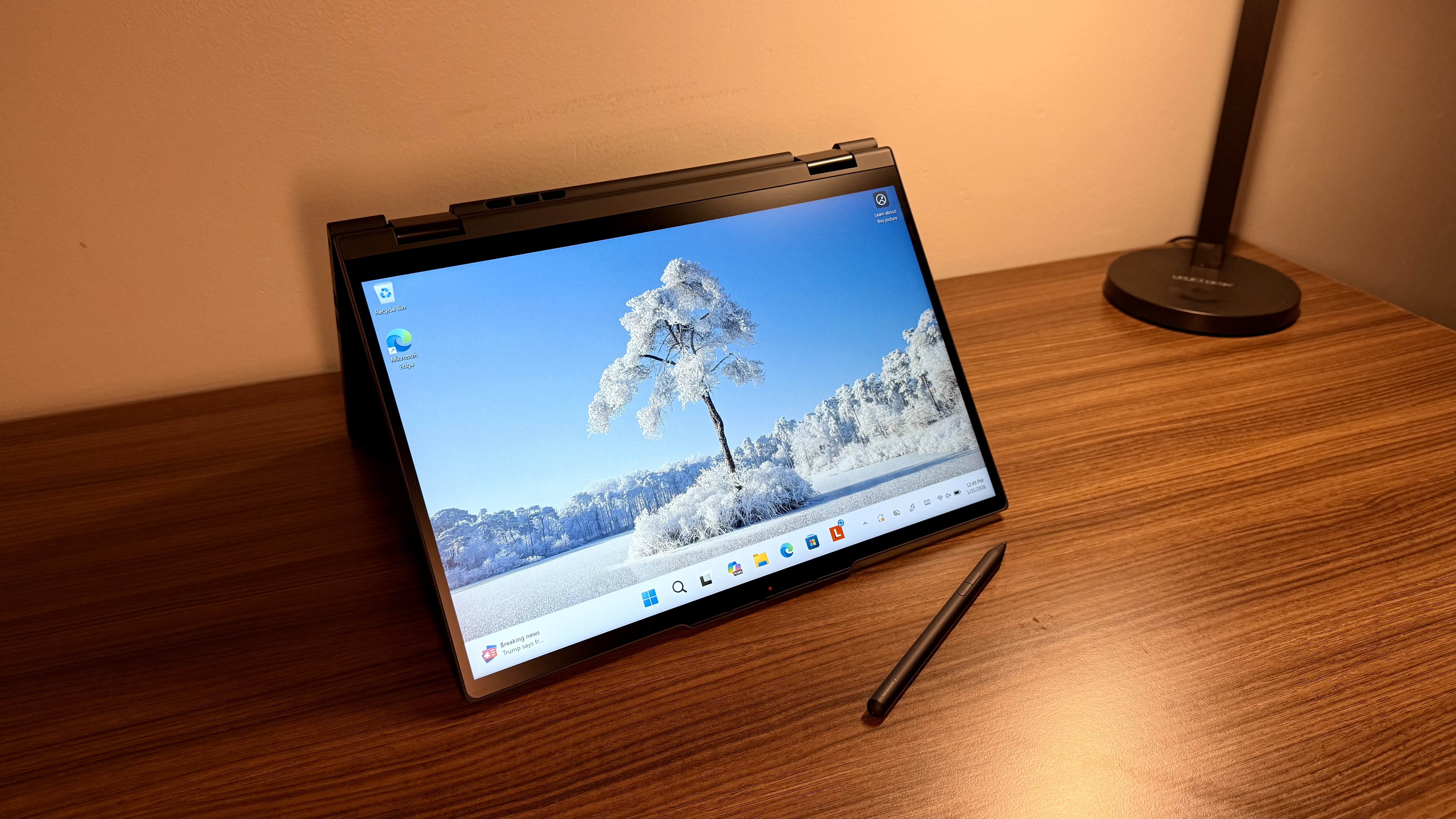
The ThinkPad T14s 2-in-1 Gen 1 is a 14-inch laptop with a screen that can flip all the way around, converting the standard laptop shape into a more traditional tablet shape, all while running the same version of Windows 11. Additionally, this device supports Yoga Pen compatibility, providing another input option if you want to draw, mark up documents, sign contracts, or edit in other ways.
This computer has an Intel Core Ultra 200U series processor, also known as Arrow Lake, balancing performance and efficiency pretty well for this size machine. It’s worth noting that the Lunar Lake variants, unlike the Arrow Lake, are usually a bit more powerful, but for this model, the Arrow Lake is used to balance power to increase battery life. That alone says a lot about the device's intentionality and how it was designed to be used.
This is not designed as a powerhouse; it’s not meant to be the one machine to rule them all, and it’s not trying to break records with its performance. It’s trying to give a good experience when it comes to power, give you plenty for what you will probably actually need in your day-to-day life, all while giving you enough battery, which, if you’re getting a laptop, not a desktop, you probably really care about. As a niche device, it's unlikely to feature in our best business laptop round-up, where the Lenovo ThinkPad X1 2-in-1 Gen 10 stands out as the top 2-in-1 device.
However, this machine is built for those who need laptop functionality, with the added value of being able to mark up documents, photos, or other files. It’s built for people who redline a lot of documents and sign a lot of contracts, but it’s also for those who just need a tried-and-true 14-inch laptop with a few tricks up its sleeve. It’s not trying to be the most powerful machine, nor the most lightweight, it’s not trying to be the most brilliant display, or the best battery life ever. What it’s trying to do is give you a good amount of everything, all while staying at a decent price range.
Lenovo ThinkPad T14s 2-in-1 Gen 1: Price and availability
The Lenovo ThinkPad T14s 2-in-1 Gen 1 starts from $1345 / £1830, available from both Lenovo US and Lenovo UK, as well as many online retailers.
There are, of course, options to buy from other retailers as well if you want to. The model I have reached is just over $2,000 and features an Intel Core i7 265U, 32GB of RAM, and 1TB of SSD Storage. For this review, I also have the Yoga Pen, which is an optional accessory and comes with some packages.
Lenovo ThinkPad T14s 2-in-1 Gen 1: Unboxing and First Impressions
If you’ve unboxed one Lenovo ThinkPad, you’ve unboxed them all, at least up until this point. The vast majority of ThinkPads use near-identical packaging. This one has a matte-black box, minimal branding, and recyclable cardboard inserts. Personally, I’m thrilled to see less and less Styrofoam. Not sure if it’s my musical background that hates the sound or something else in me that hates the way it squeaks, but regardless of the reason, I am thrilled to see more cardboard.
Within the packaging is the ThinkPad, the charging brick, the USB-C Cable, documentation, and then the pen came separately. One thing that took a second to get used to, as an avid iPad user, is that this pen needed to be recharged via USB-C, I guess much like the entry-level Apple Pencil. Not a huge downside since the battery lasts for a while and recharges quickly, but worth noting.
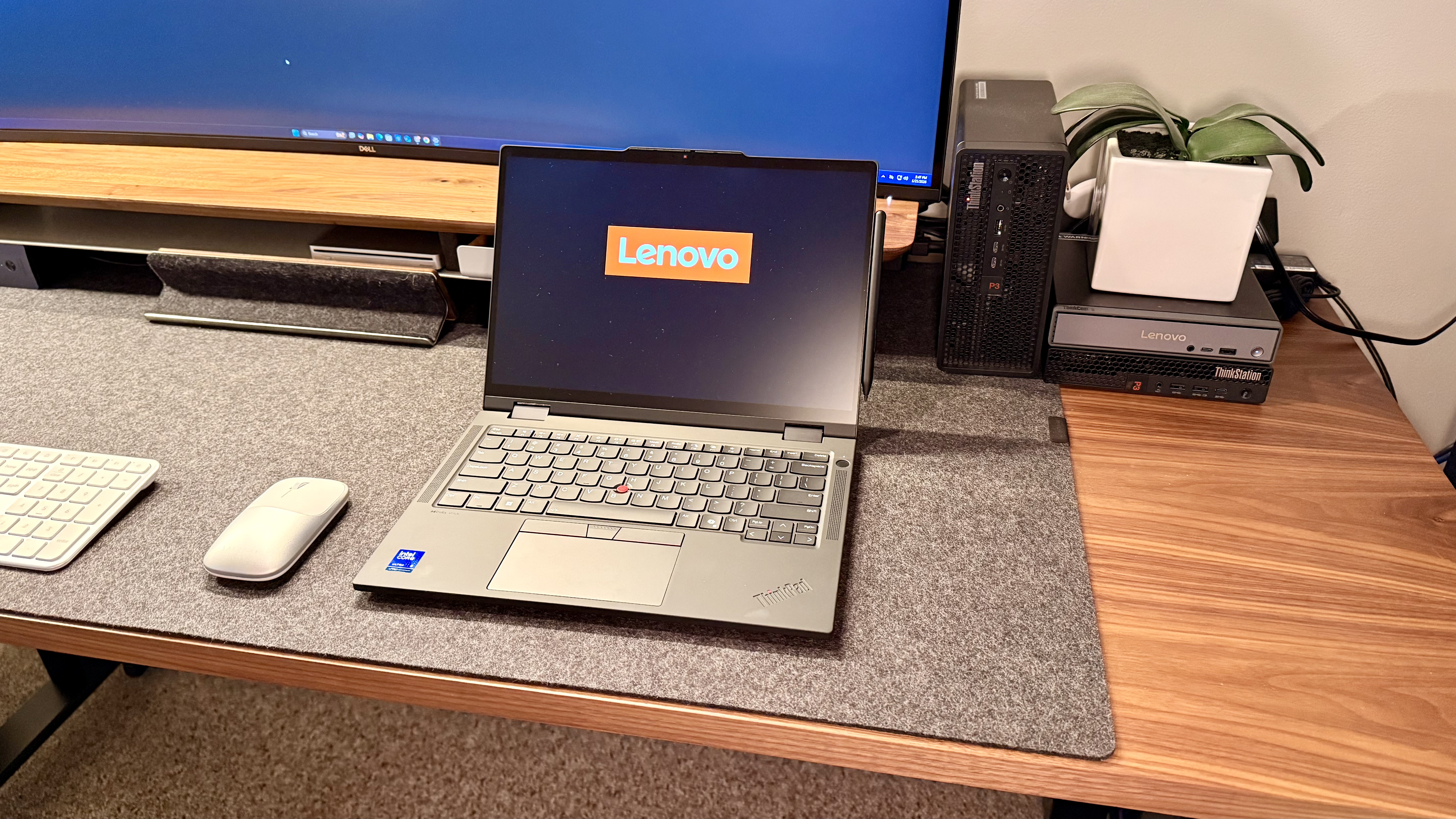
Right off the bat, the build quality and aesthetic of the ThinkPad shine through. The now-standard business professional look, the standout ThinkPad badging, and the little red light. Once you open the machine, the keyboard has a bright red touchpoint in the middle, along with the physical trackpad buttons for clicking.
Of course, with any 2-in-1 device, one of the first things I try is the hinge. This one feels very sturdy, no wobble or weak spots, it feels like it was, obviously, meant to do this, and do it a thousand more times and beyond. I didn’t have any worries about the build quality or the hinge's longevity, unlike other 2-in-1s I’ve seen that have the hinge snap after just mild use.
All in all, the laptop's first impression was solid. It feels good, it looks good, it works… good…. It operates in a really positive manner, and it feels like something that could handle the daily grind as a daily driver.
Lenovo ThinkPad T14s 2-in-1 Gen 1: Design & Build Quality
ThinkPads have always been known for their reliability. Believe it or not, I’ve been off of social media for the last 5+ years. What I do have is YouTube though, and I’ve now seen on my algorithm (as nerdy and niche as it probably is) people who are restoring old and dated ThinkPads with simply a new battery after the old ones were left plugged in for literally years and maybe adding some storage and sending them back out the door as fully functional devices for another few years. That’s wild. The hardware holds up, the keyboards stay snappy, the hinge holds strong, and the style, thanks to Lenovo keeping it simple, has stayed intact. Not many companies can say that. Some can, but not a lot.
Adding a 360-hinge to this tier of ThinkPads makes sense, especially because, with how Lenovo does it, you could never use these devices in tablet mode without feeling like you’re getting a partial laptop experience. Nay, rather, Lenovo makes it a simple value-add, not a form-factor change or compromise. With some devices, you can tell it’s a 2-in-1 because there are compromises in how a “real” laptop functions, but with the ThinkPads, whether they are 2-in-1 or not, they all function at the same level — and that’s impressive.
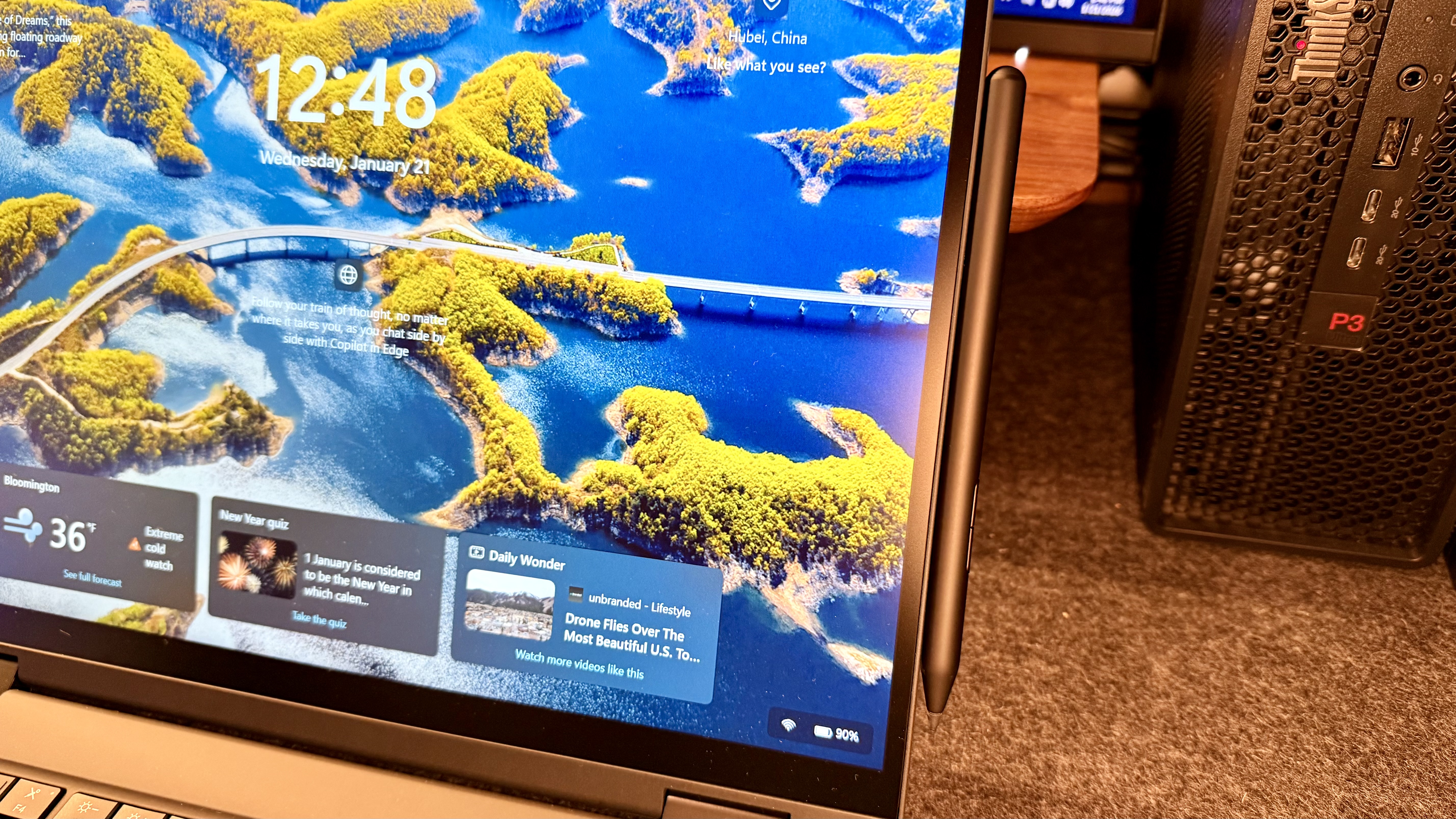
Moving on, the Lenovo Yoga Pen, which works with this ThinkPad, magnetically attaches to the side of the display, not the top or bottom. At first I wondered why they chose that placement, and then a mere moment later as I was testing tablet and tent mode, I realized that if the pen was at the top then it would have to be removed, or get knocked off, if used in tent mode, and Lenovo probably is a bit smarter than I am, so they thought ahead and chose to put it on the right side of the display.
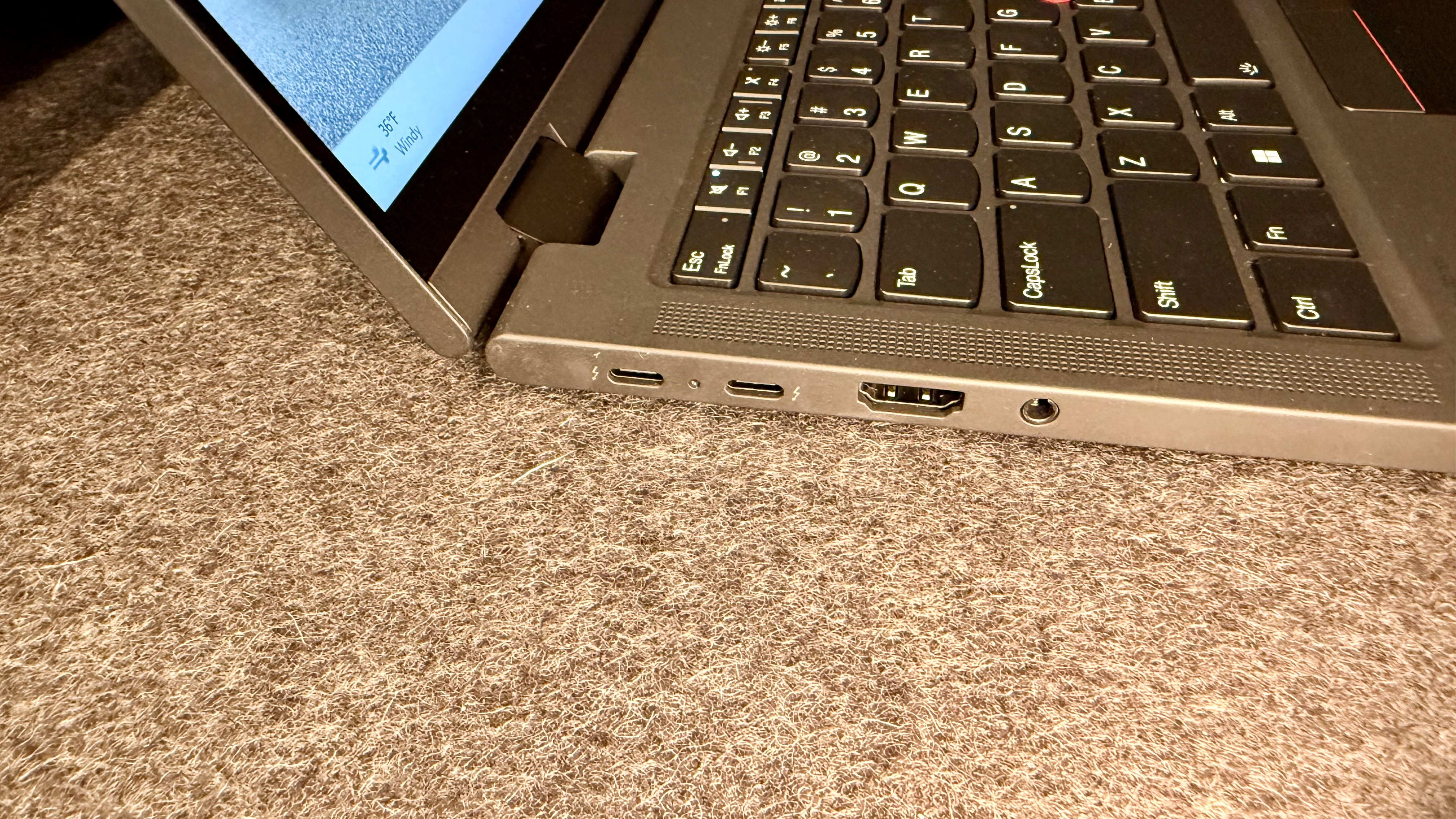
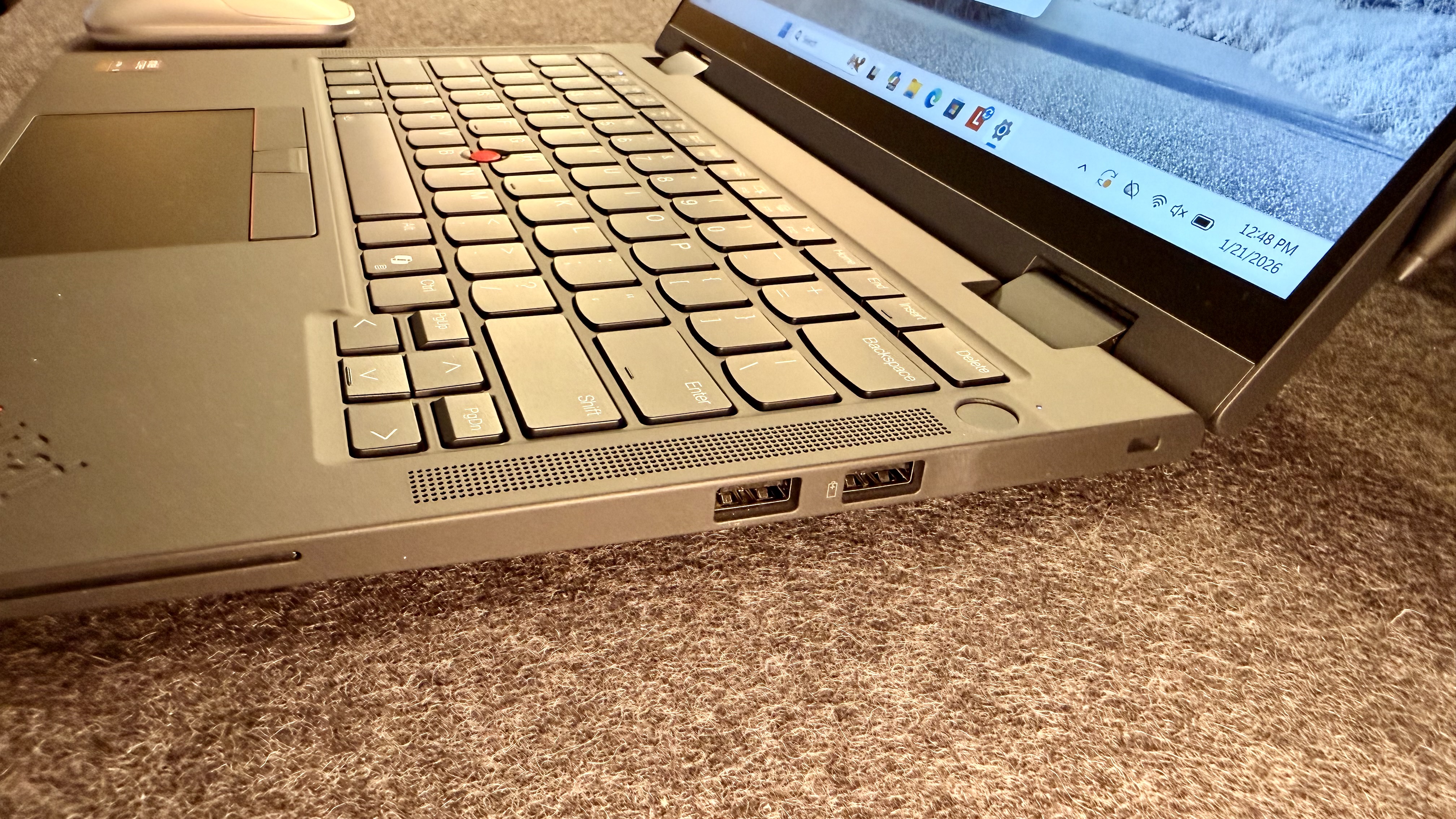
When it comes to ports, I am genuinely shocked at what they can fit in these machines. There is barely enough thickness, yet Lenovo says “hold my adapter” and squeezes in a full-size HDMI port, two USB-A ports, two USB-C ports, a headphone jack, an optional Nano SIM, and an optional Smartcard reader. For this size laptop, that still blows my mind.
For those of you who maybe don’t treat your laptop like a newborn baby, you’ll be pleased to see the MIL-STD-810H, which ensures that your laptop can withstand all sorts of treacherous things you may allow to happen. Though I’ll still always suggest a good laptop bag from any number of spectacular companies like Nomatic, TimBuk2, Bellroy, Troubadour, or Airback, to name a few of my favorites.
Lenovo ThinkPad T14s 2-in-1 Gen 1: In use
I’ve got a fleet of laptops that I rotate. As I’ve said in past reviews, I usually carry two laptops, my iPad mini, and rotate between one to four workstations throughout any given day. I have 8 backpacks that I actively rotate through, and a team that helps me run extended tests to ensure longevity and multi-use cases. This laptop has been in my bag pretty frequently and has been good to great to use, depending on how you look at it.
If you look at this laptop compared to other devices in the ThinkPad line-up, I am admittedly a bit confused about why you’d choose this laptop over the X1 2-in-1 Gen 10. Unless, of course, you desire the longer-lasting battery and you care less about the higher-resolution display and more about either saving that money or putting it back into the machine for a higher-grade chip, RAM, or storage.
If you’re in that camp, then this, on its own, is a great device. On the basis of being a business professional machine that doesn’t need a high-end display, this laptop is flexible, durable, reliable, powerful, has a great battery, looks great, supports touch input, and has great ports.
I’ve taken this machine into meetings with me, where there are elements I can’t or don’t want to type out, so I whip out the Yoga Pen and jot down or sketch what is being described. I’ve used this to sign contracts, I’ve used it to edit some of my own writing and others, marking it up with “red ink” and sending it back, I’ve also used this as a great way to draw out ideas for a project I am working on where we are remodeling an area of an office and we wanted to get on the same page for design. I will say, this display is only 60Hz, so don’t expect a brilliant experience that’s just like pen and paper with this, but it will get the job done for basic tasks in the moment without having to grab another device or even worse, actual paper (ha!).
Beyond its uses as a Yoga Pen, this laptop has been incredibly comfortable to type on for long periods. The trackpad is responsive and easy to get used to. I still personally have to remind myself to use the touchpoint, but when I do, I am always pleased with how easy it is.
Yes, the display isn’t the best, but for professional business use, plenty of people still use 1080p in the real world, and this display works great for them.
Lenovo ThinkPad T14s 2-in-1 Gen 1: Final verdict
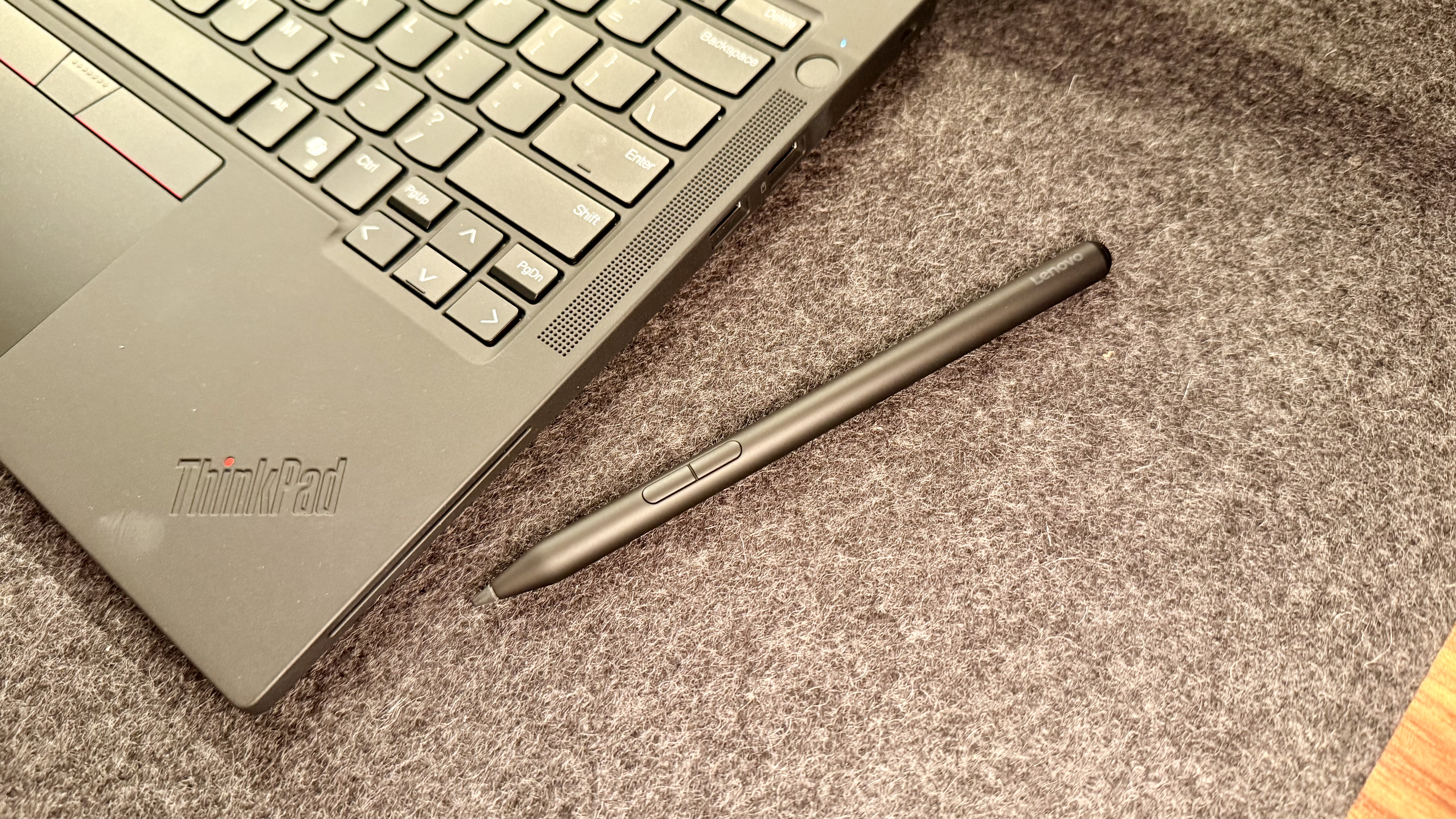
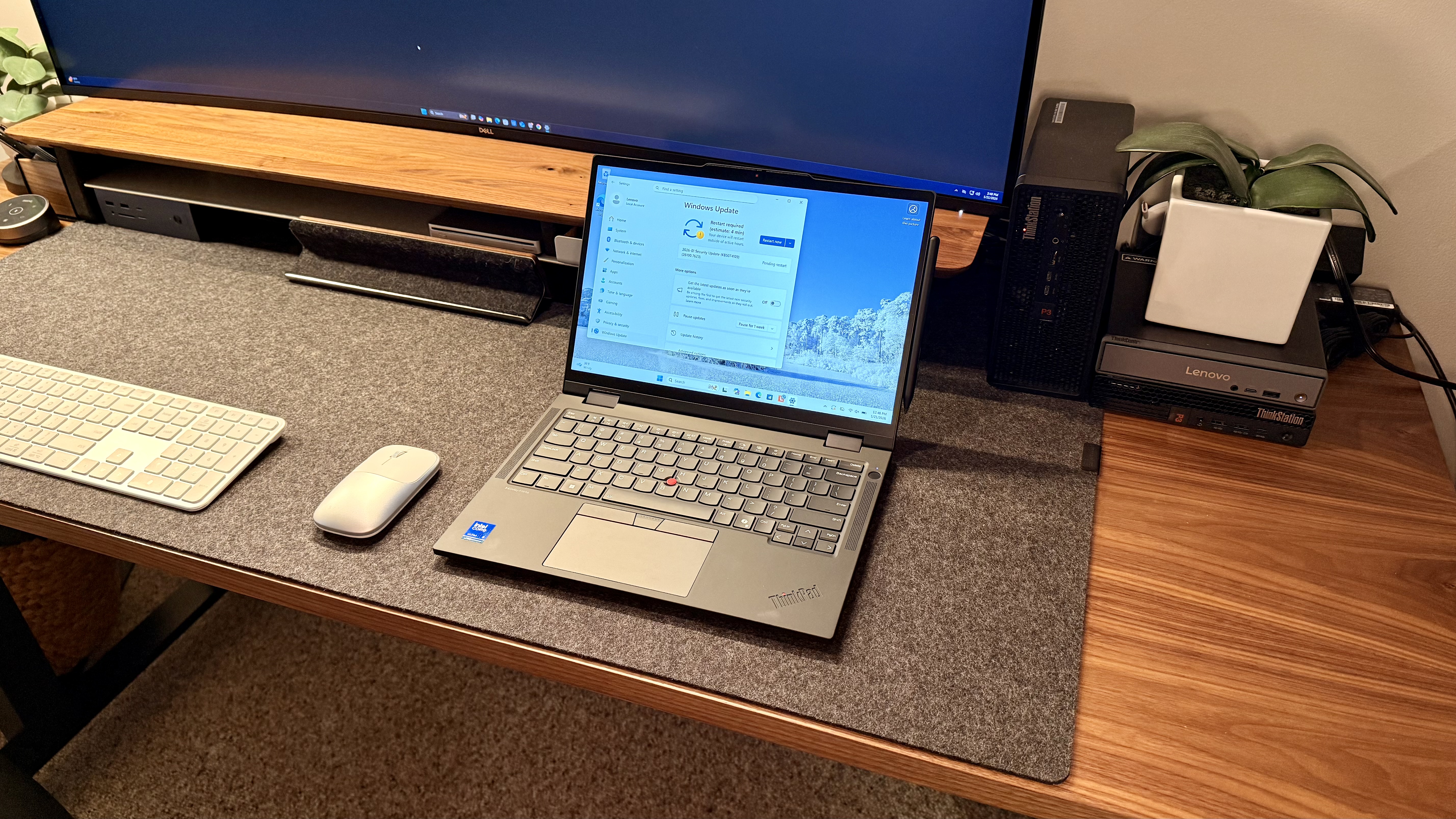
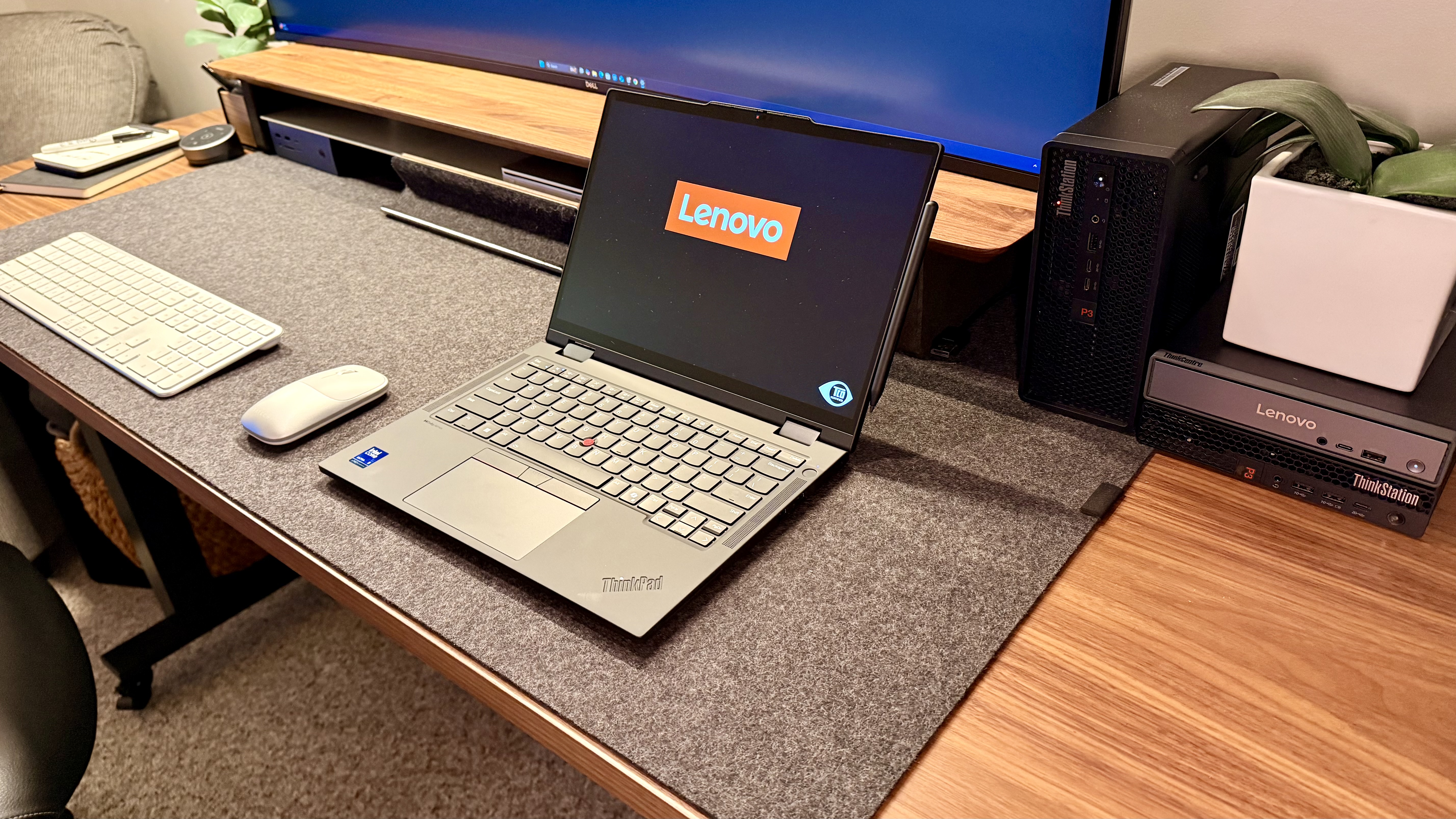
The Lenovo ThinkPad T14s 2-in-1 Gen 1 marks a solid debut for the T Series convertible lineup. It balances Arrow Lake efficiency with all-day battery life, ThinkPad durability, and genuine pen input versatility. The user-replaceable battery and MIL-STD-810H certification make it a smart long-term investment for mobile professionals who need flexibility without sacrificing reliability. While the Full-HD display and 60Hz refresh won't wow creative pros, business users prioritizing portability, battery life, and that iconic ThinkPad keyboard will find this to be a capable, dependable companion.
For desktop picks, we've tested the best business computers.


Comments
Post a Comment