Google SEO Tools review
Google dominates search, so it makes sense that its own set of search and analytics tools would be among the most powerful available, even if they're all free to use. Whether you run a small personal blog or a large e-commerce site, Google offers a suite of tools that lets you understand how people find you online, what they're searching for, and how your pages are performing in real time.
In this review, we take a close look at the main tools Google offers for website owners and SEO professionals: Google Analytics 4, Google Search Console, Google PageSpeed Insights, Google Trends, Google Keyword Planner, and Google Business Profile. We'll walk you through what each tool does, where they shine, and what they're still missing compared to paid alternatives.
Google SEO tools: Plans and pricing
|
Plan |
Starting Rate |
|---|---|
|
Google Analytics (Standard) |
Free |
|
Google Analytics 360 |
Custom |
|
Google Search Console |
Free |
|
Google Trends |
Free |
|
Google Keyword Planner |
Free (Requires a Google Ads account) |
|
Google Business Profile |
Free |
|
Google Ads |
Variable (Pay-per-click) |
All of Google's core SEO tools are completely free to use. You just need a Google account to get started. However, Google Ads operates on a pay-per-click model and Google Analytics 360 is an enterprise-grade upgrade available for large organizations.
Google SEO tools: Features
Google's free SEO toolkit remains one of the most comprehensive available at any price point. Across Analytics, Search Console, Trends, Keyword Planner, and Business Profile, you get a full-stack view of your site's visibility. It's broad enough to serve solo bloggers, yet deep enough for professional teams managing large properties.
The tools are best suited to users who are already operating within the Google ecosystem. Because everything ties back to Google Search, the data you receive is first-party and highly accurate. That said, the lack of a unified dashboard still means you're jumping between separate interfaces to get the full picture.
Yet what Google does particularly well is continuous iteration. In 2025 and 2026, Search Console received a string of meaningful upgrades that close the gap with paid SEO tools. Below, we've broken these down under dedicated sections.
Google Analytics 4
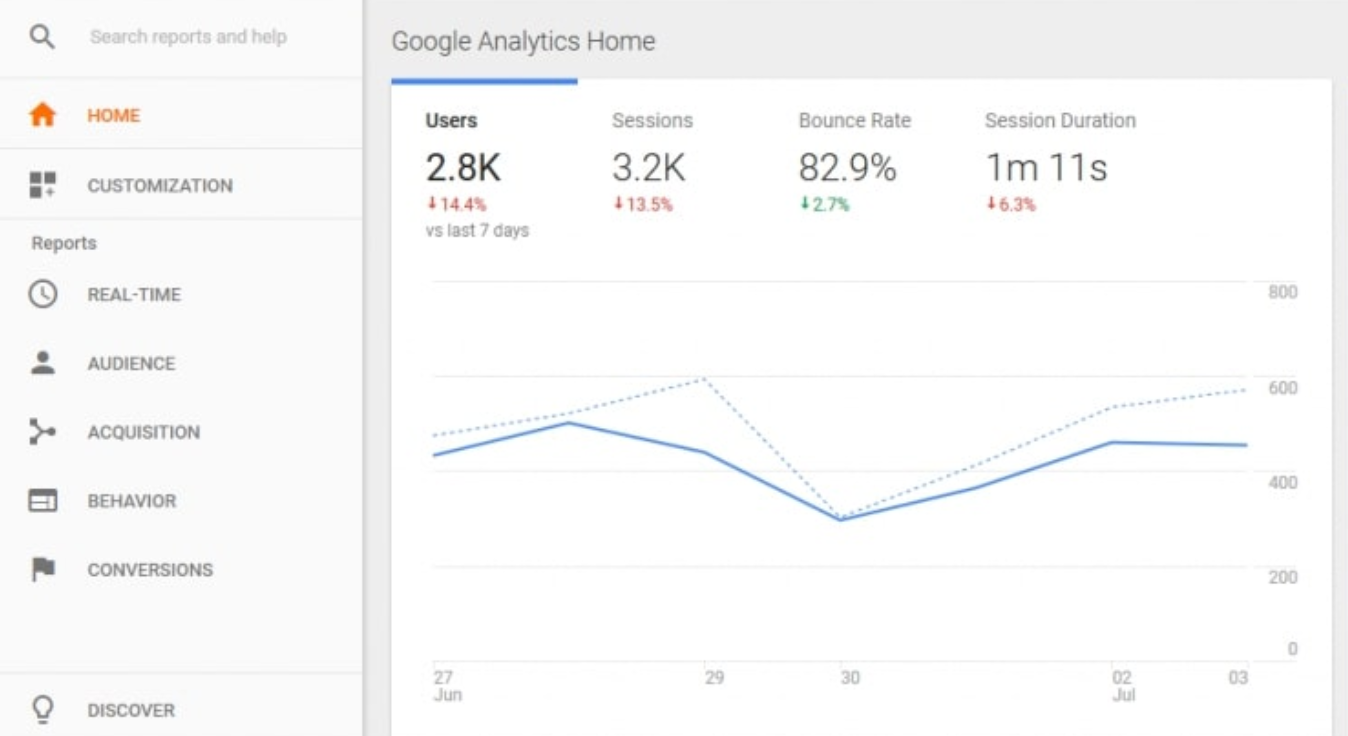
Google Analytics 4 (GA4) is the current standard for web and app analytics, having fully replaced Universal Analytics, which was shut down on July 1, 2023. GA4 uses an event-based data model—rather than the session-based model of its predecessor—which gives you a more granular view of how users interact with your content across devices and platforms.
You can track everything from page views and scroll depth to custom events like video plays or form submissions, all without writing code. Cross-platform tracking is built in, so you can follow the same user across mobile and desktop visits. GA4 also integrates tightly with Google Ads, making it easier to trace conversions back to specific campaigns.
Google Search Console
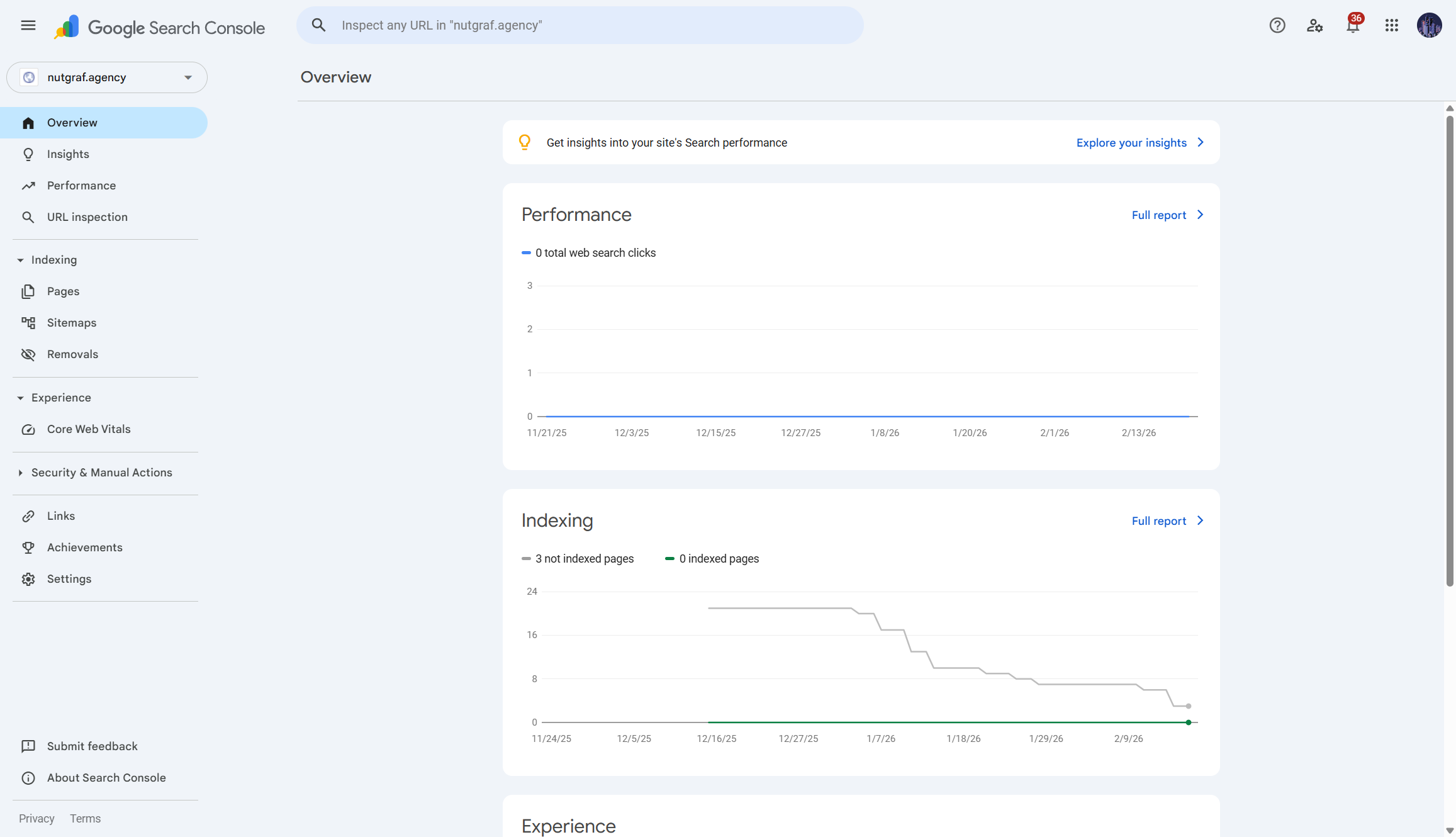
Search Console is your direct line to how Google sees your website. It shows you which queries bring people to your pages, how your content is indexed, and whether any technical issues are affecting your visibility. Unlike third-party SEO tools, this data comes straight from Google, so it's as authoritative as it gets.
In December 2025, Google also introduced an experimental AI-powered configuration feature inside Search Console's Performance report. Instead of manually clicking through filters and dropdowns, you can now describe what you want to analyze in plain language. For example, saying "show me mobile queries containing the word 'reviews' over the last 90 days" gets Search Console to configure the report automatically.
The feature handles filter application, metric selection, and date comparisons on your behalf. It's still in an experimental rollout to a limited number of users and properties, so you may not see it in your account yet. When it does land, it's a genuine time-saver for anyone who regularly digs into performance data.
Google PageSpeed Insights
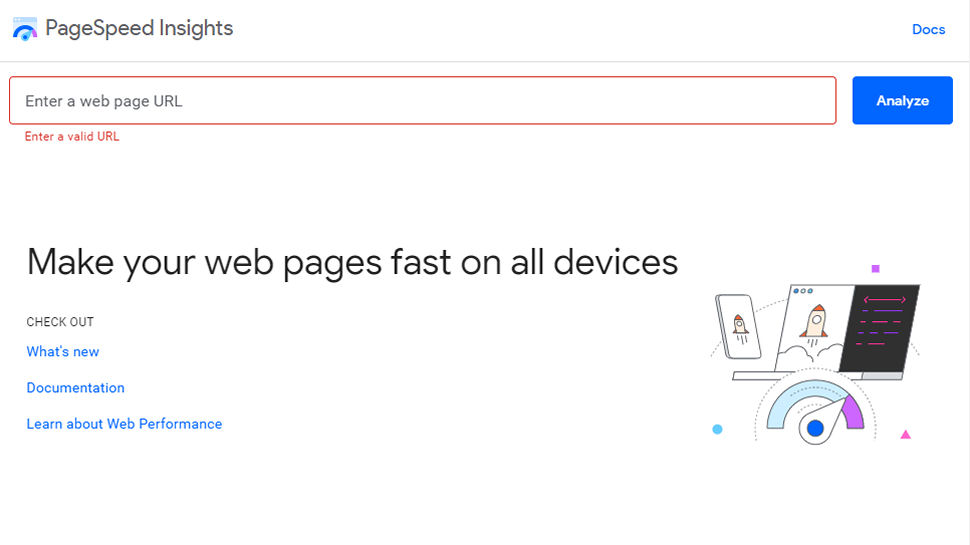
PageSpeed Insights evaluates the performance of individual pages on both mobile and desktop, scoring them from 0 to 100. It draws on both Lab Data (simulated test conditions) and Field Data from the Chrome User Experience Report (CrUX), which reflects how real users experience your pages across different devices and connections.
The tool is free to use at pagespeed.web.dev and requires no account. Just paste a URL and you'll get a breakdown of Core Web Vitals, along with specific recommendations for improving load speed, layout stability, and interactivity.
Google Trends
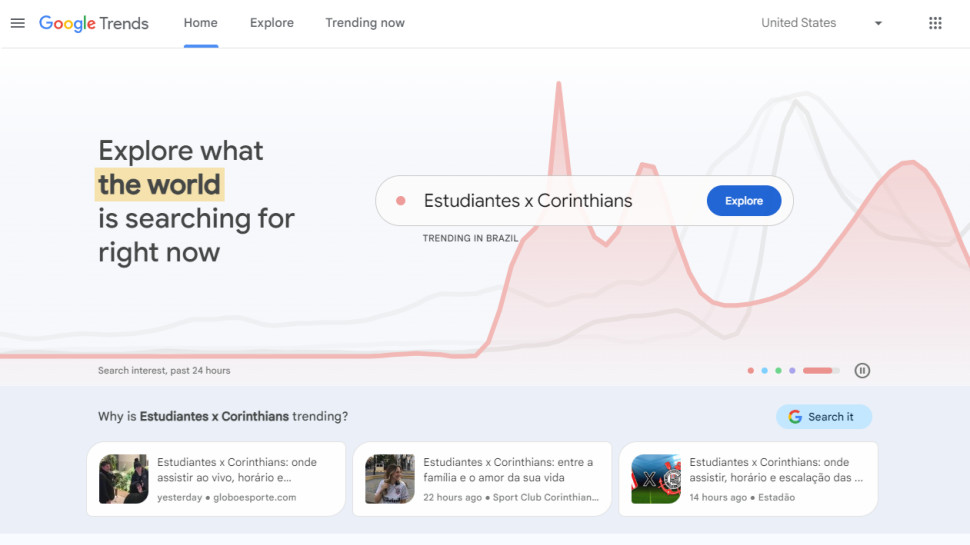
Google Trends lets you explore how interest in specific search queries changes over time, across regions, and in relation to competing terms. It's particularly useful for content planning, spotting seasonal patterns, and validating whether a topic is growing or declining in popularity.
The tool is entirely free and requires no login. You can compare up to five terms at once, filter by region, time period, and search category, and access real-time trending data. If you want to embed Trends data directly into a site, Google also provides an API for that purpose.
Google Keyword Planner
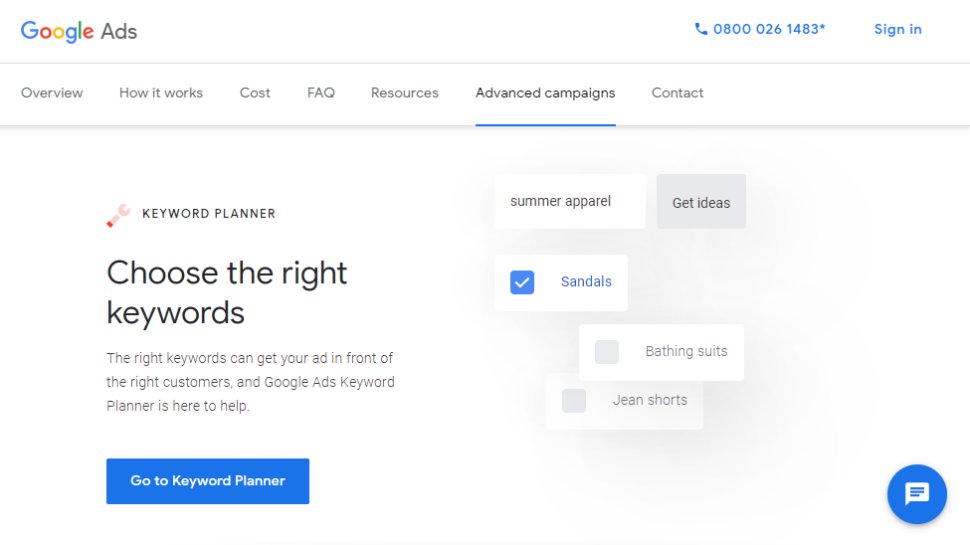
Keyword Planner is part of Google Ads and is primarily designed for advertisers who want to research keywords before building campaigns. That said, it's widely used by SEO professionals too—it provides search volume estimates, competition levels, and cost-per-click data that can inform both paid and organic strategies.
Note that Keyword Planner requires a Google Ads account to access. You can create one for free without spending money on ads, but the account is a prerequisite. Volume data shown to accounts that aren't running active campaigns tends to be displayed in broad ranges rather than precise figures.
Google Business Profile
Google Business Profile (formerly known as Google My Business, which was rebranded in November 2021) is the tool businesses use to manage how they appear in Google Search and Google Maps. You can add your address, hours, phone number, photos, and service details, and respond to customer reviews directly from the dashboard.
For local SEO, Business Profile is essential. An optimized listing significantly increases your chances of appearing in the local "map pack" results that appear at the top of many location-based searches. The tool also provides insights into how customers find and interact with your listing.
Google SEO tools: Interface and in-use
Google is famous for its friendly user experiences, and Analytics, Search Console, and Ads exemplify why. All three SEO tools use an easily navigable left-hand menu bar with drop-down menus that help to organize your data displays. On top of that, within Analytics, you can create custom dashboards and reports to put the most useful performance information in front of you.
Perhaps the biggest issue with Google’s SEO interface is that Analytics, Search Console, and Ads are three different platforms. You can link Search Console and Ads, but you still need to navigate back and forth between the two interfaces for most tasks.
Separating the three platforms helps keep their respective missions—monitoring performance, optimizing performance, and creating ad campaigns—clearly delineated. But, it would be a more streamlined experience if they were rolled into a single user interface.
Google SEO tools: Support
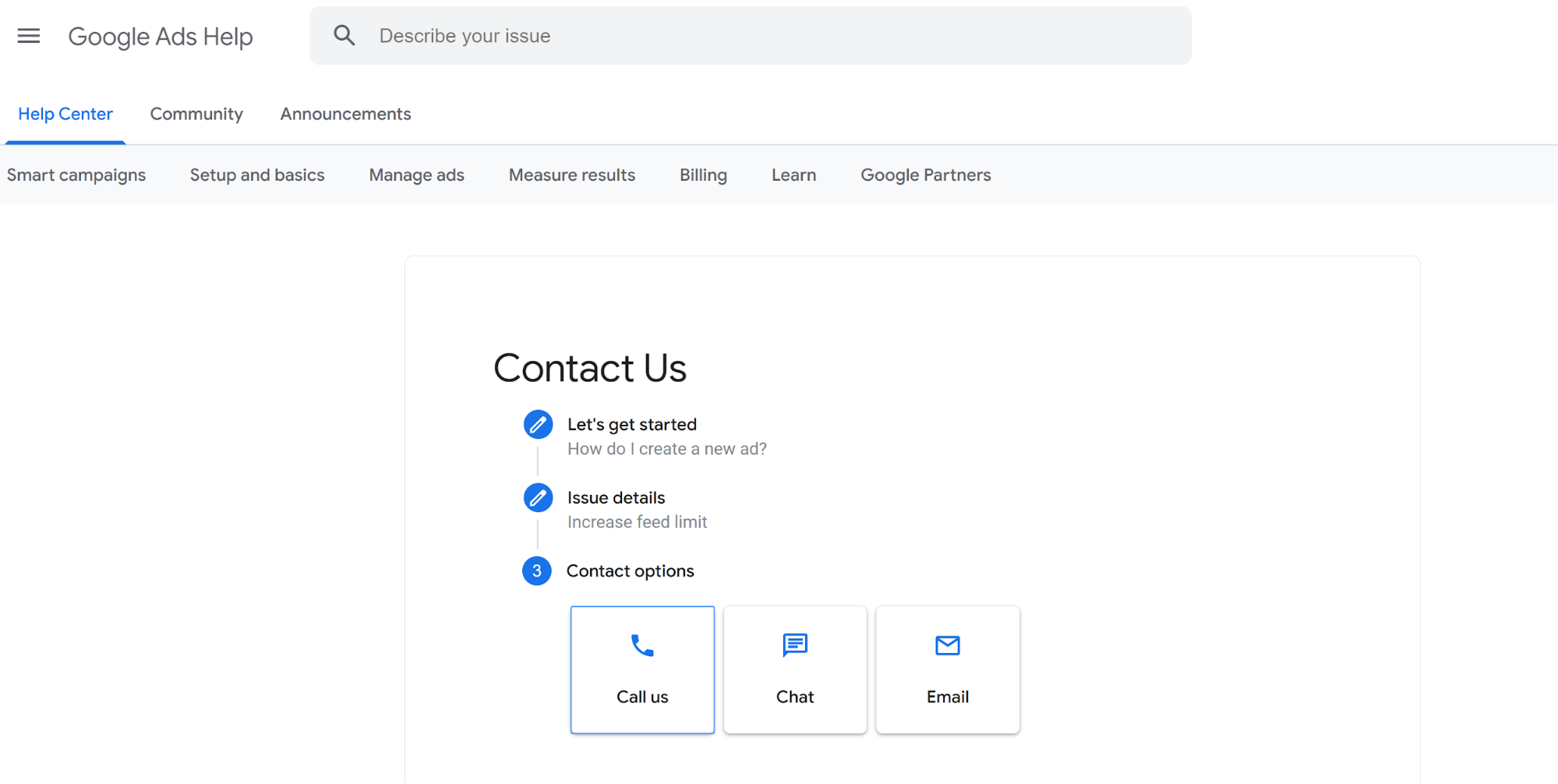
Google offers support for Analytics and Search Console by web only. Both platforms have extensive documentation centers, and you simply need to describe your issue to find the appropriate help file. If you get stuck, though, support is limited to posting in a help forum and hoping that another user answers your question.
Support for Ads is more concrete. There’s an online documentation library similar to what you’ll find for Analytics and Search Console. But, you can also get help over the phone, by live chat, or by email.
Google SEO tools: The competition
Google's tools are in a category of their own when it comes to price. Everything is free, plus the underlying data comes directly from the world's most-used search engine. No third-party tool can replicate that. Where it falls short, however, is in competitive intelligence: you can see how your own site performs, but not how you stack up against competitors on specific keywords.
That's where paid platforms like Semrush, Ahrefs, and Moz Pro come in. These tools build on top of Google's data using Search Console API connections, while adding features like backlink analysis, competitor keyword gap tools, rank tracking for arbitrary keywords, and site audit crawling.
If you're managing SEO seriously across a competitive niche, you'll likely find yourself using Google's tools alongside one of these platforms rather than choosing between them. For website analytics specifically, Matomo and Plausible Analytics are popular privacy-focused alternatives to GA4, particularly for users in regions with strict data protection regulations.
Google SEO tool: Final verdict
The trifecta of Google Analytics, Search Console, and Ads is an extremely powerful combination for website owners. The three tools together allow you not only to monitor your website traffic, but also to build more traffic through organic and paid search results.
The only major thing that Google’s SEO tools are lacking is information about how your website is ranking in search results against competitors. Also, there's no visibility when it comes to other search engines like Bing or AI-powered search tools like ChatGPT and Perplexity.
Still, given that Google doesn’t charge anything for its SEO suite, it’s pretty hard to complain. Paid options like Semrush and Ahrefs exist for those who want to take their SEO game to the next level.


Comments
Post a Comment